Slide 2 of 5 from Fluid Diagrams Slide Designs Infographic Template
Fluid Diagram 2 Steps Design PowerPoint
Fluid Diagram Slide with Steps Overview
- Diagram
- Process Flow
- Process Slide
- 16:9
- 100% Editable
What’s on This Slide
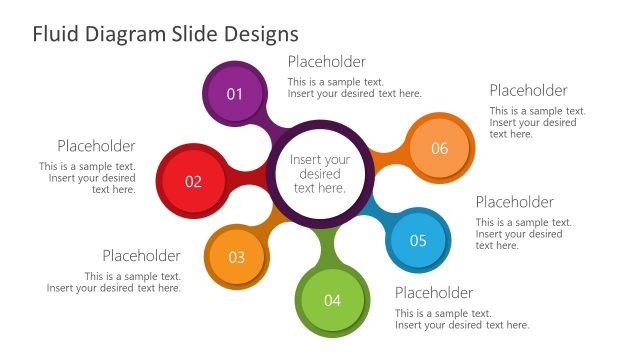
The slide features a central circular node surrounded by two circular nodes on the left and right. The left node is red and labeled '01', while the right node is green and labeled '02'. The central node is purple and contains a text placeholder. Each node has a corresponding text placeholder positioned adjacent to it, aligned to the left for the red node and to the right for the green node. The background is white, providing a clean contrast to the colored nodes. The overall layout is symmetrical, emphasizing the connection between the nodes.
How to Use It
This layout serves as a two-step process diagram, ideal for illustrating sequential actions or stages. It fits well after a problem statement slide, enabling a clear transition to proposed solutions. This structure is useful in business contexts such as project planning, process mapping, or presenting product features. It allows for concise communication of key points, making it effective for both internal and client-facing presentations.
Text Placeholders & Capacity
Keep your copy within these limits so it fits without resizing. Node body slots are tight, roughly 10 words each.
| Placeholder | Count | Max characters (approx.) |
|---|---|---|
| Slide title | 1 | 30 |
| Item heading | 2 | 2 |
| Item body | 3 | 50 |
Slide Keywords
Download unlimited PowerPoint templates, charts and graphics for your presentations with our annual plan.
DOWNLOADReturn to Fluid Diagrams Slide Designs Infographic Template.