Slide 1 of 5 from Fluid Diagrams Slide Designs Infographic Template
Fluid Diagram 6 Steps Design PowerPoint
Fluid Diagram Slide with Steps Overview
- Diagram
- Radial Hub
- Process Slide
- 16:9
- 100% Editable
What’s on This Slide
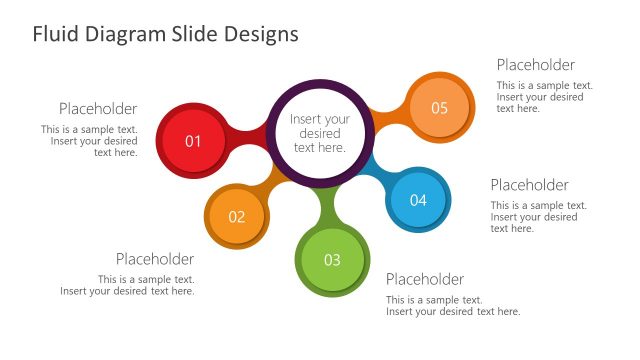
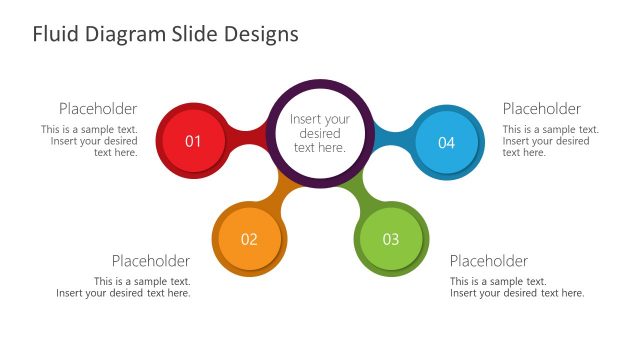
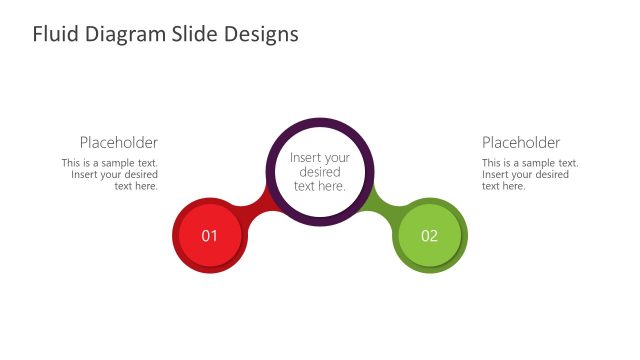
The layout features a central circular node surrounded by six smaller circular nodes. The central node contains a placeholder for text, while each surrounding node has a number and a placeholder for additional text. The nodes are arranged in a radial pattern, with colors differentiating each node. The background is light, enhancing the visibility of the colorful nodes. Each node is connected to the central node, indicating a flow or relationship. The visual hierarchy emphasizes the central node as the focal point.
How to Use It
This layout serves as a fluid diagram to illustrate processes or steps in a sequence. It is suitable for presentations that require a clear visual representation of interconnected ideas or stages. This structure can be used to explain workflows, project phases, or decision-making processes. It fits well in a presentation sequence after a problem statement and before outlining solutions or next steps, helping to clarify relationships between concepts.
Text Placeholders & Capacity
Keep your copy within these limits so it fits without resizing. Node body slots can hold roughly 10 words each.
| Placeholder | Count | Max characters (approx.) |
|---|---|---|
| Item heading | 6 | 20 |
| Item body | 6 | 50 |
| Item body | 1 | 50 |
Slide Keywords
Download unlimited PowerPoint templates, charts and graphics for your presentations with our annual plan.
DOWNLOADReturn to Fluid Diagrams Slide Designs Infographic Template.