Slide 1 of 6 from Flat SOAR Analysis Template for PowerPoint
SOAR Analysis Slide Template
SOAR Analysis Quadrant for Business Insights
- Diagram
- Matrix Quadrant
- Strategic Analysis Slide
- 16:9
- 100% Editable
What’s on This Slide
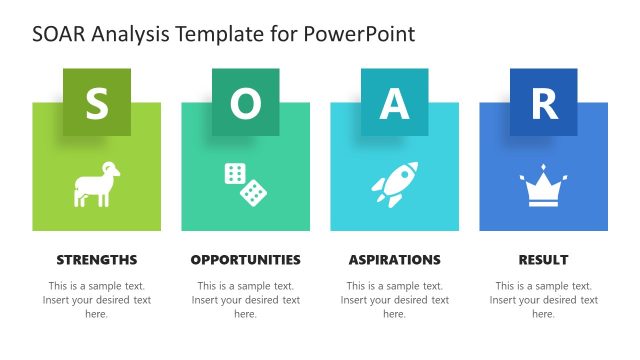
The layout features a four-quadrant design with rounded corners. Each quadrant is labeled: Strengths, Opportunities, Aspirations, and Results. The top left quadrant contains an icon and text placeholder for Strengths, while the top right quadrant has a placeholder for Opportunities. The bottom left quadrant includes a placeholder for Aspirations, and the bottom right quadrant has a placeholder for Results. Each quadrant has a distinct color scheme, with icons representing key concepts. Text placeholders are centrally aligned within each quadrant, allowing for clear visibility.
How to Use It
This layout serves as a structured framework for conducting a SOAR analysis, focusing on strengths, opportunities, aspirations, and results. It fits well at the beginning of a presentation to establish a strategic overview. This format is useful for business assessments, strategic planning sessions, or team workshops. It allows users to visually categorize insights and objectives, facilitating discussion and decision-making. The layout is effective for both individual and group presentations, ensuring clarity in conveying analysis results.
Text Placeholders & Capacity
Keep your copy within these limits so it fits without resizing. Node body slots can hold roughly 10-12 words each.
| Placeholder | Count | Max characters (approx.) |
|---|---|---|
| Slide title | 1 | 40 |
| Item heading | 4 | 20 |
| Item body | 4 | 50 |
Slide Keywords
Download unlimited PowerPoint templates, charts and graphics for your presentations with our annual plan.
DOWNLOADReturn to Flat SOAR Analysis Template for PowerPoint.