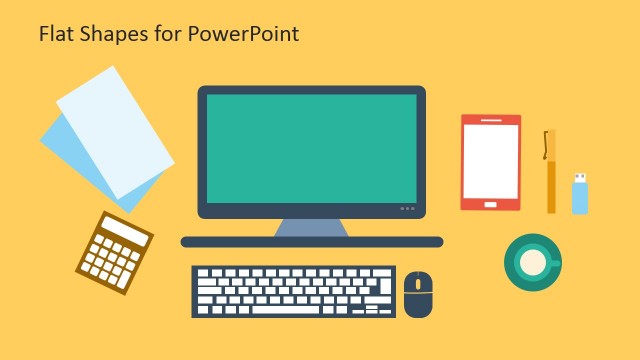
Slide 1 of 2 from Flat Monitor Design PowerPoint Template
Flat Monitor Screen PowerPoint
Flat Monitor Shapes for PowerPoint Presentation
- Media Layout
- Other
- Context Slide
- 16:9
- 100% Editable
What’s on This Slide
The layout features a central computer monitor graphic, surrounded by a circular blue background. To the left, there is a ruler and pencil icon, while to the right, a computer mouse icon is positioned. Above the monitor, there are two text placeholders, one for a title and another for a subtitle. The title is centered at the top, while the subtitle is below it. The overall composition is balanced, with icons and text elements grouped symmetrically around the monitor, creating a cohesive design.
How to Use It
This layout serves as an introductory slide for presentations focused on digital marketing or technology. It effectively presents an overview of topics related to web development or SEO strategies. Positioned at the beginning of a presentation, it sets the stage for subsequent slides. This structure is suitable for showcasing products, services, or concepts related to computer technology and design. It can be used in business meetings, workshops, or educational settings to engage an audience.
Text Placeholders & Capacity
Keep your copy within these limits so it fits without resizing. Text slots can accommodate a moderate amount of text, roughly 10-15 words each.
| Placeholder | Count | Max characters (approx.) |
|---|---|---|
| Slide title | 1 | 40 |
| Subtitle | 2 | 100 |
Slide Keywords
Download unlimited PowerPoint templates, charts and graphics for your presentations with our annual plan.
DOWNLOADReturn to Flat Monitor Design PowerPoint Template.