Slide 2 of 2 from Flat Monitor Design PowerPoint Template
Clipart Monitor and Mouse Icons PPT
Flat Monitor Design PowerPoint Template
- Media Layout
- Image + Text Split
- Concept Explanation Slide
- 16:9
- 100% Editable
What’s on This Slide
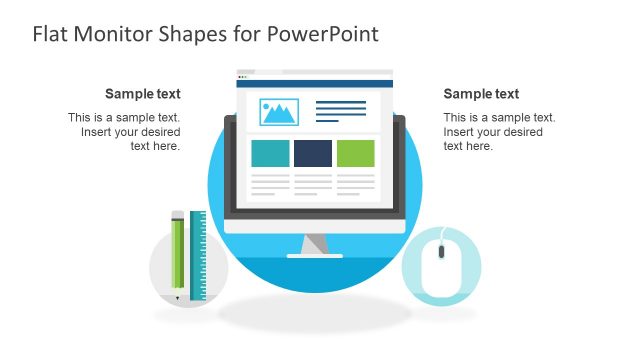
The layout features a central computer monitor graphic, displaying a sample webpage. To the left and right, there are circular icons of a pencil and a mouse, respectively. Each icon is accompanied by a text placeholder positioned above it, aligned to the left and right. The background is a solid gray color, providing contrast to the colorful icons and monitor. The visual hierarchy emphasizes the monitor as the focal point, with icons serving as supporting elements. The overall composition is balanced, with elements evenly spaced.
How to Use It
This layout serves as a media layout, ideal for presenting digital marketing concepts or website development strategies. It fits well in a presentation sequence that introduces tools or resources related to online platforms. This structure is useful for showcasing software features, design elements, or digital marketing strategies. It can also be adapted for training sessions or workshops focusing on website development and SEO techniques.
Text Placeholders & Capacity
Keep your copy within these limits so it fits without resizing. Text slots can accommodate roughly 8-10 words each.
| Placeholder | Count | Max characters (approx.) |
|---|---|---|
| Slide title | 1 | 40 |
| Item body | 2 | 60 |
Slide Keywords
Download unlimited PowerPoint templates, charts and graphics for your presentations with our annual plan.
DOWNLOADReturn to Flat Monitor Design PowerPoint Template.