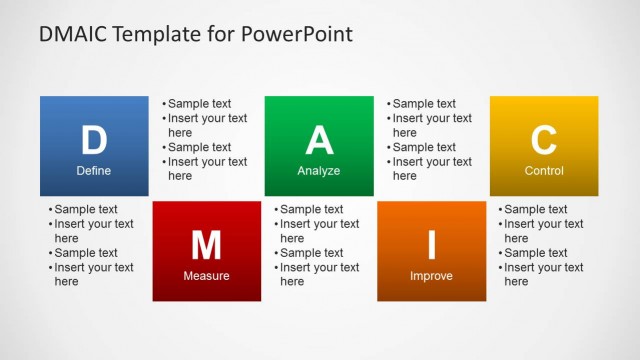
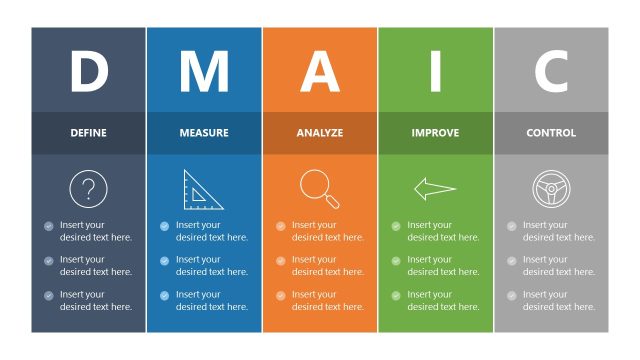
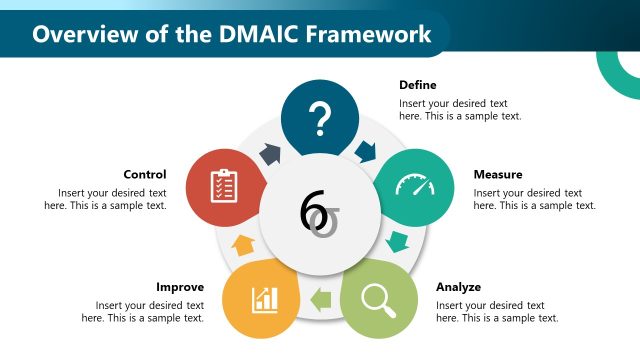
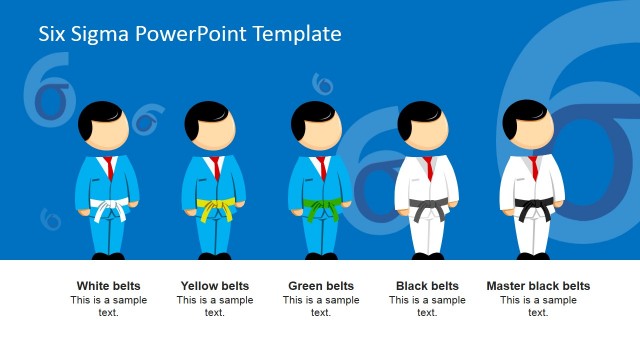
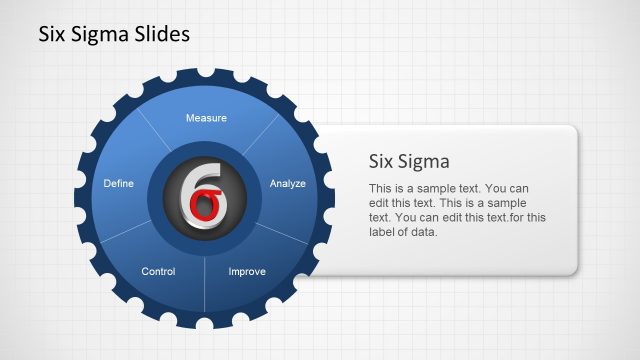
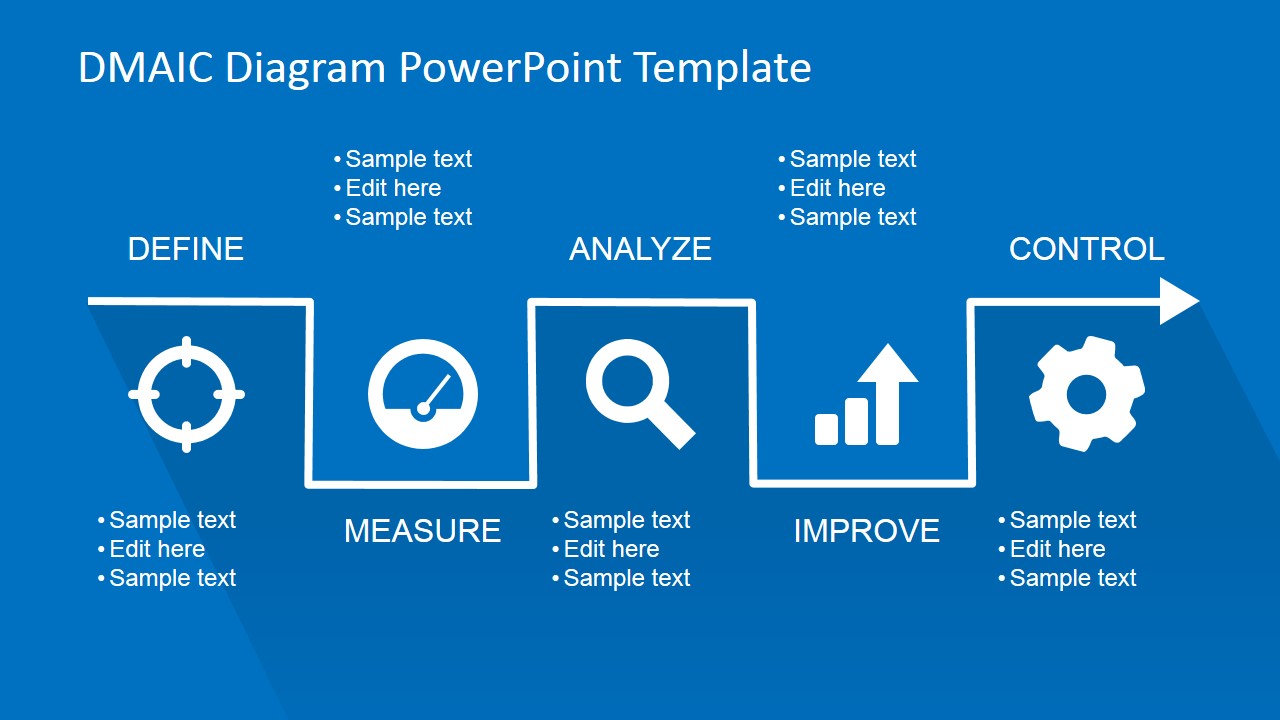
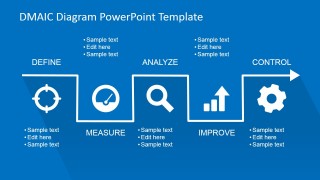
Flat DMAIC PowerPoint Template is a PowerPoint template inspired by DMAIC framework also knows as Define-Measure-Analyze-Improve-Control. DMAIC steps can be described as follows:
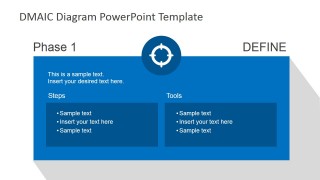
- Define. Define the goals of an improvement activity. For example, at the top level the goals can be strategic objectives of an organization such as increase overall sales or get higher Return on Investment. At the operations level goals can be defined as improving the number of tickets or phone calls answered by Help Desk or customer support team.
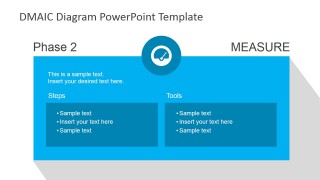
- Measure. Measure the system by setting valid and reliable metrics to help monitor progress towards the goals previously defined.
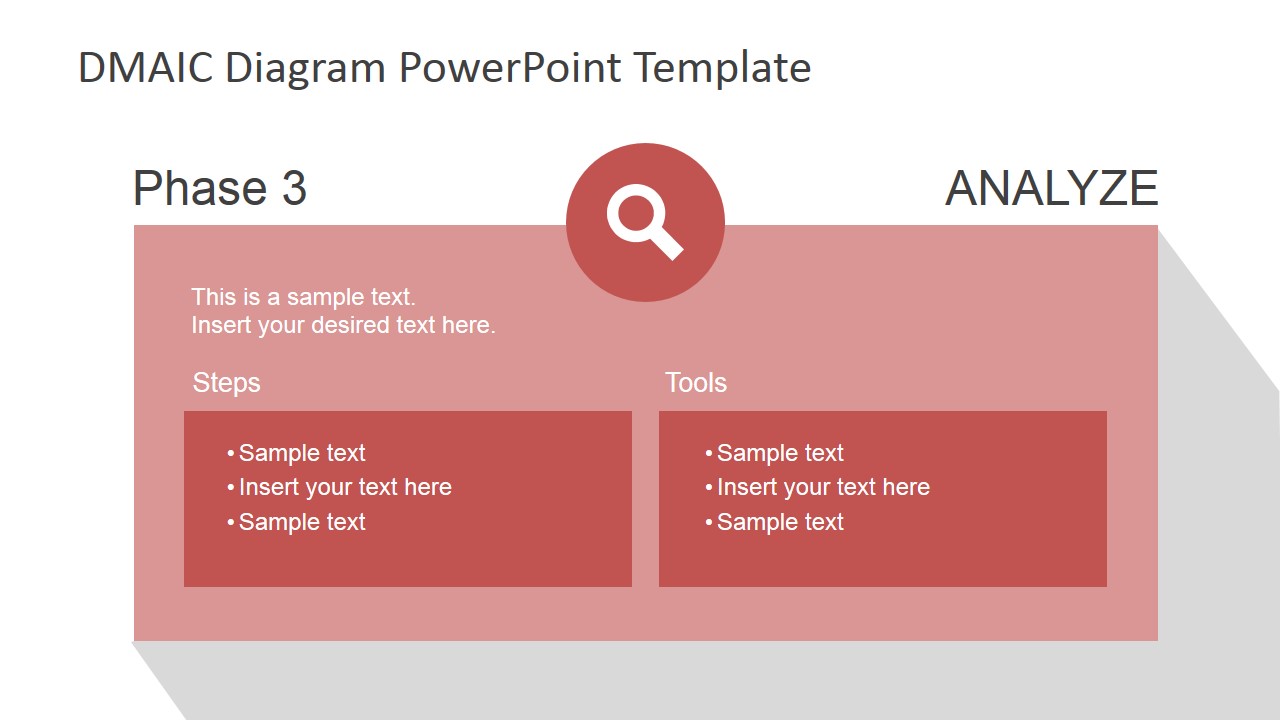
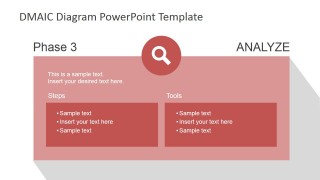
- Analyze. Analyze the system to identify ways to eliminate the gap between the current performance of the system and the goals that you have defined in the first step.
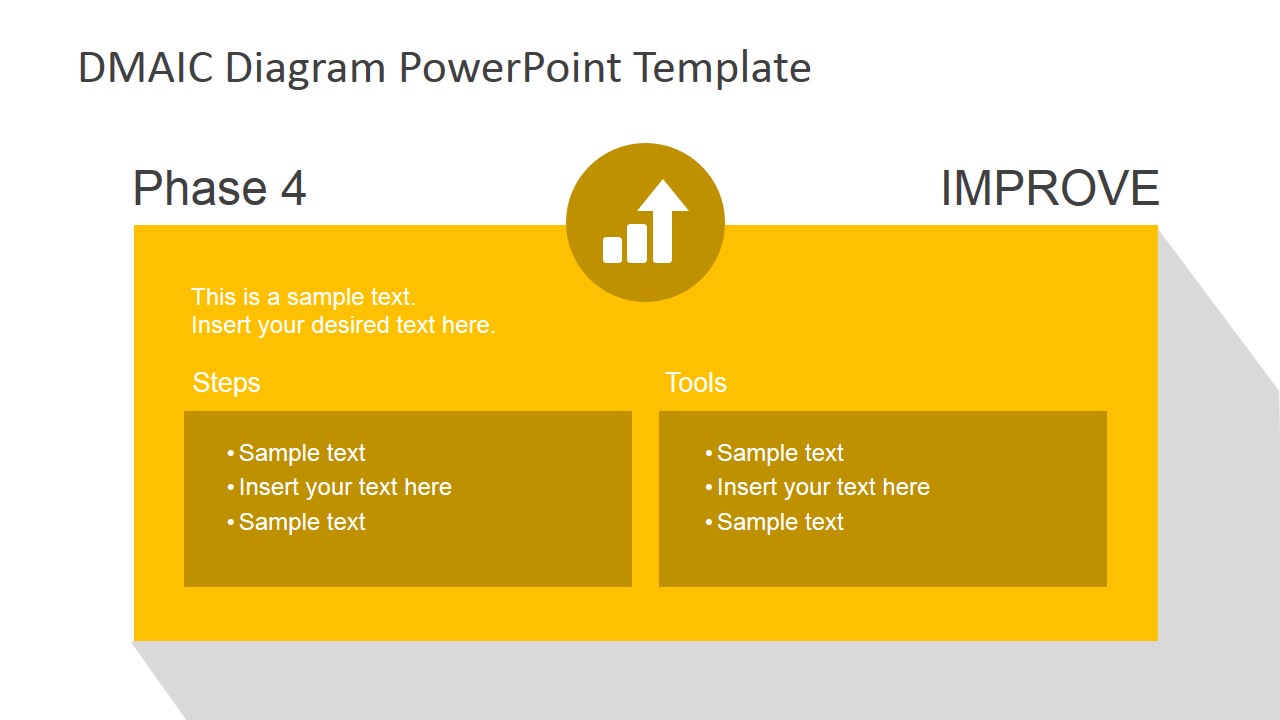
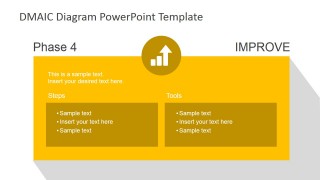
- Improve. Improve the system by finding creative ways to do things better, faster and cheaper. For example, switching your current in-house programming team to use cheaper SaaS services, outsourcing a complete department, etc.
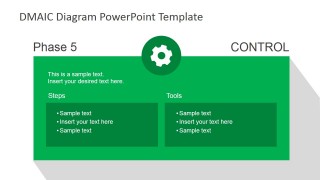
- Control. Control the new system to make sure everything is working as expected and aligned to the plan.
The approach seems simple but it is actually not so easy to implement. However, the benchmark in the market for companies who use DMAIC justify the effort and budget spent to use this kind of frameworks. It is well known that companies successfully implementing DMAIC and Six Sigma processes can perform better than other businesses in the same industry getting an improvement on ROS (Return on Sales), Employment Growth, Share Prices as well as Sales.
Here is a preview video:
What’s inside this template
Example presentation scenarios
- A Lean Six Sigma Black Belt can use the overview path to introduce the DMAIC sequence before assigning responsibilities for Define, Measure, Analyze, Improve, and Control.
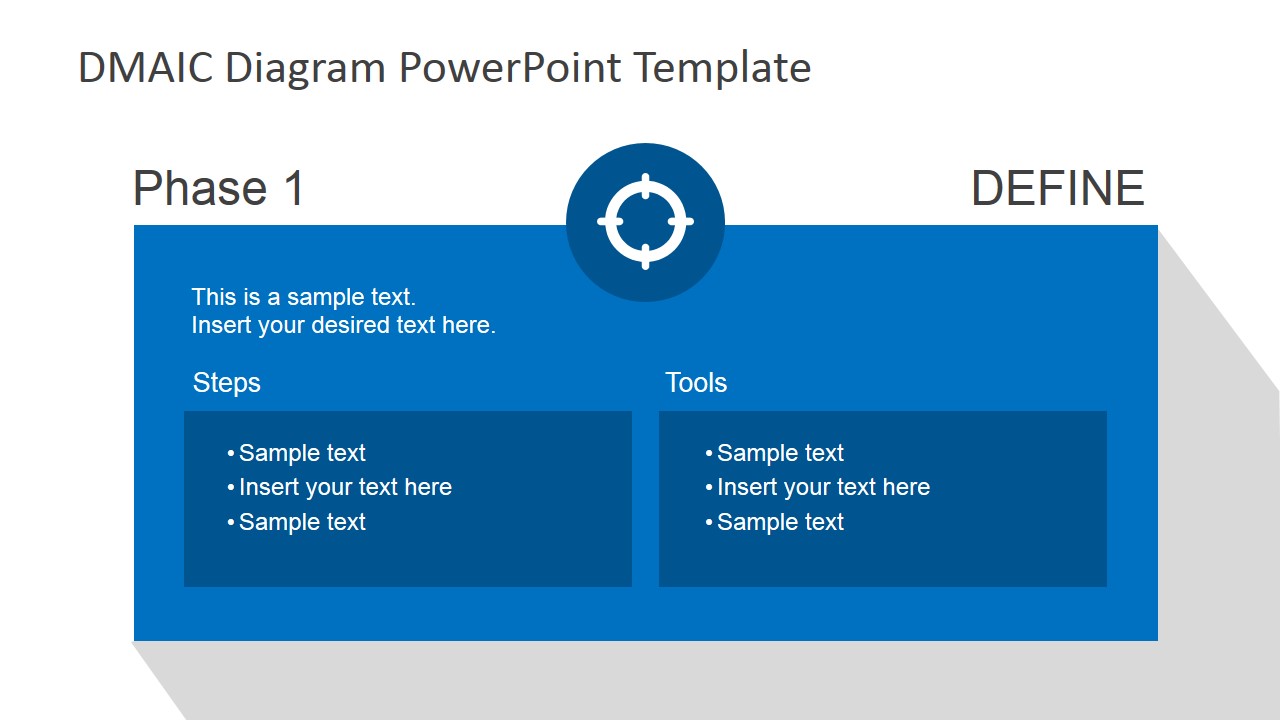
- A quality manager can present the phase cards during a process improvement kickoff and fill the Steps and Tools boxes with project-specific methods.
- An operations consultant can use the Measure, Analyze, and Improve slides to guide stakeholders from baseline metrics to root-cause discussion and proposed changes.
- A training facilitator can teach a quality management class by using each colored phase slide as a focused lesson on one DMAIC stage.
Features
- 100% editable presentation template
- Compatible with Microsoft PowerPoint and Google Slides
- 16:9 aspect ratio slides
- Scalable vector shapes, icons and illustrations
- AI-Ready for Microsoft Copilot and Claude
- Instant access and download
Frequently asked questions
Q: How should a presenter walk an audience through this DMAIC template?
A: Start with the overview path to establish the full Define to Control sequence. Then treat each phase card as a focused discussion: objective at the top, practical actions in Steps, and methods or documents in Tools. This keeps the audience from jumping to solutions before agreeing on the problem and measurement approach.
Q: Which presentation situations fit this template best?
A: This template fits process improvement kickoffs, Six Sigma training, and quality management briefings where the presenter must explain how work moves through DMAIC. It is best for teams that need a shared method, not a dense statistical report. The phase cards help assign thinking time to each stage.
Q: Why does the template use separate colors and icons for each DMAIC phase?
A: The icons act as memory cues for the phase intent: target for Define, gauge for Measure, magnifier for Analyze, rising bars for Improve, and gear for Control. The color changes separate the phases visually, making it easier for viewers to track where they are in the improvement cycle.


Flat DMAIC PowerPoint Template
6-slide DMAIC presentation template for Six Sigma process phases, steps, and tools
Flat DMAIC PowerPoint Template is a 6-slide DMAIC process presentation for Six Sigma and quality improvement work. It includes a five-step overview path, individual phase cards for Define, Measure, Analyze, Improve, and Control, plus steps and tools text boxes with phase icons. Formats include Microsoft PowerPoint and Google Slides.
- Category
- Business PowerPoint Templates
- Rating


 Loading...
- Aspect ratio
- 16:9
- Item ID
- 6686-01
- Colors
 Microsoft PowerPoint
  Microsoft Copilot
  Claude for PowerPoint
 Other formats supported
Subscribe today and get immediate
access to download our PowerPoint templates.