Slide 4 of 11 from Financial Report PowerPoint Template
Expense Analysis Slide for Business Presentation
Expense Analysis Slide for Financial Reporting
- Table
- Comparison Table
- Financial Summary Slide
- 16:9
- 100% Editable
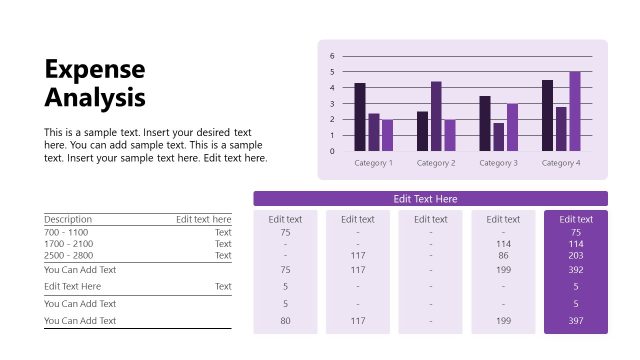
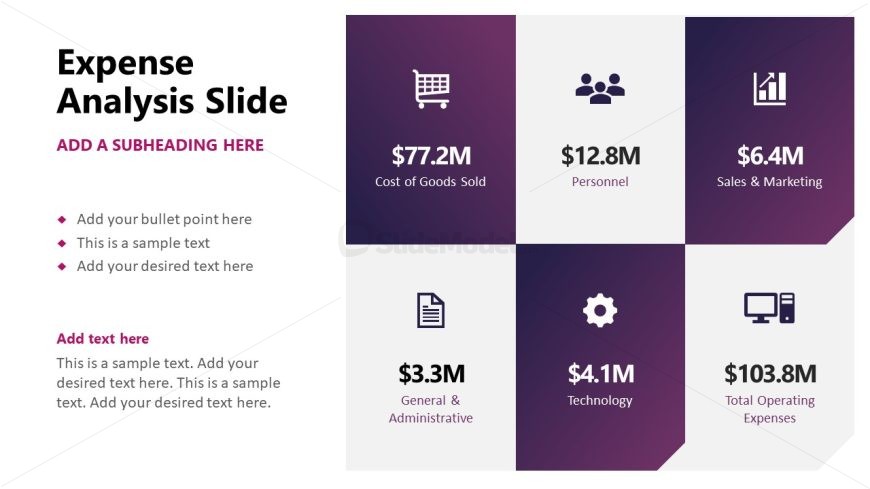
The Expense Analysis Slide from the Financial Report PowerPoint Template offers a structured layout ideal for financial presentations and budget reviews. This slide template features editable shapes and vector icons arranged in a comparison table format, enabling clear visualization of key expense categories such as personnel and technology. It supports effective communication in corporate presentations by providing a concise financial summary suitable for slide decks focused on expense breakdowns and operating costs.
What’s on This Slide
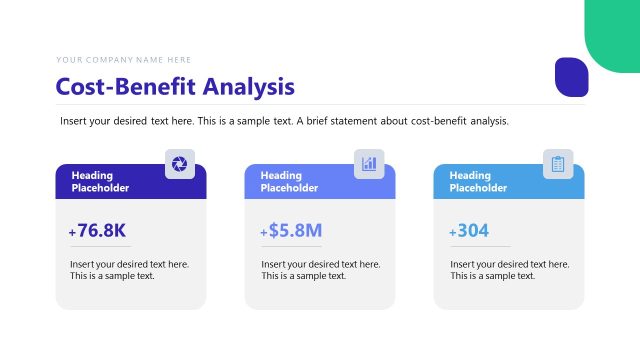
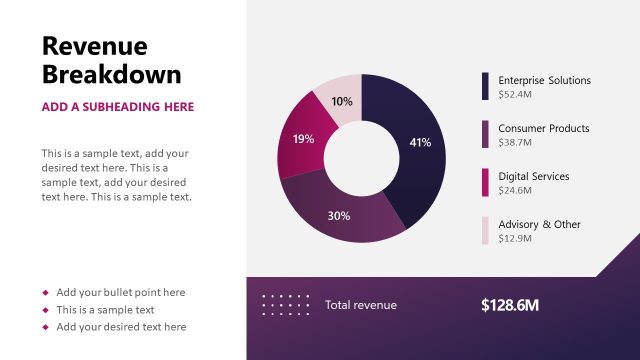
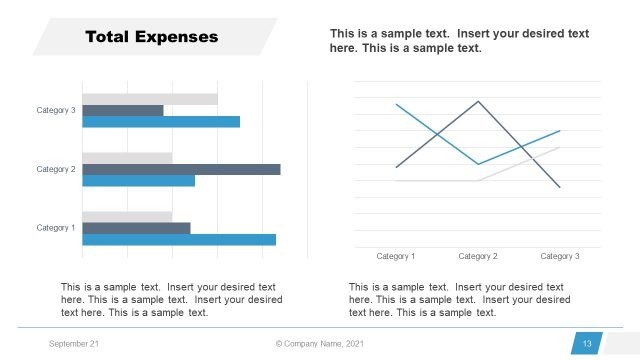
The layout features a grid with four quadrants, each containing an icon, a monetary value, and a label. The top row includes 'Cost of Goods Sold' on the left and 'Personnel' on the right. The bottom row has 'General & Administrative' on the left and 'Technology' on the right. A larger box in the bottom right corner displays 'Total Operating Expenses.' Text placeholders are present for a title, subheading, bullet points, and additional text, with left alignment for bullet points and center alignment for the title. The background features a gradient from purple to white.
How to Use It
This layout serves as a financial summary, ideal for presenting expense categories in a business report. It fits well after introductory slides, providing a clear breakdown of costs. Use it to highlight key financial figures in meetings or reports, making it suitable for budget discussions, financial reviews, or performance evaluations. The structured format allows for easy comparisons between different expense categories, enhancing clarity in financial presentations.
Text Placeholders & Capacity
Keep your copy within these limits so it fits without resizing. Body slots can accommodate roughly 10 words each.
| Placeholder | Count | Max characters (approx.) |
|---|---|---|
| Slide title | 1 | 30 |
| Subtitle | 1 | 30 |
| Item heading | 4 | 20 |
| Item body | 4 | 10 |
| Body paragraph | 3 | 100 |
Slide Keywords
Download unlimited PowerPoint templates, charts and graphics for your presentations with our annual plan.
DOWNLOADReturn to Financial Report PowerPoint Template.