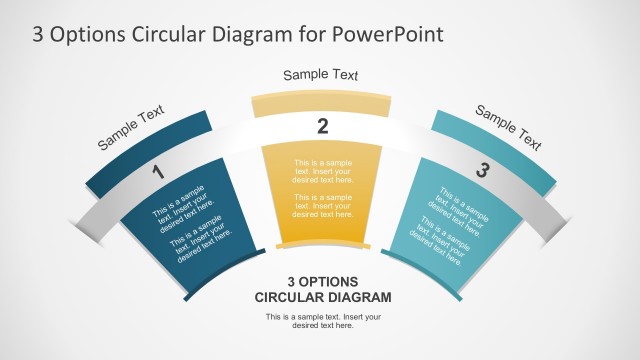
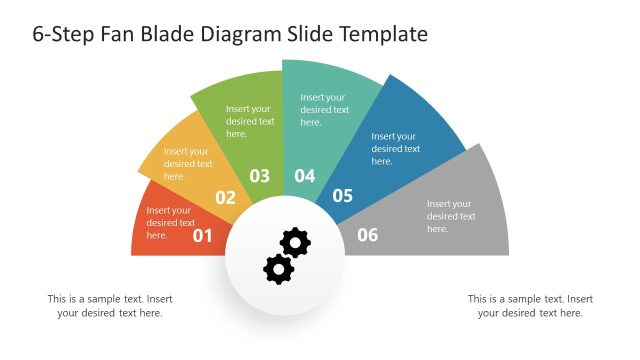
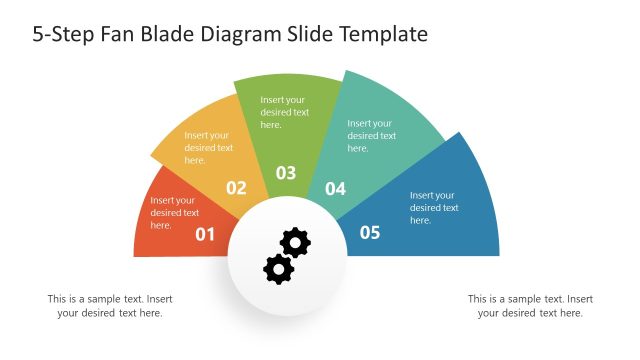
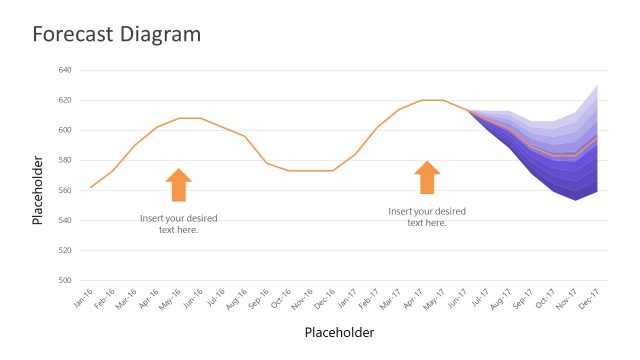
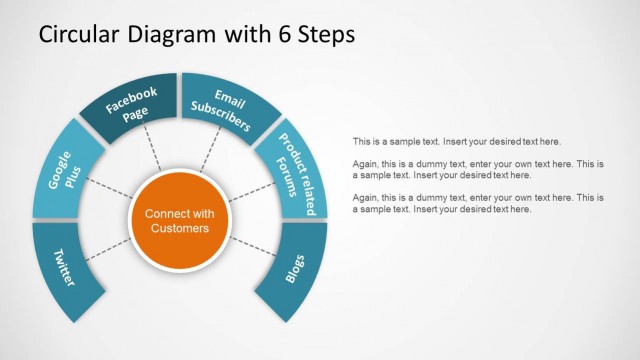
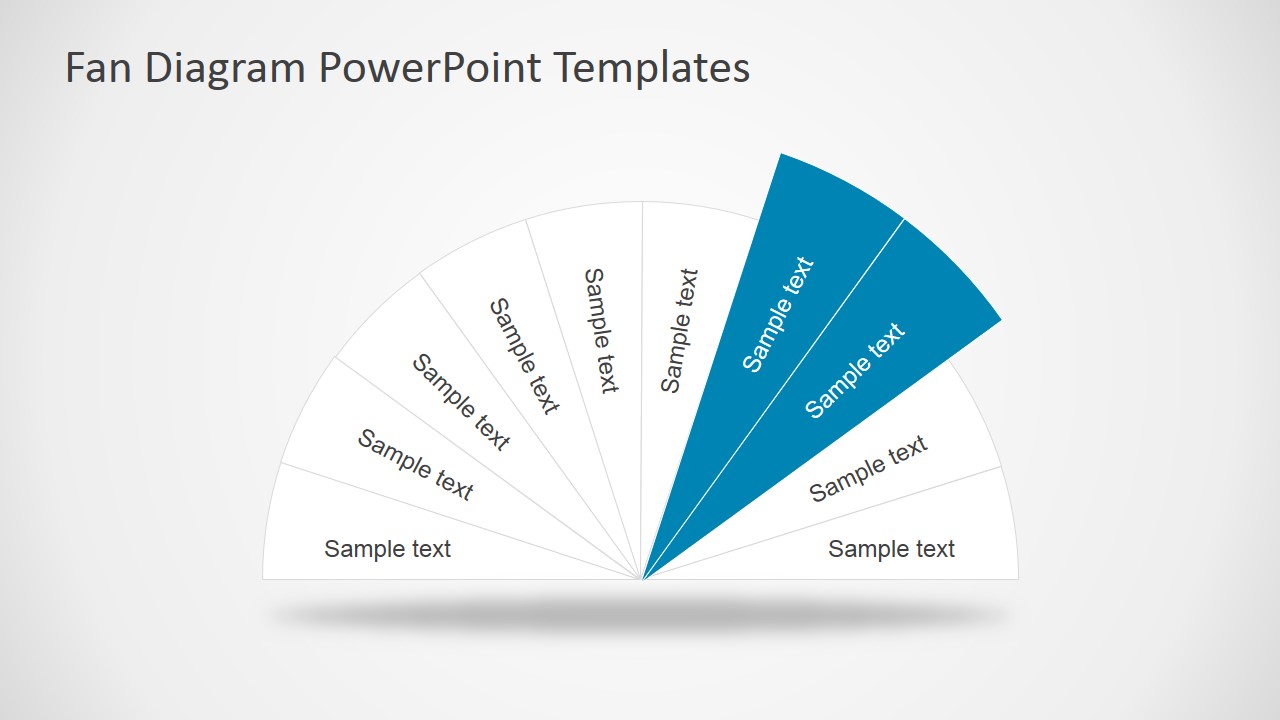
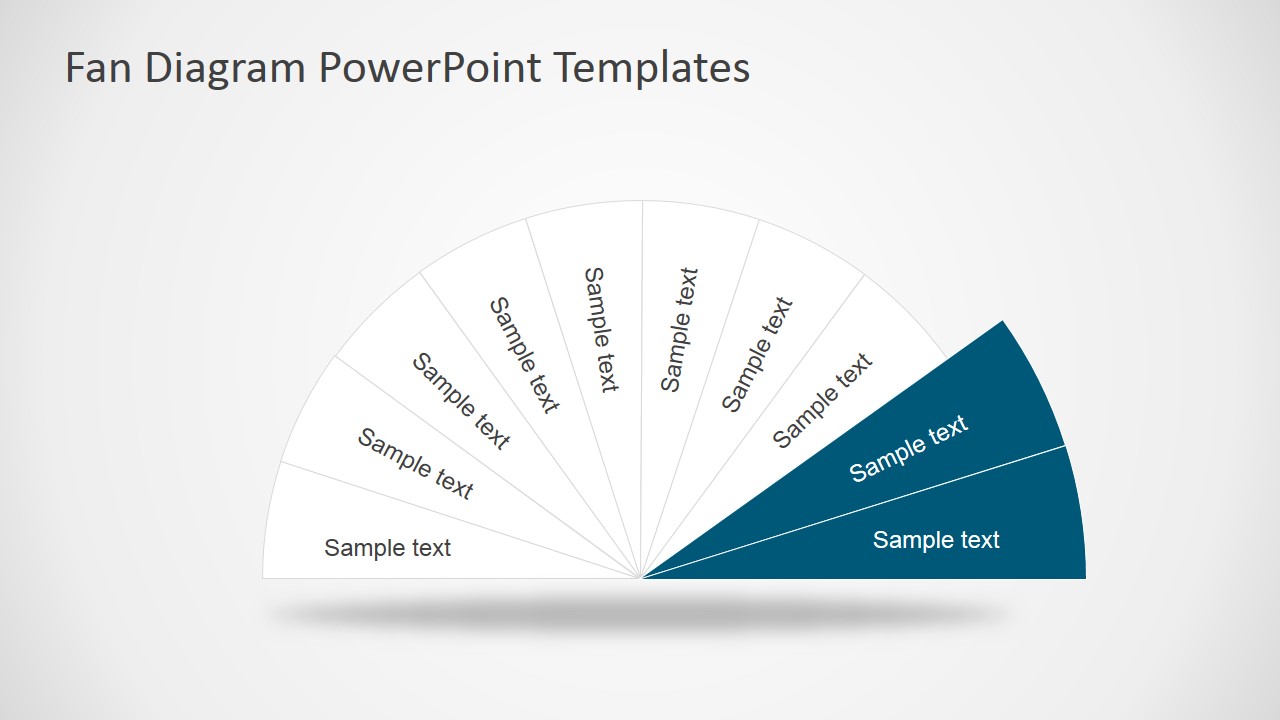
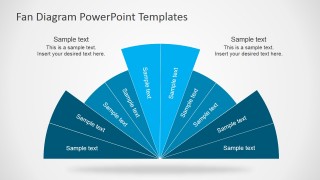
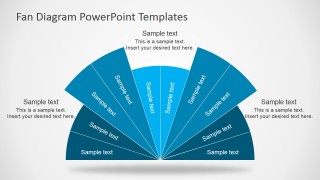
Fan Diagram design template for Microsoft PowerPoint presentations is a nice concept diagram design that you can use to present a concept or idea. It contains space for an spectrum of data values or topics in a circular diagram style and it can be used to decorate your slides or presentation templates.
What’s inside this template
Example presentation scenarios
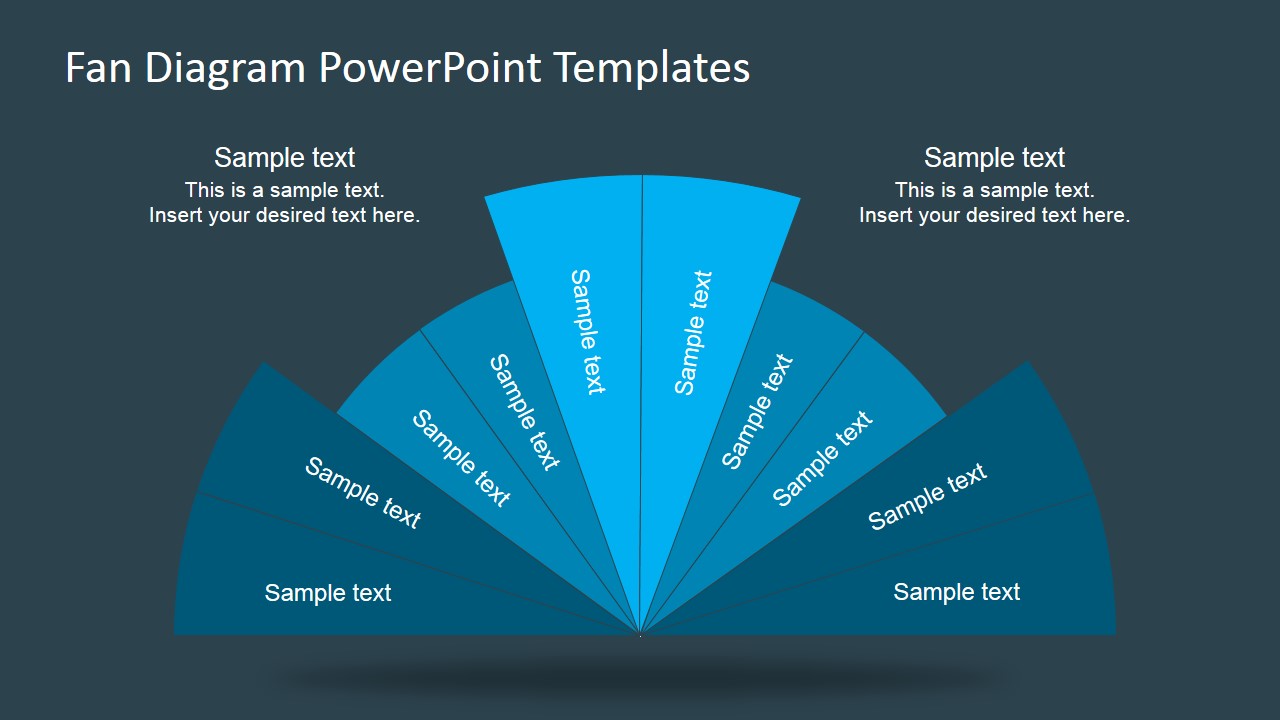
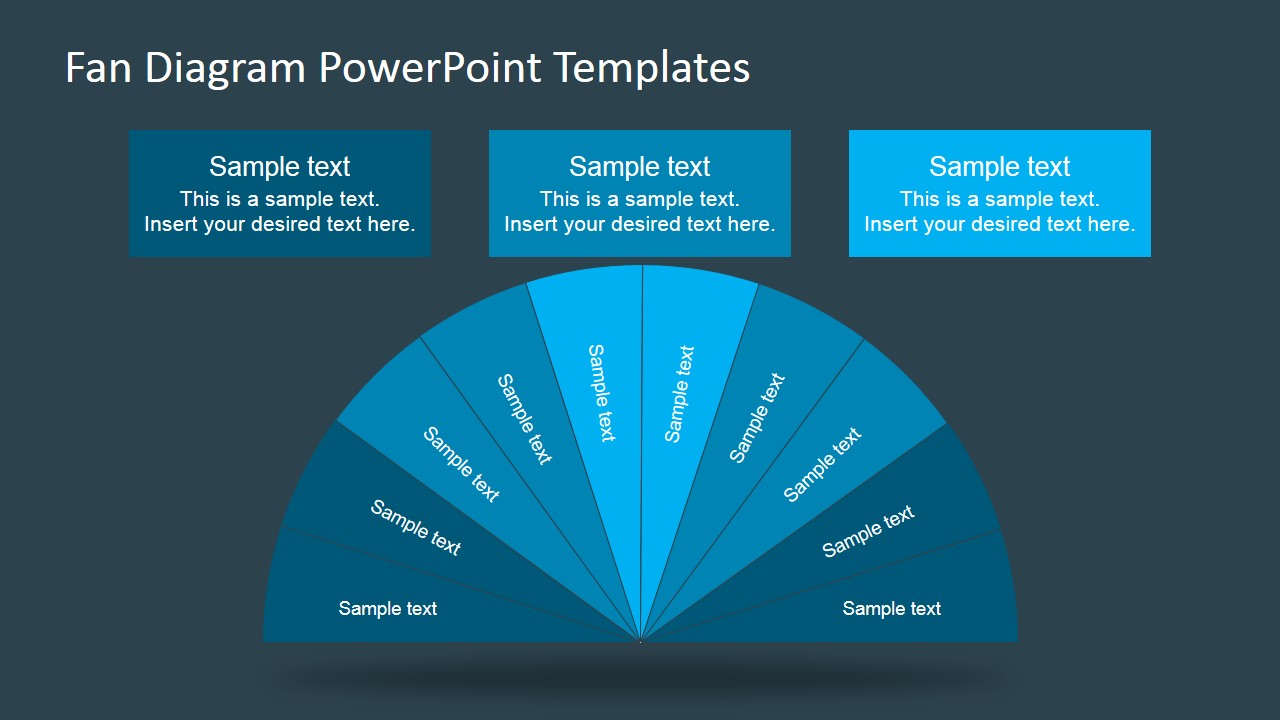
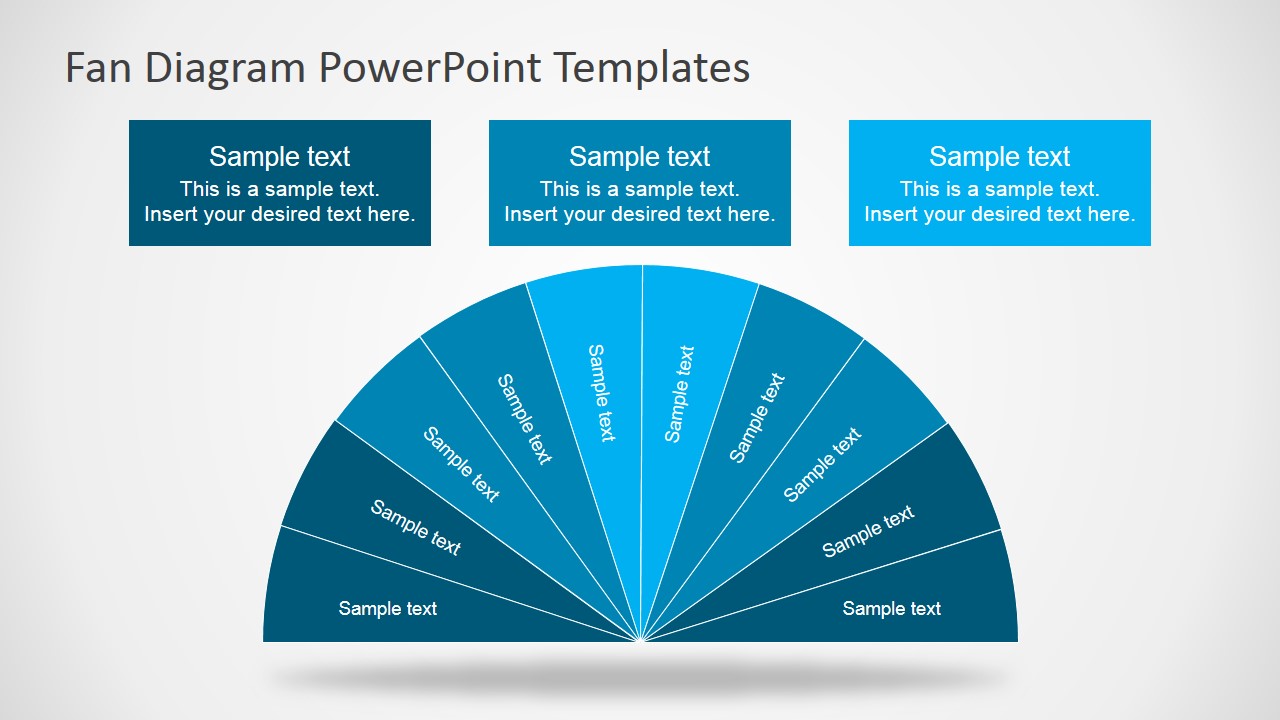
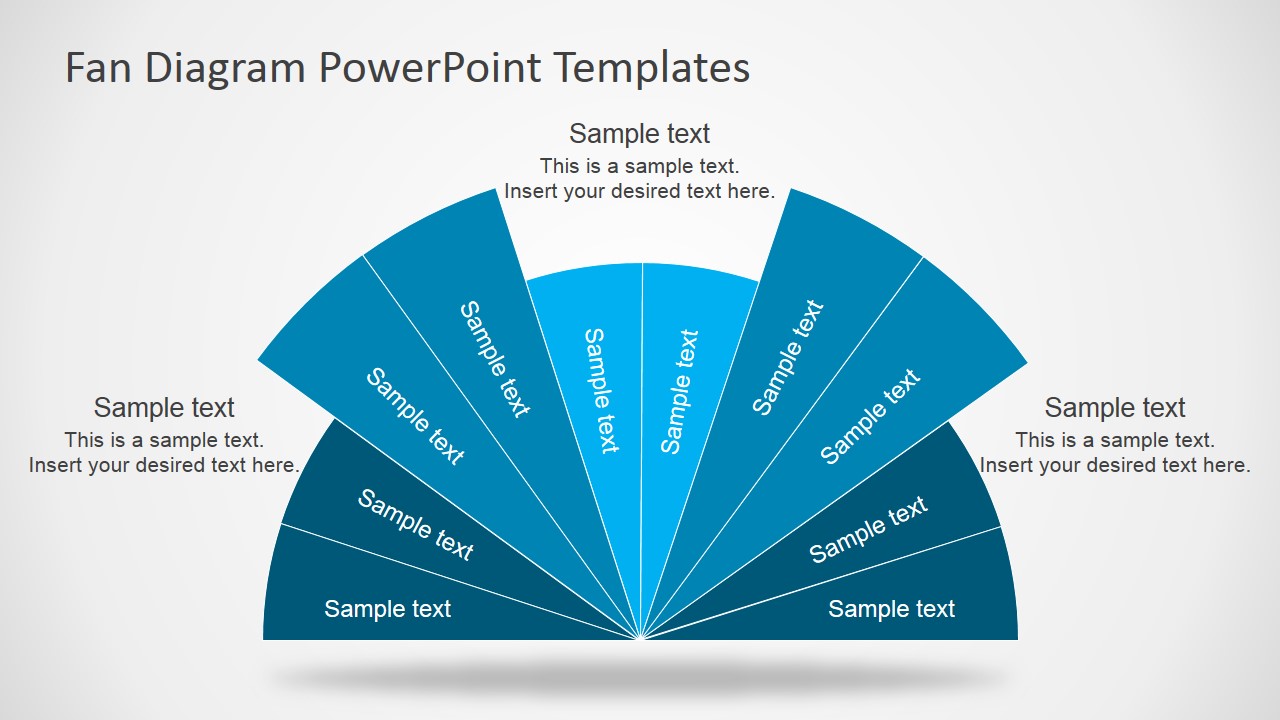
- A consultant can use the full-spectrum fan diagram to explain how several strategic priorities fit within one operating model.
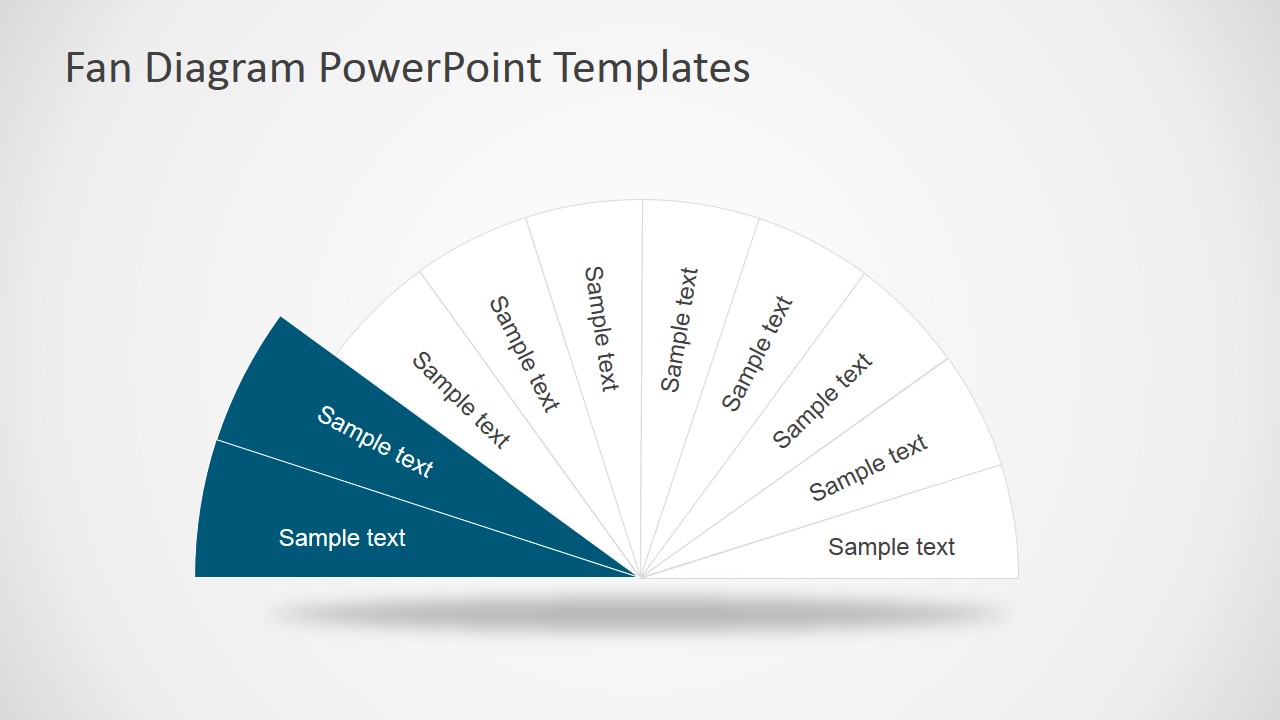
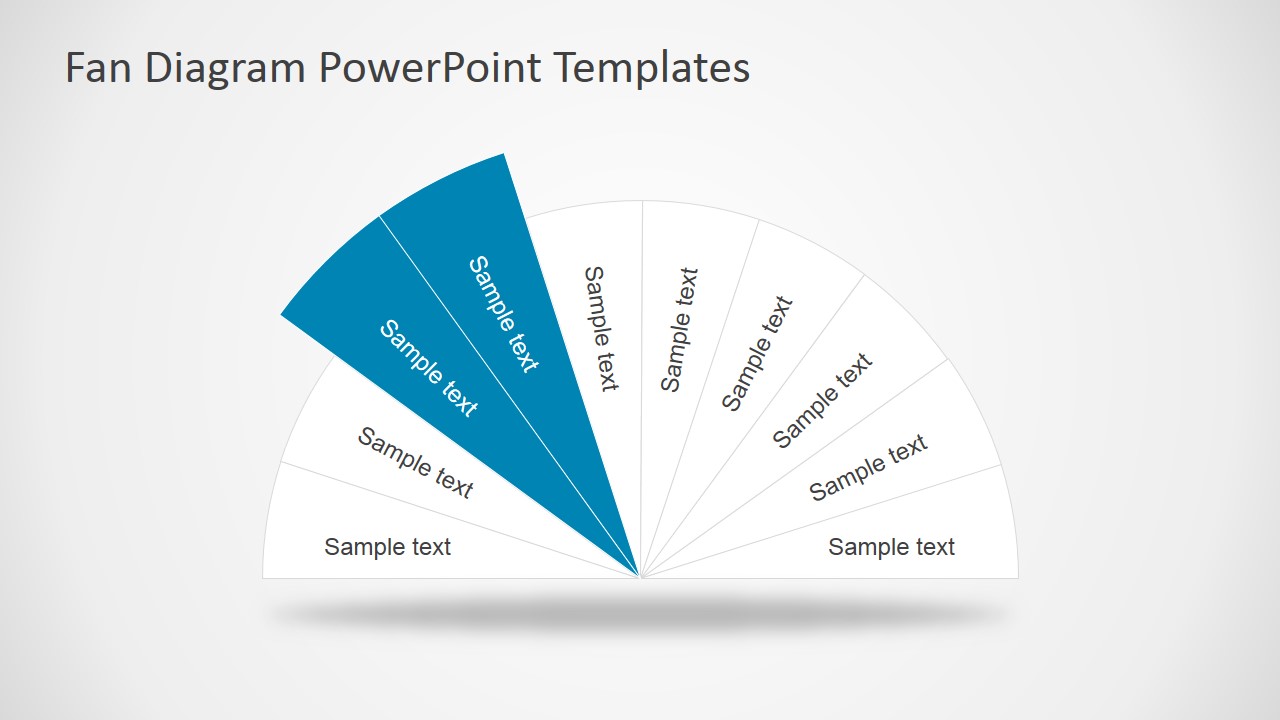
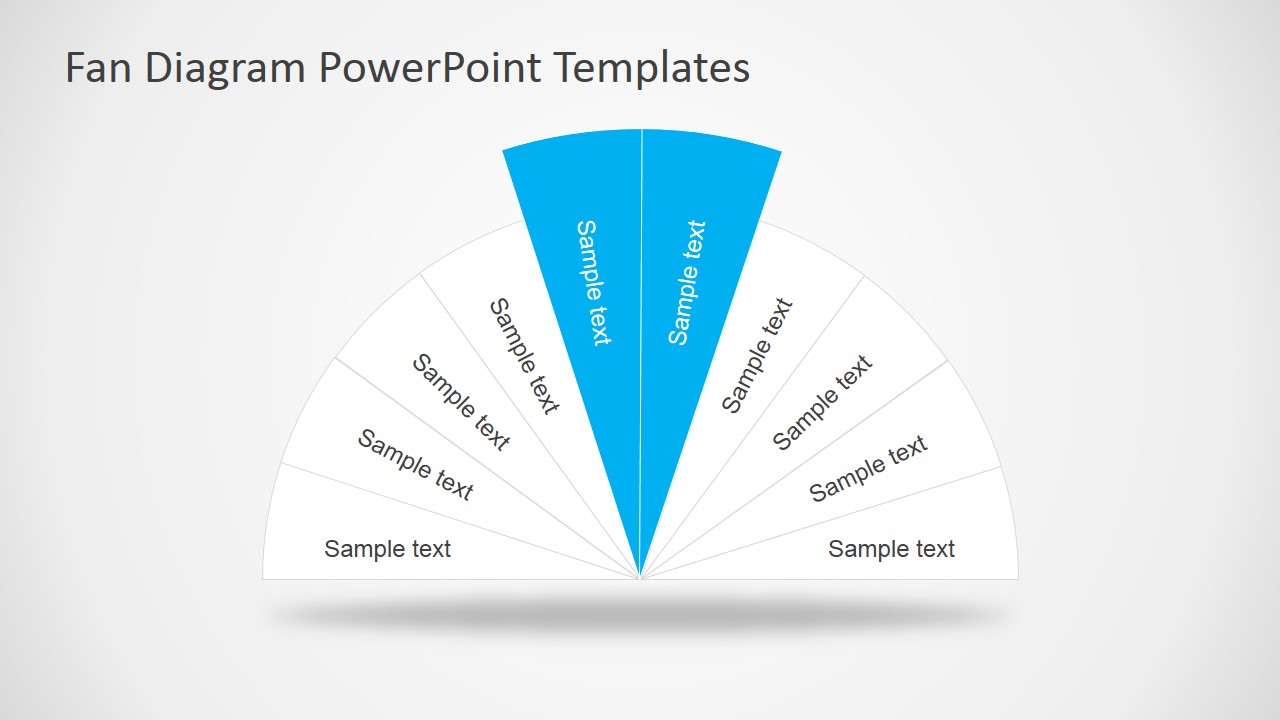
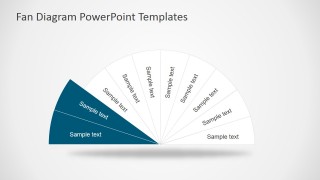
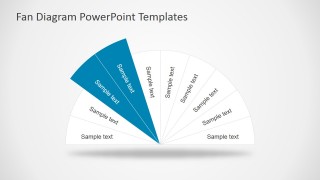
- A trainer can use the highlighted wedge slides to teach one concept area at a time while keeping the full framework visible.
- A marketing presenter can use the top callout layouts to compare audience segments, product themes, or campaign pillars in a single visual.
- A business analyst can use the side annotation fan slides to summarize category relationships before discussing each segment in detail.
Features
- 100% editable presentation template
- Compatible with Microsoft PowerPoint and Google Slides
- 16:9 aspect ratio slides
- Scalable vector shapes, icons and illustrations
- AI-Ready for Microsoft Copilot and Claude
- Instant access and download
Frequently asked questions
Q: How should I present a clear message with the fan diagram?
A: Start with one full fan diagram to name the whole concept, then move to a highlighted wedge slide for the section you want to explain. Keep each wedge label short and use the callout boxes for interpretation, not duplicate text. This helps the audience understand both the full spectrum and the specific part under discussion.
Q: Who is this template best suited for?
A: This template is best for presenters who need to organize related ideas without implying a linear process. Consultants, trainers, marketers, and analysts can use it for frameworks, service areas, audience groups, product pillars, or priority maps. The highlighted wedge variants are useful when the talk moves from overview to focused explanation.
Q: Why use a fan metaphor instead of a standard list?
A: The fan metaphor shows that separate items belong to one shared concept and can be scanned as a spectrum. The semicircle gives each segment a defined position, while the highlighted wedge slides create focus without removing context. This is stronger than a list when relationships and coverage matter as much as the labels.


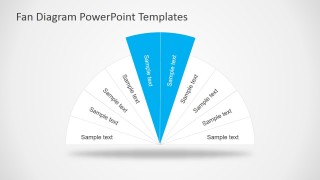
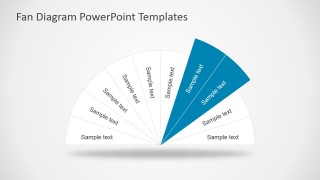
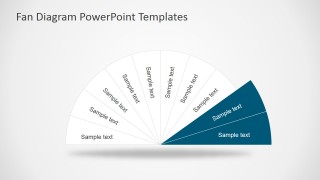
Fan Diagram Design for PowerPoint
10-slide presentation template with editable fan diagrams and spectrum wedges for concept mapping
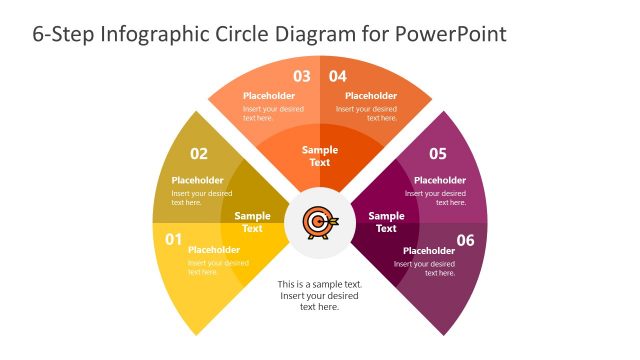
Fan Diagram Design for PowerPoint is a 10-slide diagram template for explaining segmented concepts with semicircular fan diagrams. It includes full-spectrum fans, highlighted wedge variants, rectangular callouts, and side annotation layouts for consultants, educators, and business teams. Slides are built for Microsoft PowerPoint and Google Slides.
- Category
- Diagrams
- Rating

 Loading...
- Aspect ratio
- 16:9
- Item ID
- 7116-01
- Colors
 Microsoft PowerPoint
  Microsoft Copilot
  Claude for PowerPoint
 Other formats supported
Subscribe today and get immediate
access to download our PowerPoint templates.