Slide 4 of 9 from Executive Corporate PowerPoint Template
4 Segmented PowerPoint Infographic Icon
Icon and Text Layout for Presentations
- Text Layout
- Icon Grid
- Comparison Slide
- 16:9
- 100% Editable
The Icon and Text Layout from the Executive Corporate PowerPoint Template offers a structured grid design ideal for showcasing product features or service offerings. This slide uses editable shapes and vector icons arranged in a clear comparison format, making it suitable for corporate presentations and business presentation slide decks that require concise visual hierarchy and clarity.
What’s on This Slide
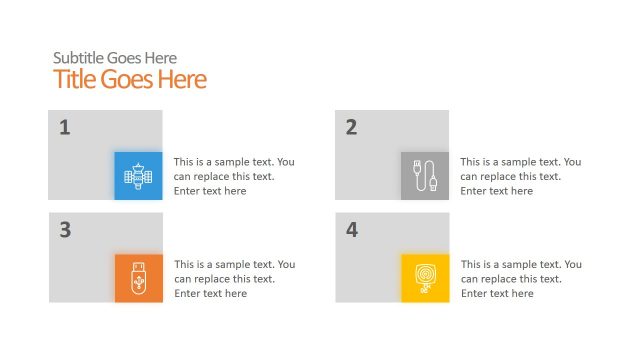
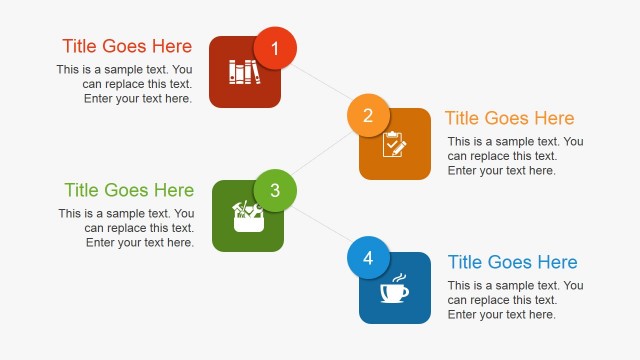
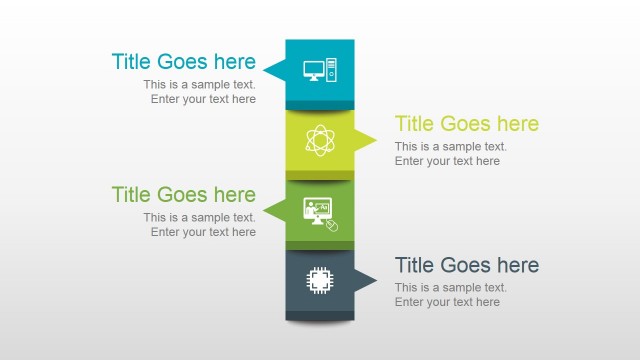
The layout features a grid of four sections arranged in two rows and two columns. Each section contains a colored square with an icon centered above a text placeholder. The first section is blue, the second is gray, the third is orange, and the fourth is yellow. The title is positioned at the top center, with a subtitle above it. Text placeholders are aligned left within each section, allowing for a clear visual hierarchy. Icons represent different concepts, enhancing the overall design.
How to Use It
This layout serves as a comparison or overview slide, suitable for presenting multiple concepts or features side by side. It fits well in a presentation sequence after introducing a topic and before delving into details. Common scenarios include showcasing product features, service offerings, or key points in a business strategy. Each section can be customized to highlight different aspects of a proposal or project.
Text Placeholders & Capacity
Keep your copy within these limits so it fits without resizing. Node body slots can hold about 10 words each.
| Placeholder | Count | Max characters (approx.) |
|---|---|---|
| Slide title | 1 | 30 |
| Subtitle | 1 | 30 |
| Item body | 4 | 50 |
Slide Keywords
Download unlimited PowerPoint templates, charts and graphics for your presentations with our annual plan.
DOWNLOADReturn to Executive Corporate PowerPoint Template.