Slide 2 of 17 from Business Case Studies PowerPoint Template
Five-Section Table of Contents Business Case Studies Deck
Table of Contents Slide for Business Presentations
- Text Layout
- Other
- Agenda Slide
- 16:9
- 100% Editable
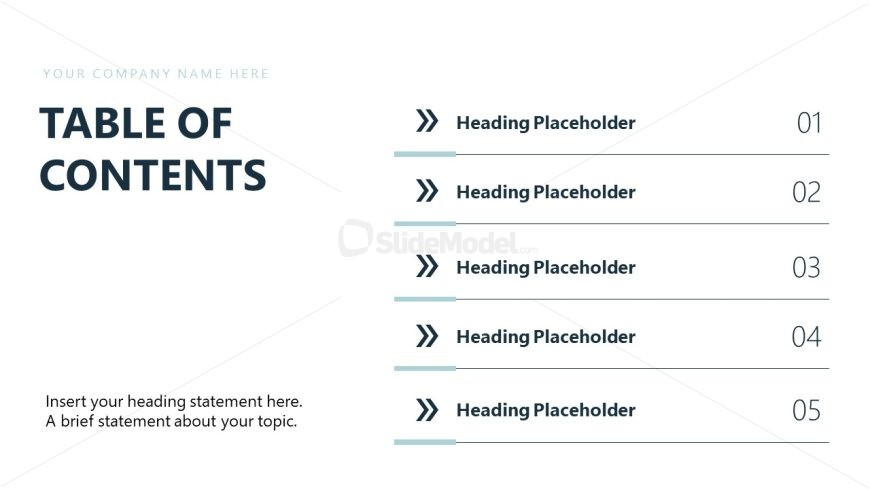
The Table of Contents slide layout from the Business Case Studies PowerPoint Template offers a clear agenda structure ideal for business presentations and project overviews. This slide template features editable shapes and vector icons to organize key sections effectively, supporting a professional slide deck that guides audience engagement through a well-defined presentation flow.
What’s on This Slide
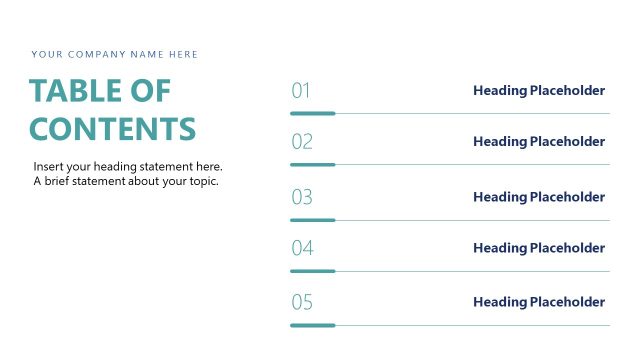
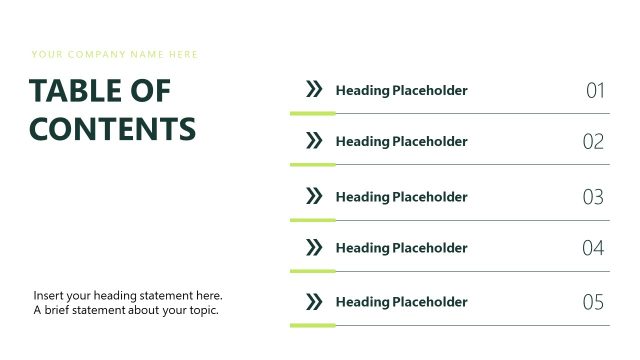
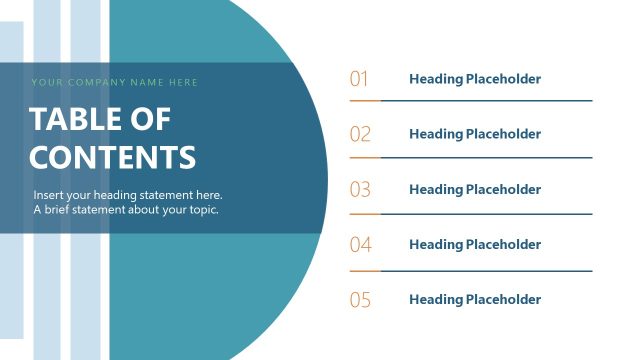
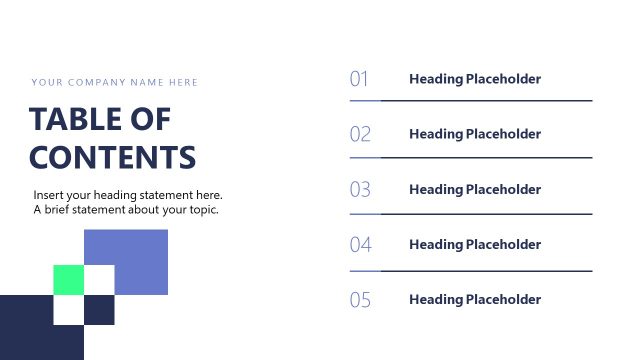
The layout features a left-aligned section for the title and a right-aligned list of headings. The title area contains a large text placeholder at the top for the company name, followed by a prominent 'TABLE OF CONTENTS' heading. Below this, five numbered heading placeholders are arranged vertically, each accompanied by a decorative arrow icon on the left. A smaller text placeholder at the bottom provides space for a brief description of the topic. The overall design emphasizes clarity and organization, with a clean background and structured alignment.
How to Use It
This layout serves as a navigational guide within a presentation, outlining key sections to be covered. It is effective for business case studies, project proposals, or any structured presentation where a clear overview is necessary. Typically, it follows an introductory slide and precedes detailed content slides, helping audiences understand the flow of information. This structure is useful for setting expectations and guiding discussions in meetings or presentations.
Text Placeholders & Capacity
Keep your copy within these limits so it fits without resizing. Body slots can accommodate roughly 15-20 words each.
| Placeholder | Count | Max characters (approx.) |
|---|---|---|
| Slide title | 1 | 30 |
| Body paragraph | 1 | 100 |
| Item heading | 5 | 30 |
| Node number | 5 | 2 |
Slide Keywords
Download unlimited PowerPoint templates, charts and graphics for your presentations with our annual plan.
DOWNLOADReturn to Business Case Studies PowerPoint Template.