Slide 3 of 11 from Environmental PowerPoint Template
Introduction Slide for PowerPoint – Environmental PPT Template
Introduction Slide for Environmental Presentation
- Text Layout
- Other
- Context Slide
- 16:9
- 100% Editable
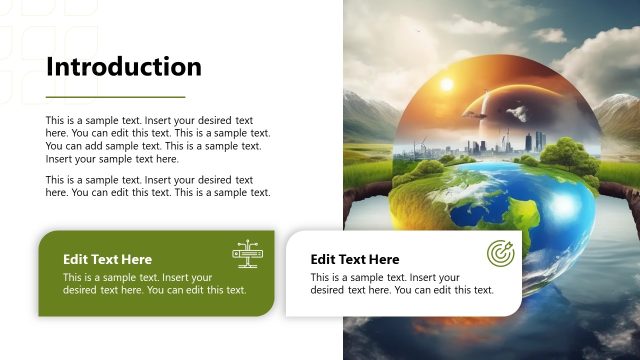
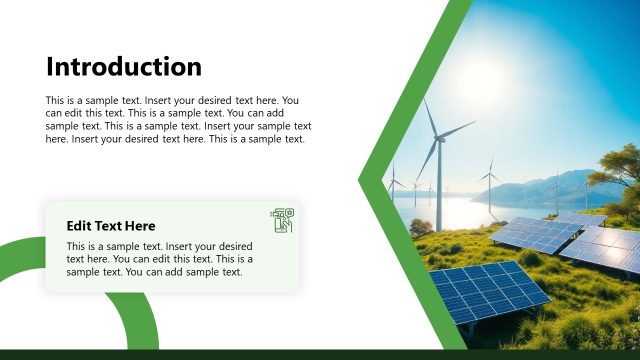
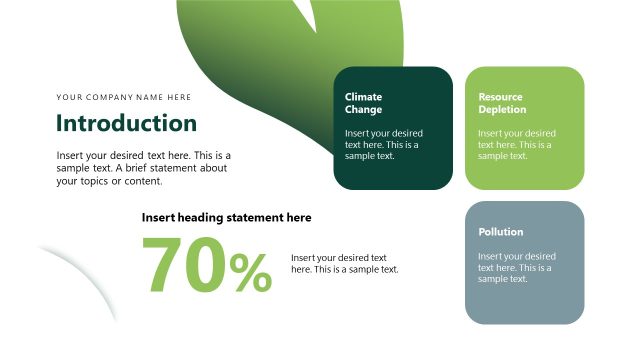
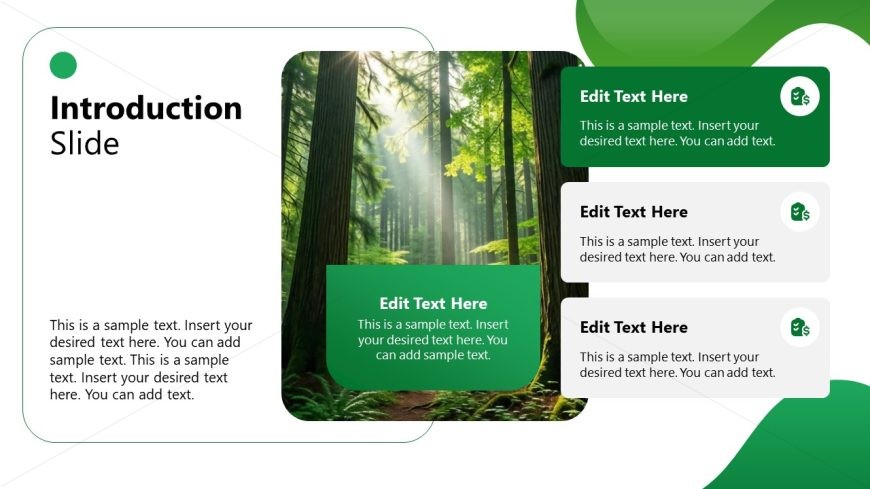
The Introduction Slide from the Environmental PowerPoint Template offers a clean, asymmetrical layout ideal for setting presentation objectives and highlighting key themes. Featuring editable shapes and text placeholders alongside a large forest image, this slide supports clear communication in business presentations focused on environmental topics. It integrates well within a slide deck designed for sustainability initiatives or green strategies, enhancing the flow of corporate presentations.
What’s on This Slide
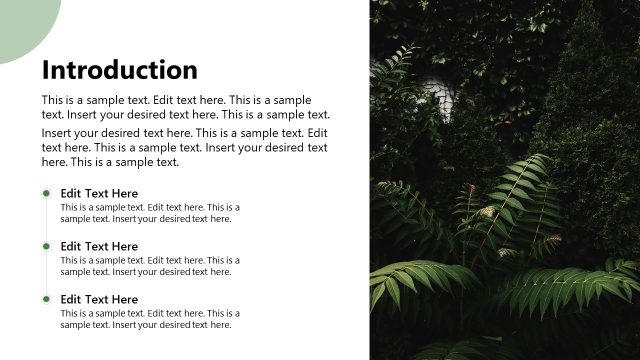
The slide features a large image of a forest on the left side, occupying most of the vertical space. On the right side, there are four text placeholders arranged vertically. The top placeholder is larger and labeled 'Introduction Slide', followed by three smaller placeholders labeled 'Edit Text Here'. Each placeholder has a green background with rounded corners. The overall layout is asymmetrical, with a circular green icon positioned at the top left. The background is predominantly white with green accents, creating a clean and organized look.
How to Use It
This layout serves as an introductory slide, effectively setting the stage for a presentation on environmental topics. It fits well after an agenda slide and before a problem statement slide. This structure is useful for presenting key themes or objectives at the start of a presentation. It can be applied in various contexts, such as sustainability initiatives, environmental impact discussions, or green business strategies, making it versatile for different audiences.
Text Placeholders & Capacity
Keep your copy within these limits so it fits without resizing. Body slots can hold about 15-20 words each.
| Placeholder | Count | Max characters (approx.) |
|---|---|---|
| Slide title | 1 | 50 |
| Body paragraph | 3 | 100 |
Slide Keywords
Download unlimited PowerPoint templates, charts and graphics for your presentations with our annual plan.
DOWNLOADReturn to Environmental PowerPoint Template.