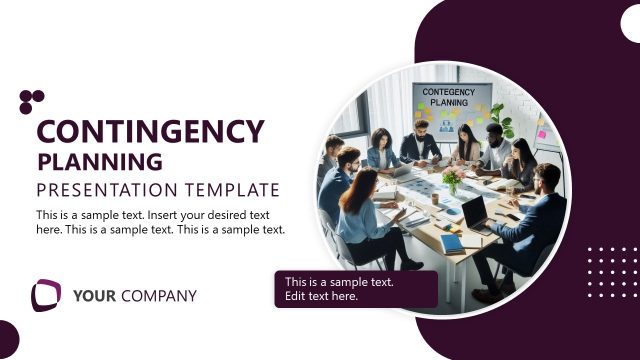
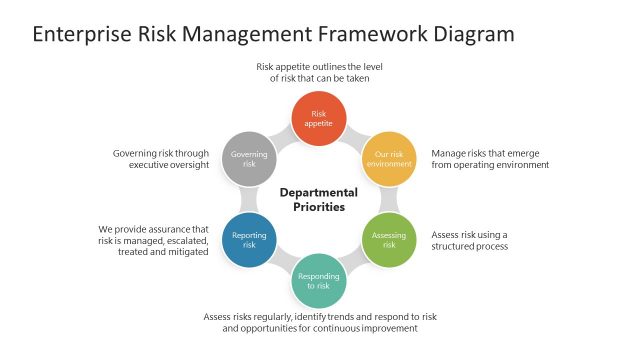
The Emergency Management PowerPoint Template is a creative layout for presenting different emergency management models. Emergency management is defined as rules or strategic measures aiming to reduce vulnerability to risks and manage disasters. Its primary focus is to spare the business flow and maintain a smooth overall workflow in the corporate sector. For this purpose, a proper mitigation and management plan is drawn at the beginning of the start-up. This PowerPoint template is helpful in this context, as companies and businesses can utilize various models to present a management schema before their team members or employees.
The design and color scheme of the template corresponds to the hazard marker signs, i.e., yellow and black. The Emergency Management PowerPoint Template is a deck of 11 slides based on distinct ideas, which are:
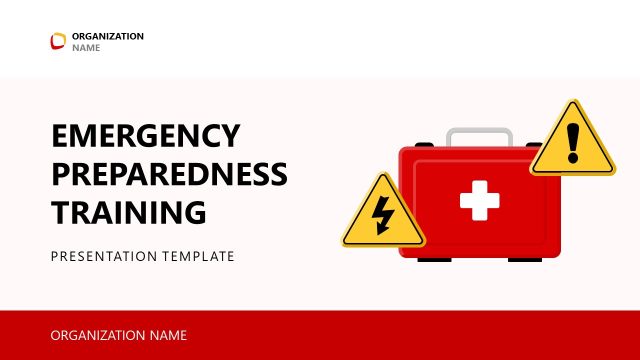
- Title Slides: The title slides show hazard symbols and are available in two background color variations.
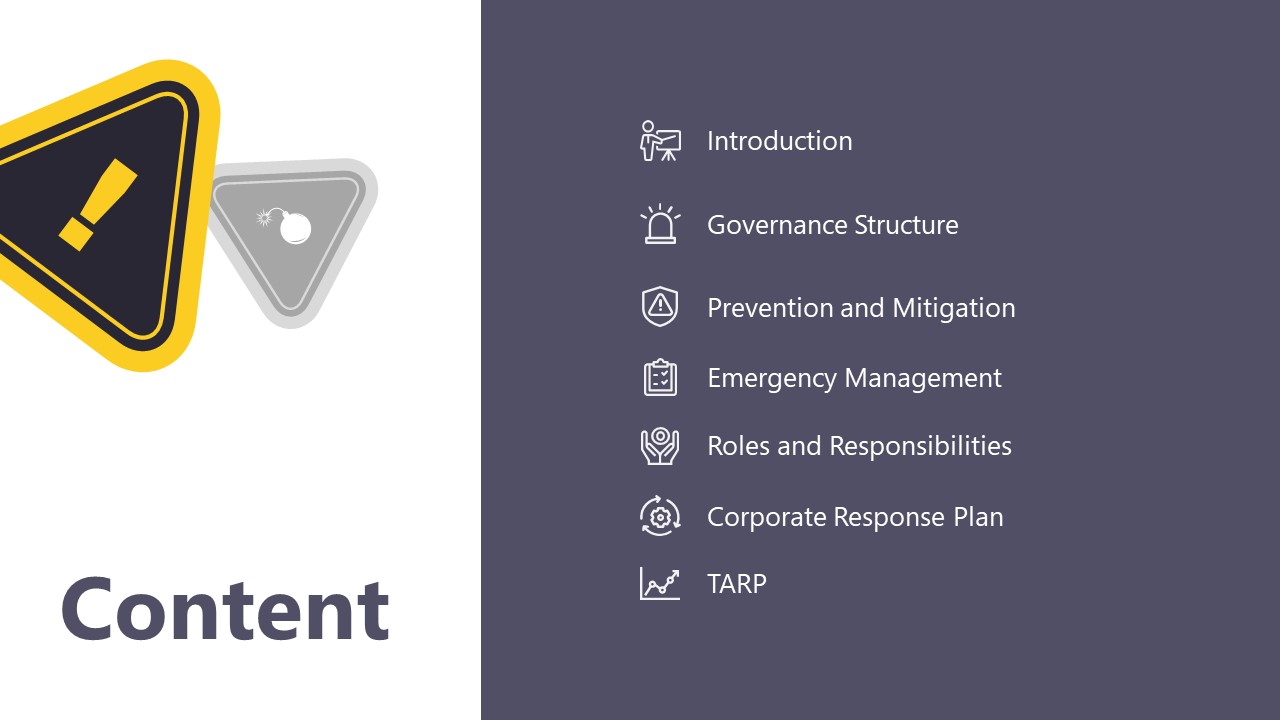
- Table of Contents: This is a simple slide showing 7 points to outline the topics covered in the presentation.
Introduction Slide: The introduction slide is a creative arrow diagram showing several markers. The break-in this arrow represents the risk of occurrence of a disaster, while the upward curve of the arrow depicts the recovery phase. - Emergency Management Cycle: A circular-shaped diagram consisting of 4 steps represents the steps of emergency management, namely, Mitigation (Risk evaluation and preventive measures for risks), Preparedness (Strategies to eradicate hazards if encountered), Response(Particular Steps for control), Recovery (Several steps and measured taken after the disaster is over-taken)
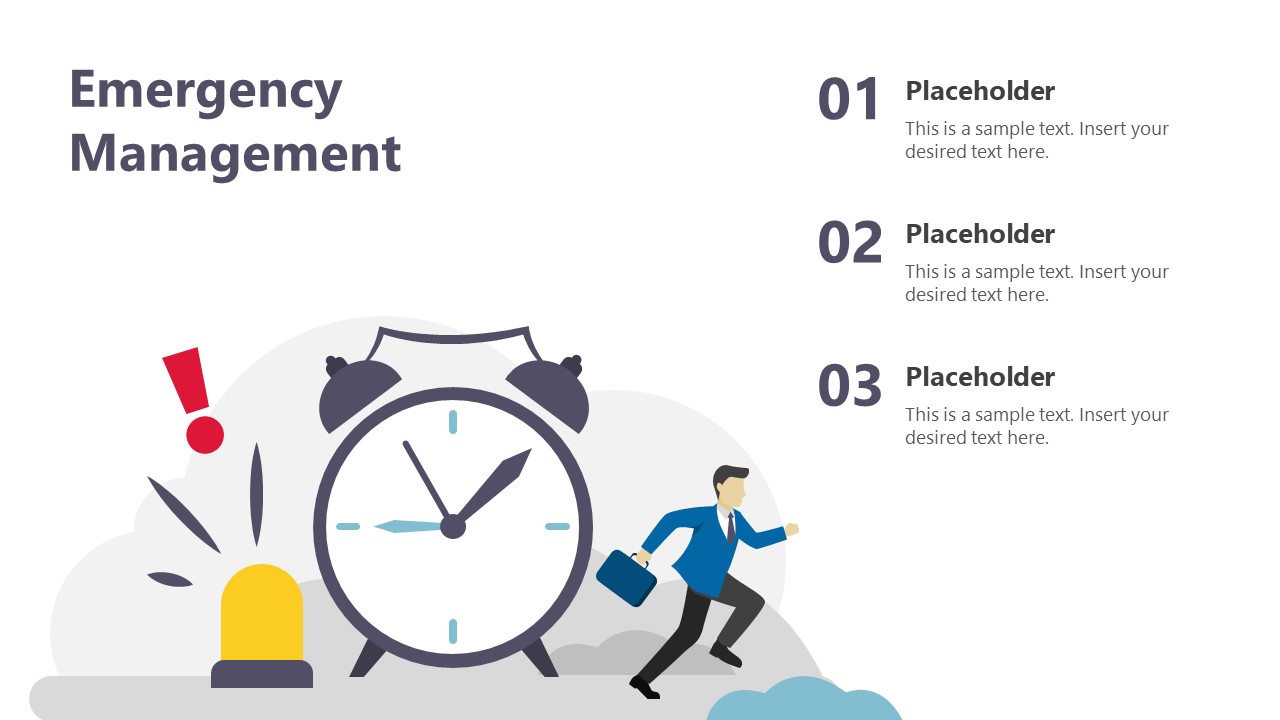
- Emergency Management Infographics: The two infographic slides are designed to elaborate on the steps of management using the three labeled steps to summarize the key elements visually. Also, there is a 5 step mind-map diagram for presenting core steps involved in emergency management.
- Roles and Responsibilities: This is a table slide to explain the roles and responsibilities of various departments or individuals in emergency management.
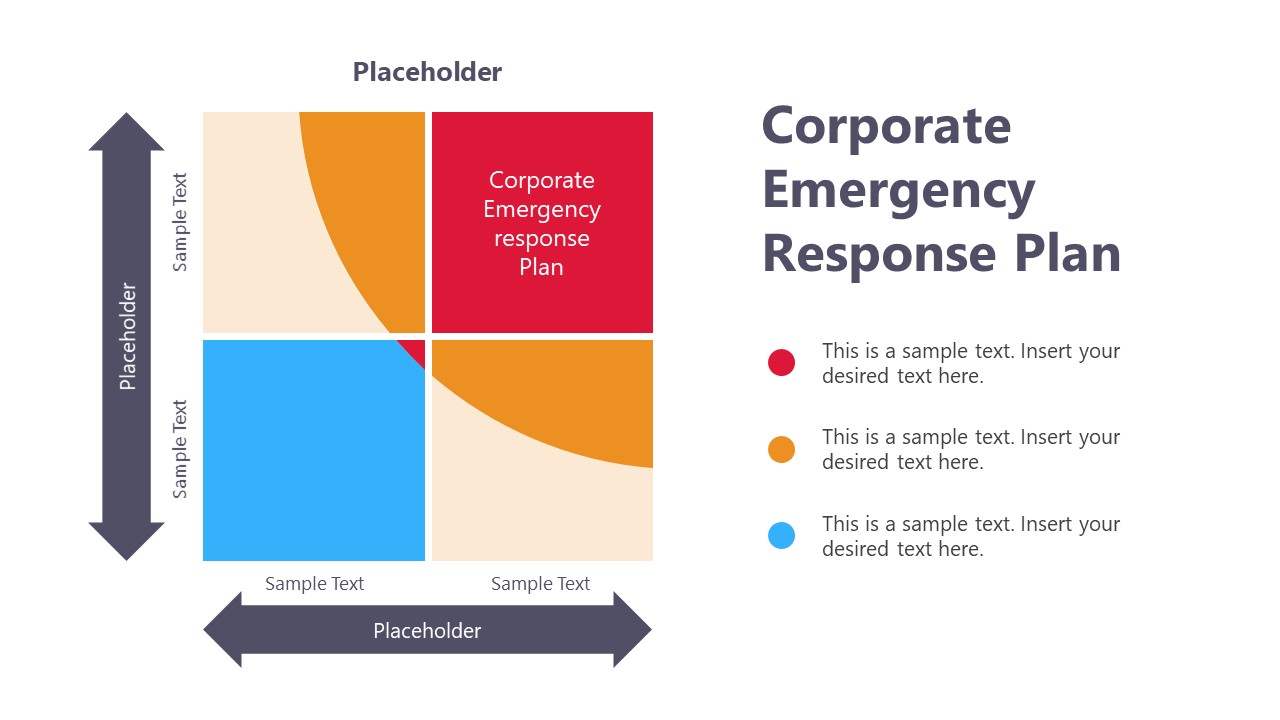
- Corporate Emergency Response Plan: The slide contains a graph having four quadrants. Presenters can discuss the significance of each factor involved in the management process using this graphical diagram.
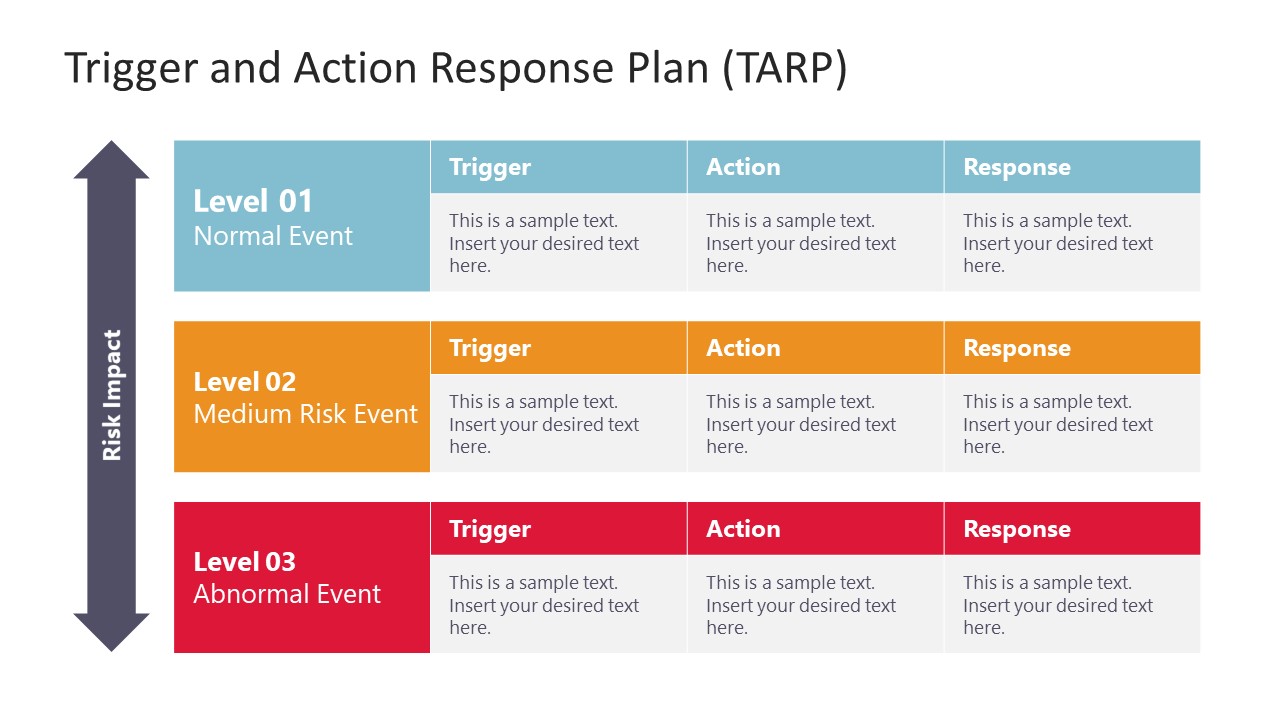
- Trigger and Action Response Plan (TARP): It is a 3×4 table slide where the columns represent the three steps of risk management, i.e., T, A, and R. While the rows depict the severity of the event, i.e., Level 1, 2 and 3
The Emergency Management PPT Template is thus a comprehensive approach to define and elaborate the process of emergency management. This template is 100% editable; hence users can replace or customize it according to their requirements.
What’s inside this template
Example presentation scenarios
- A business continuity manager can brief executives on disaster recovery readiness using the recovery curve, emergency management cycle, and corporate response quadrant.
- A safety officer can train department heads on preparedness and response roles using the roles and responsibilities table and the three-point emergency management slide.
- An operations leader can align cross-functional teams before a drill by presenting the agenda slide, mind map, and TARP matrix for trigger-based action planning.
- A risk management consultant can explain a client response framework using the cycle diagram, response plan matrix, and severity-level table.
Features
- 100% editable presentation template
- Compatible with Microsoft PowerPoint and Google Slides
- 16:9 aspect ratio slides
- Scalable vector shapes, icons and illustrations
- AI-Ready for Microsoft Copilot and Claude
- Instant access and download
Frequently asked questions
Q: How should a presenter structure an emergency management briefing with this template?
A: Start with the title and content slide to frame the session, then use the recovery curve to explain why planning matters before disruption occurs. Move into the emergency management cycle and mind map to define the model. Finish with the roles table, response quadrant, and TARP matrix so the audience leaves with clear ownership and action thresholds.
Q: Who is this template best suited for in a planning meeting?
A: This template fits business continuity managers, safety officers, operations leaders, and risk consultants who need to align nontechnical stakeholders around a shared emergency response plan. It works best when the goal is to explain process, responsibilities, and escalation logic rather than present a detailed incident log or regulatory manual.
Q: Why do the hazard signs and response diagrams help communicate emergency planning?
A: The hazard-sign metaphor immediately signals risk and urgency without needing long explanations. The recovery curve shows disruption and return to normal operations as a visual path, while the cycle diagram and TARP table convert abstract preparedness concepts into repeatable stages, roles, triggers, and responses.








Emergency Management PowerPoint Template
11-slide emergency management presentation template with recovery plan diagrams, response tables, and hazard-themed visuals.
The Emergency Management PowerPoint Template is an 11-slide planning deck for disaster recovery and response briefings. It includes title slides, a table of contents, a recovery curve, emergency management cycle, mind map, roles and responsibilities table, response quadrant, and TARP matrix for Microsoft PowerPoint and Google Slides.
- Category
- Business PowerPoint Templates
- Rating

 Loading...
- Aspect ratio
- 16:9
- Item ID
- 20385-02
- Colors
 Microsoft PowerPoint
 Microsoft Copilot
 Claude for PowerPoint
Other formats supported
Subscribe today and get immediate
access to download our PowerPoint templates.