Slide 1 of 1 from Editable SOAR Model Template for PowerPoint
SOAR Model for PowerPoint – Arrow Diagram
Editable SOAR Model Diagram for Strategy
- Diagram
- Arrow Sequence
- Strategic Analysis Slide
- 16:9
- 100% Editable
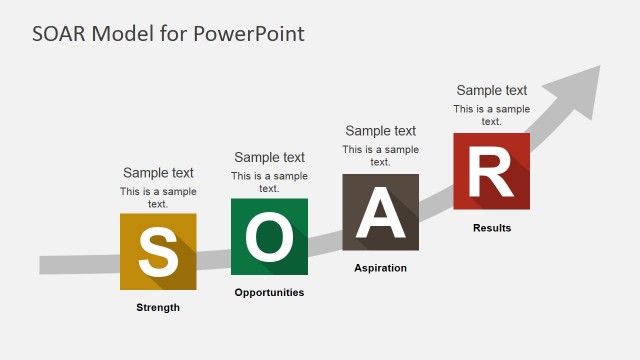
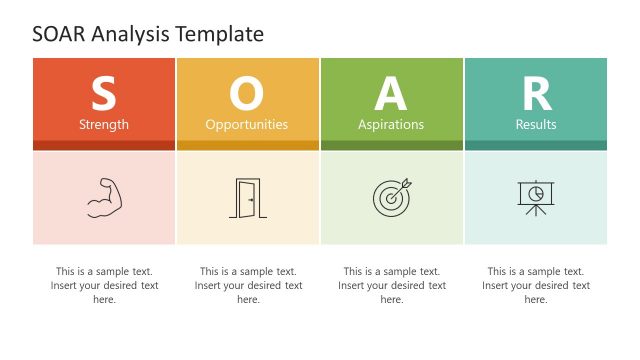
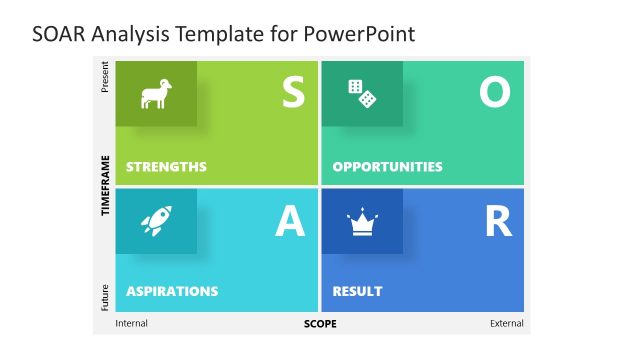
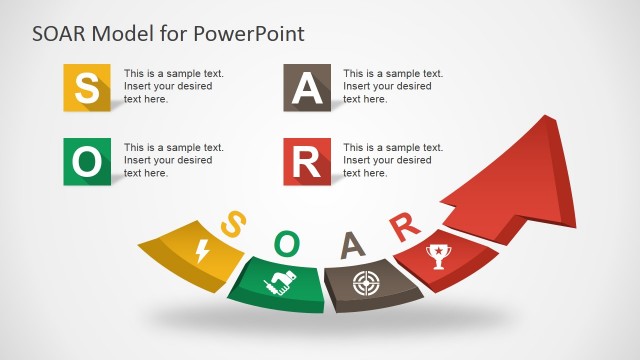
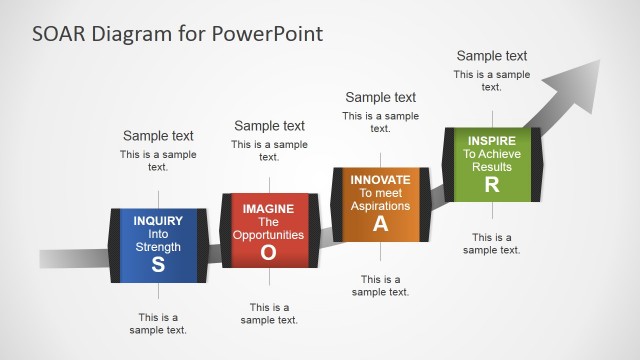
The SOAR Model Diagram slide from the Editable SOAR Model Template for PowerPoint visually presents strategic analysis through a curved arrow sequence highlighting Strengths, Opportunities, Aspirations, and Results. This slide layout is ideal for business presentations and training sessions, offering editable shapes and clear text placeholders to support effective communication of strategic planning concepts within a corporate presentation or pitch deck template.
What’s on This Slide
The layout features a curved arrow moving from left to right, representing the SOAR model. The arrow is divided into four labeled sections: 'S' for Strengths, 'O' for Opportunities, 'A' for Aspirations, and 'R' for Results. Each section includes descriptive text aligned vertically next to the arrow. The background is white, enhancing clarity. The arrow transitions from blue at the start to green at the end, indicating progression. Text placeholders exist for titles and descriptions, positioned at the top and alongside the arrow.
How to Use It
This layout serves as a visual representation of the SOAR model, illustrating strategic planning steps. It fits well at the beginning of a presentation to introduce the framework. This slide is useful in business contexts such as strategic planning sessions, workshops, or training on decision-making processes. It effectively communicates the flow of analysis and action, guiding audiences through the model's components.
Text Placeholders & Capacity
Keep your copy within these limits so it fits without resizing. Node labels can hold about 2-3 words each.
| Placeholder | Count | Max characters (approx.) |
|---|---|---|
| Slide title | 1 | 30 |
| Item heading | 4 | 15 |
| Item body | 4 | 50 |
Slide Keywords
Download unlimited PowerPoint templates, charts and graphics for your presentations with our annual plan.
DOWNLOADReturn to Editable SOAR Model Template for PowerPoint.