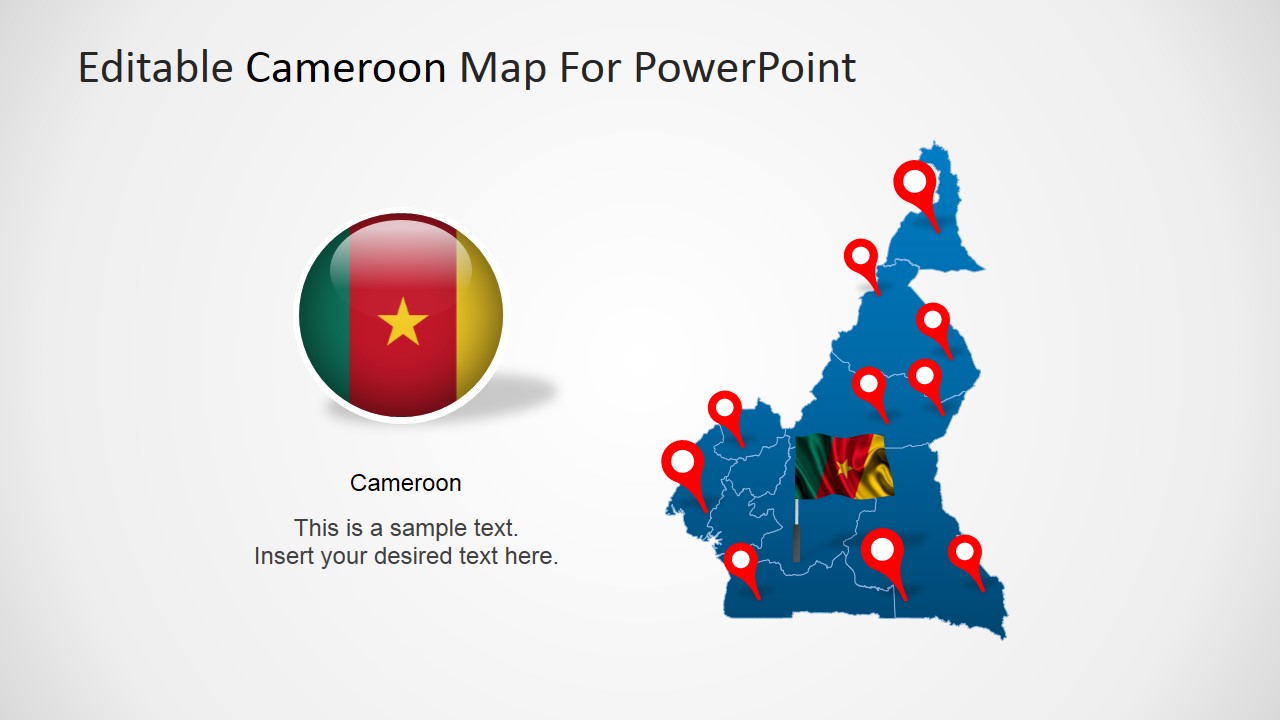
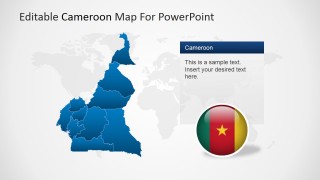
The Editable Cameroon PowerPoint Map is a professional presentation that contains several versions of the political outline map of the Republic of Cameroon. Each PowerPoint Map is created as a composite of PowerPoint Shapes that represent each state and region of the country. The user can ungroup the maps and use each state as an individual Clipart. The PowerPoint Shapes are created as vector graphics, allowing the user to fully customize their appearance, and even more, the shapes visual quality will not be distorted or pixelated through repetitive resizing or editing.
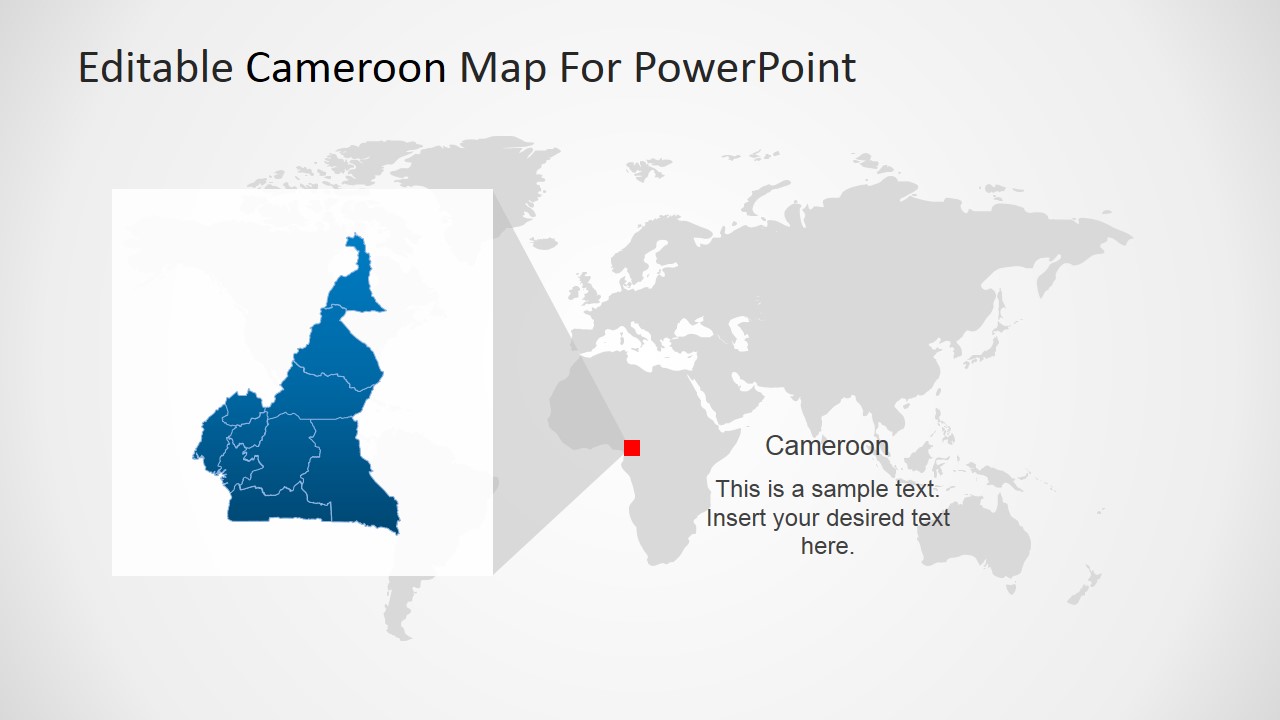
The Republic of Cameroon is located in the center of Africa. It borders with Nigeria, Chad, The Republic of Central Africa, Equatorial Guinea, Gabon, and the Republic of Congo. Cameroon tourism provides different landscapes and climates. Tourists can visit their beaches, mountains, rainforests, savannas and even desert. French and English are the official languages of Cameroon.
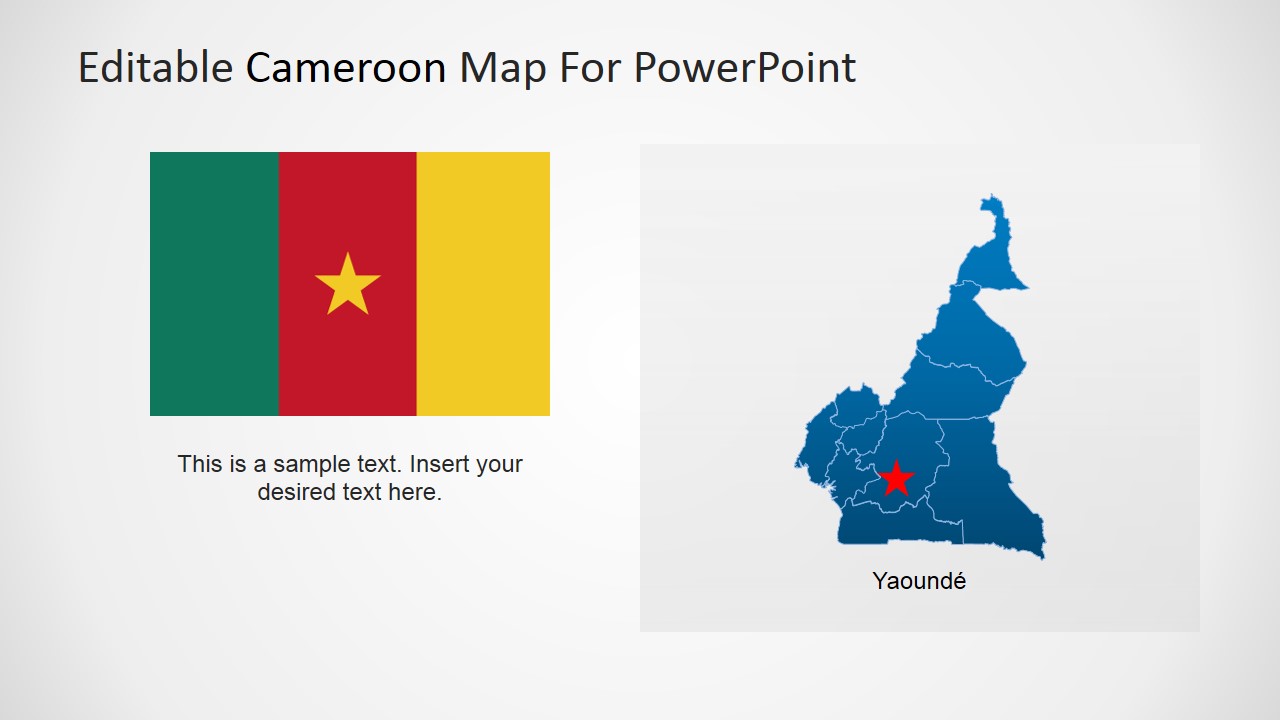
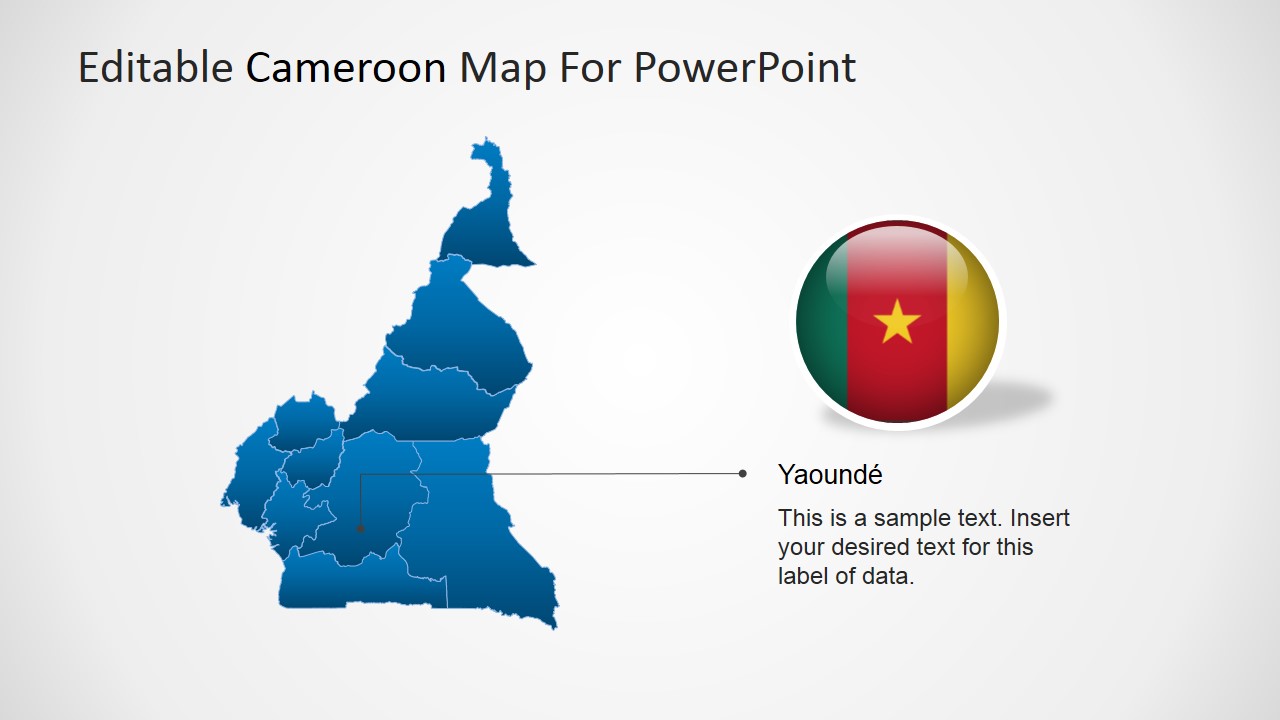
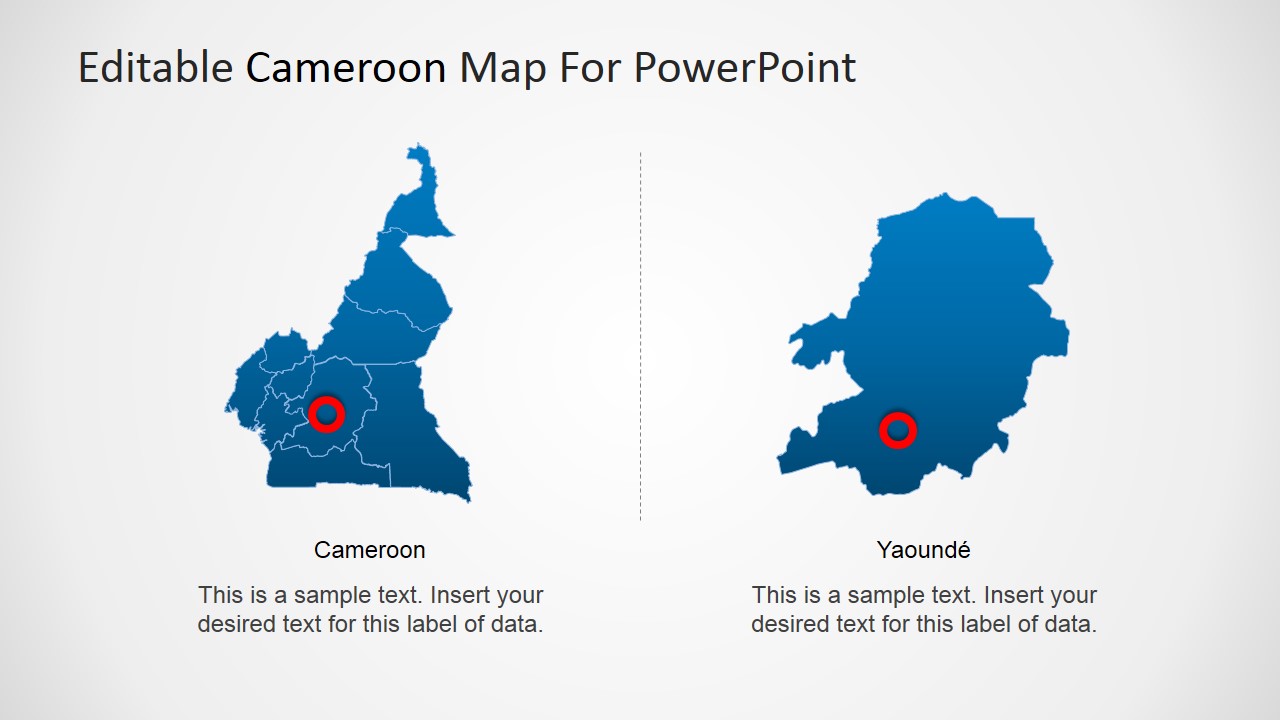
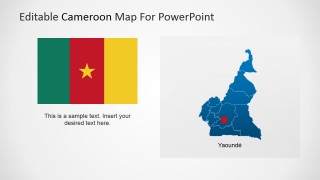
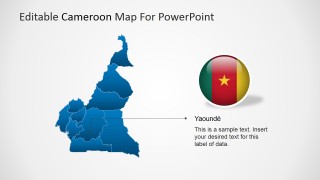
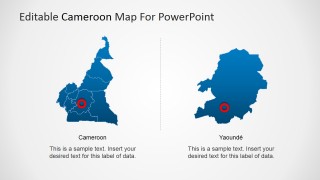
Yaoundé is Cameroon’s Capital city, and is the second largest city of the country after the port city of Douala, which is considered the economic capital.
Ideal for describing business trips, or economical indicators, the editable cameroon PowerPoint map is a professional tool for presenters requiring high quality political outline maps for PowerPoint.
What’s inside this template
Example presentation scenarios
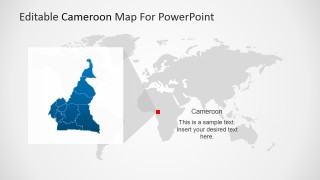
- A market analyst can brief executives on Cameroon coverage by starting with the world locator map and then using the political outline map to identify regions of interest.
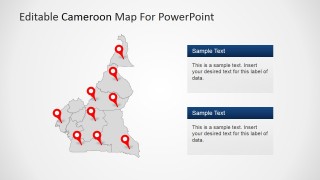
- A regional sales manager can show branch, distributor, or customer locations with the multi-pin Cameroon map and connect each marker to the right-side callout boxes.
- A consultant can explain a capital-focused opportunity by using the Yaounde callout slide and the two-part Cameroon and Yaounde comparison layout.
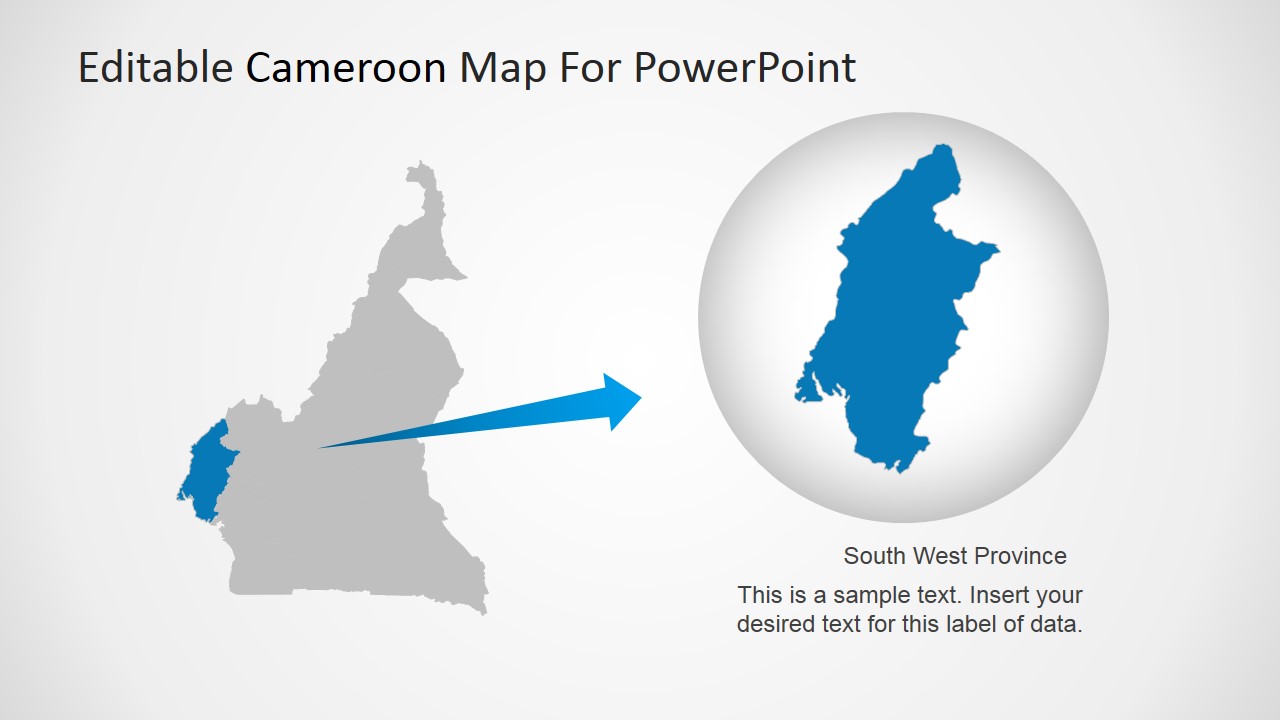
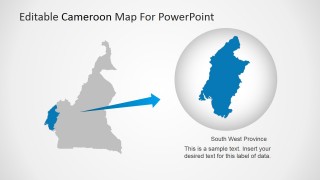
- An NGO or public sector presenter can report field activity by highlighting South West Province with the zoomed province layout and editable caption text.
Features
- 100% editable presentation template
- Compatible with Microsoft PowerPoint and Google Slides
- 16:9 aspect ratio slides
- Scalable vector shapes, icons and illustrations
- AI-Ready for Microsoft Copilot and Claude
- Instant access and download
Frequently asked questions
Q: How should I structure a Cameroon market overview with these slides?
A: Begin with the world locator layout so the audience understands where Cameroon sits, then move to the national political map for regional context. Use the pin map for offices, sites, or travel stops, and close with the Yaounde or South West Province zoom when one location needs deeper explanation.
Q: Who is this map template best suited for?
A: It fits presenters who need to explain Cameroon-specific geography without building maps from scratch, including consultants, regional managers, development organizations, and travel planners. The template works best when the message involves territory coverage, site distribution, project locations, capital city focus, or a province-level example.
Q: Why do the location pins and magnified province view improve communication?
A: The red pins create immediate focal points on the national map, helping the audience separate key locations from background geography. The magnified province slide uses a zoom metaphor, moving attention from the whole country to one region so a presenter can explain local relevance without losing national context.


Editable Cameroon PowerPoint Map
8-slide map presentation template for Cameroon regions, location pins, and provincial callouts
Editable Cameroon PowerPoint Map is an 8-slide map presentation template for Microsoft PowerPoint and Google Slides. It includes a political outline map, world locator map, capital callout, multi-pin location map, and province highlight layout for presenters explaining Cameroon geography, territory coverage, travel plans, or regional operations.
- Category
- Maps
- Rating


 Loading...
- Aspect ratio
- 16:9, 4:3
- Item ID
- 6462-01
- Colors
 Microsoft PowerPoint
  Microsoft Copilot
  Claude for PowerPoint
 Other formats supported
Subscribe today and get immediate
access to download our PowerPoint templates.