Slide 4 of 6 from Ecosystem Diagram for PowerPoint
6088-01-ecosystem-powerpoint-4
Ecosystem Diagram with Concentric Circles
- Diagram
- Nested Containment
- Concept Explanation Slide
- 16:9
- 100% Editable
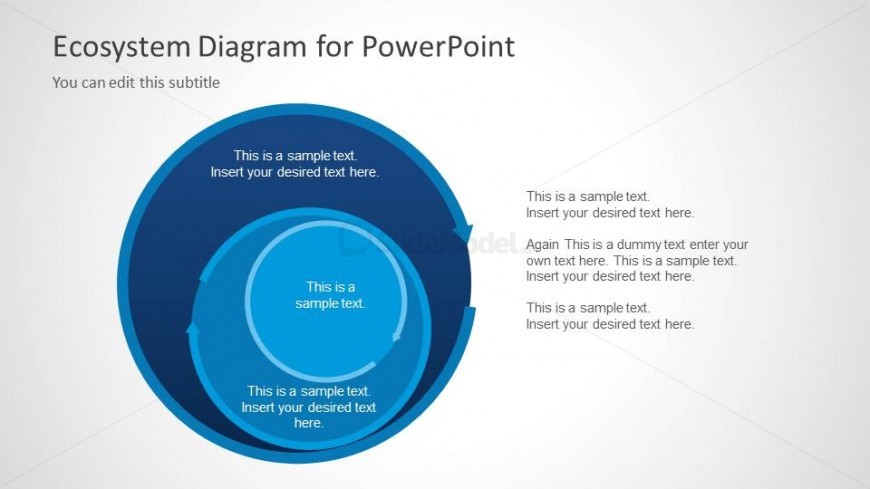
The Ecosystem Diagram with Concentric Circles slide from the Ecosystem Diagram for PowerPoint template offers a clear visual tool for mapping stakeholder relationships and illustrating complex systems. This slide layout uses editable shapes and vector icons to create layered concentric circles, making it suitable for business presentations and educational contexts that require detailed ecosystem or community interaction explanations.
What’s on This Slide
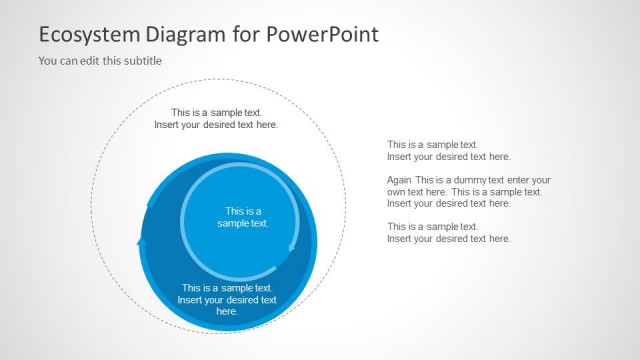
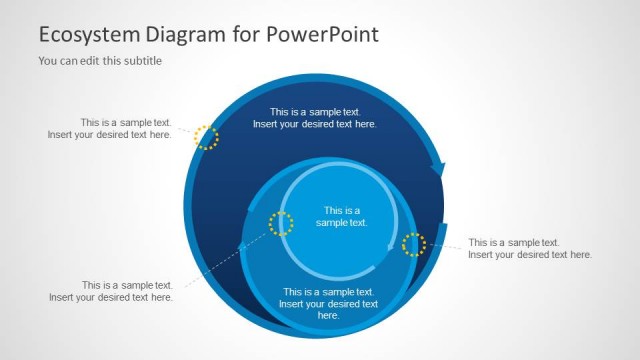
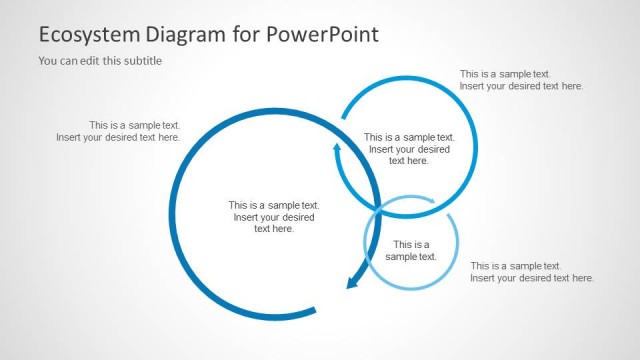
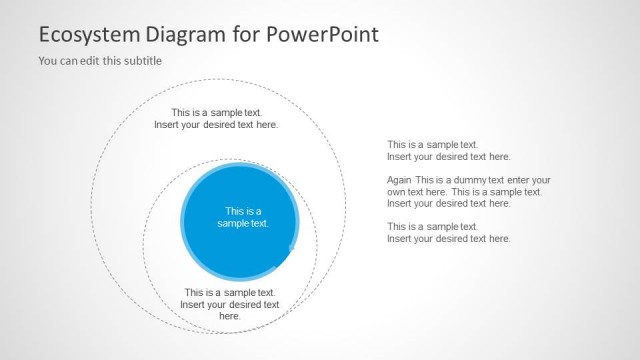
The slide features a central concentric circle diagram with three layers. The largest circle is at the outer edge, followed by a medium-sized circle, and the smallest circle at the center. Each circle contains text placeholders aligned centrally, indicating where content can be inserted. To the right, there are additional text placeholders arranged vertically, allowing for supplementary information. The background is light with a subtle gradient, enhancing the visual hierarchy. The circles are colored in varying shades of blue, creating a cohesive look.
How to Use It
This layout serves as a concentric circle diagram, ideal for illustrating relationships within an ecosystem or stakeholder network. It fits well in a presentation sequence after introducing a problem or context, providing a visual representation of interdependencies. This structure is useful in business scenarios such as mapping out community interactions, stakeholder relationships, or environmental factors affecting a project. It can also be adapted for educational purposes to explain complex systems.
Text Placeholders & Capacity
Keep your copy within these limits so it fits without resizing. Body slots can accommodate roughly 5-8 words each.
| Placeholder | Count | Max characters (approx.) |
|---|---|---|
| Item body | 3 | 30 |
| Body paragraph | 4 | 50 |
| Slide title | 1 | 50 |
Slide Keywords
Download unlimited PowerPoint templates, charts and graphics for your presentations with our annual plan.
DOWNLOADReturn to Ecosystem Diagram for PowerPoint.