Slide 1 of 6 from Ecosystem Diagram for PowerPoint
6088-01-ecosystem-powerpoint-1
Ecosystem Diagram Overview for Presentations
- Diagram
- Circular Cycle
- Context Slide
- 16:9
- 100% Editable
The Ecosystem Diagram Overview slide from the Ecosystem Diagram for PowerPoint template offers a clear circular cycle layout ideal for introducing ecosystem concepts and mapping stakeholder relationships. This slide integrates editable shapes and vector icons to visually represent business environments, making it a practical choice for corporate presentations and strategic planning slide decks.
What’s on This Slide
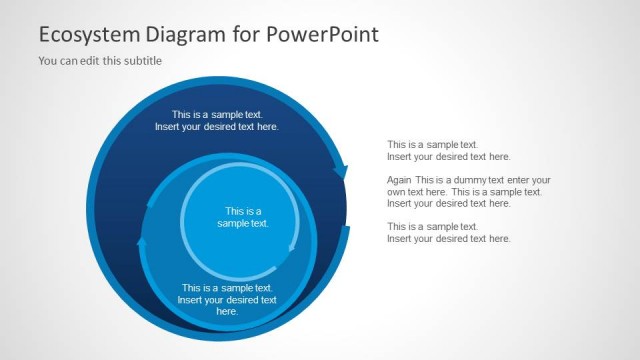
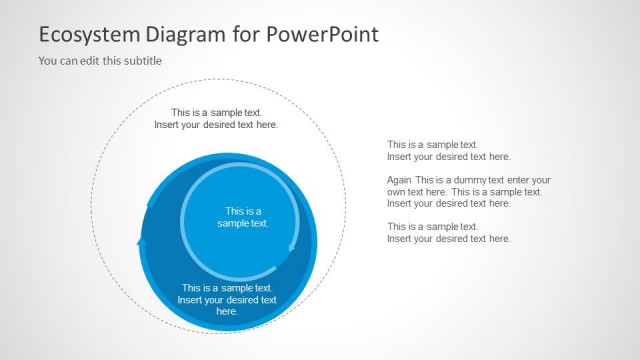
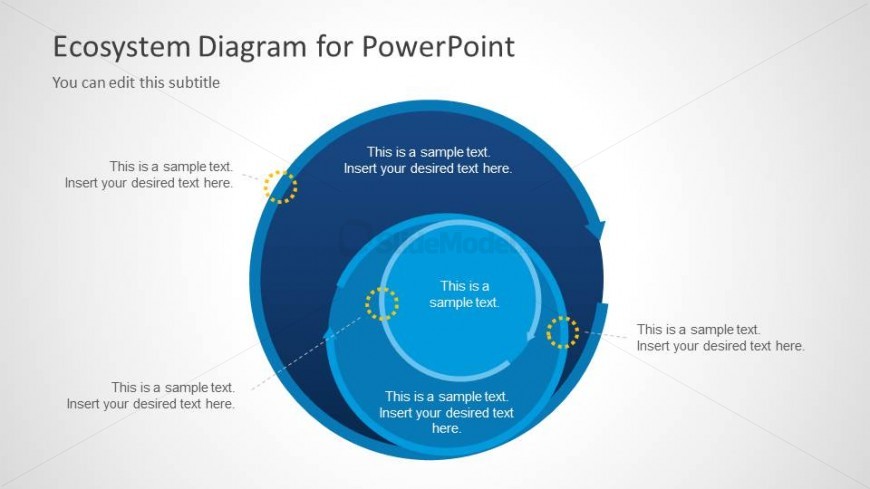
The slide features a circular diagram with concentric layers. The outermost layer is a dark blue circle, while the inner circles are lighter shades of blue. There are four text placeholders positioned around the diagram, with one at the top, one on the left, one at the bottom, and one on the right. Each placeholder is aligned to the respective sections of the circles. A dotted boundary ring surrounds the outer circle, and small callout markers are present to indicate points of interest. The overall layout emphasizes a central focus with a clear visual hierarchy.
How to Use It
This layout serves as an overview of an ecosystem, illustrating relationships and dependencies among components. It is suitable for presentations discussing stakeholder networks, business environments, or community structures. This slide fits well at the beginning of a presentation to introduce the ecosystem concept, followed by detailed slides that explore specific elements or interactions within the ecosystem. It can be used in various business contexts, such as strategic planning or stakeholder engagement.
Text Placeholders & Capacity
Keep your copy within these limits so it fits without resizing. Node body slots can hold about 8-10 words each.
| Placeholder | Count | Max characters (approx.) |
|---|---|---|
| Slide title | 1 | 30 |
| Subtitle | 1 | 40 |
| Item body | 4 | 50 |
Slide Keywords
Download unlimited PowerPoint templates, charts and graphics for your presentations with our annual plan.
DOWNLOADReturn to Ecosystem Diagram for PowerPoint.