Slide 2 of 6 from Ecosystem Diagram for PowerPoint
6088-01-ecosystem-powerpoint-2
Ecosystem Diagram with Circles for PowerPoint
- Diagram
- Nested Containment
- Concept Explanation Slide
- 16:9
- 100% Editable
The Ecosystem Diagram with Circles slide from the Ecosystem Diagram for PowerPoint template provides a clear visual framework for mapping stakeholder networks and community structures. This slide layout uses concentric circles to represent nested relationships within business environments, making it a practical choice for corporate presentations and strategic discussions. Its editable shapes and text placeholders support customization in both PowerPoint and Google Slides templates, enhancing clarity in complex ecosystem explanations.
What’s on This Slide
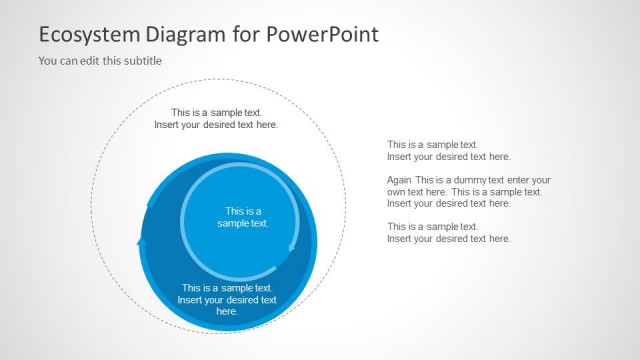
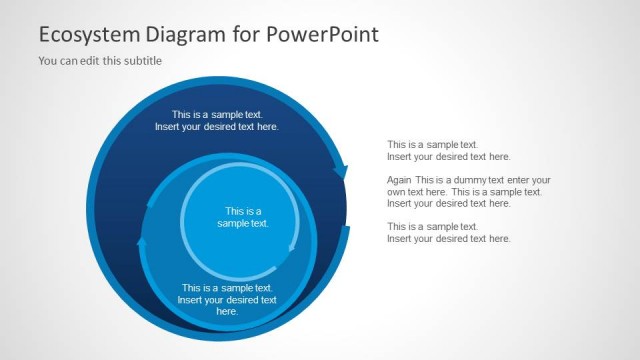
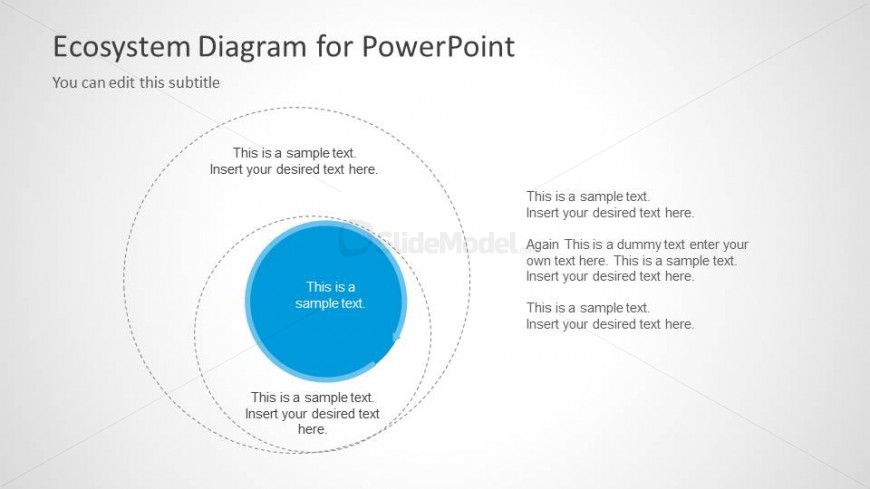
The layout features concentric circles arranged in the center, with the innermost circle being blue and containing a text placeholder. Surrounding this are two larger circles with additional text placeholders. The circles are outlined, creating a layered effect. On the right side, there are several text placeholders aligned vertically. The overall background is light, enhancing the visibility of the circles and text. The visual hierarchy is established through the size and color of the central circle compared to the outer circles, indicating importance.
How to Use It
This layout serves as a diagram to illustrate relationships within an ecosystem or network. It is suitable for presentations discussing stakeholder interactions, community structures, or business environments. Positioned early in a presentation, it can introduce key concepts before diving into detailed analysis. This structure can also be used in strategic discussions to visualize dependencies and relationships among various components.
Text Placeholders & Capacity
Keep your copy within these limits so it fits without resizing. Node body slots can hold about 30 characters each.
| Placeholder | Count | Max characters (approx.) |
|---|---|---|
| Item body | 3 | 30 |
| Body paragraph | 4 | 30 |
Slide Keywords
Download unlimited PowerPoint templates, charts and graphics for your presentations with our annual plan.
DOWNLOADReturn to Ecosystem Diagram for PowerPoint.