Slide 3 of 5 from DMAIC Template for PowerPoint
6246-01-dmaic-3
DMAIC Process Steps for PowerPoint
- Diagram
- Matrix Quadrant
- Process Slide
- 16:9
- 100% Editable
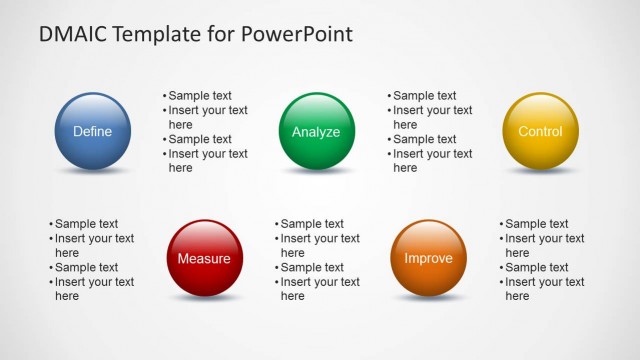
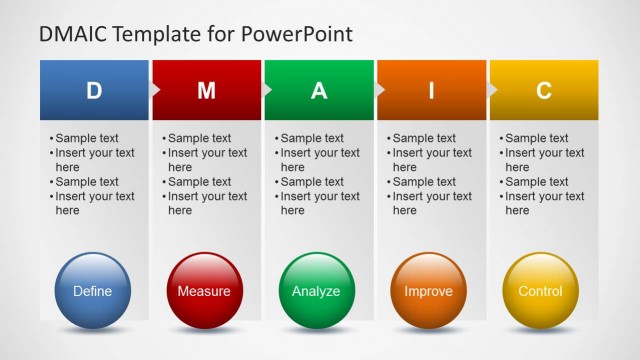
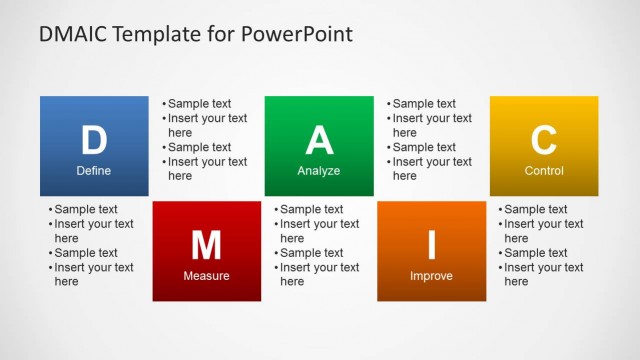
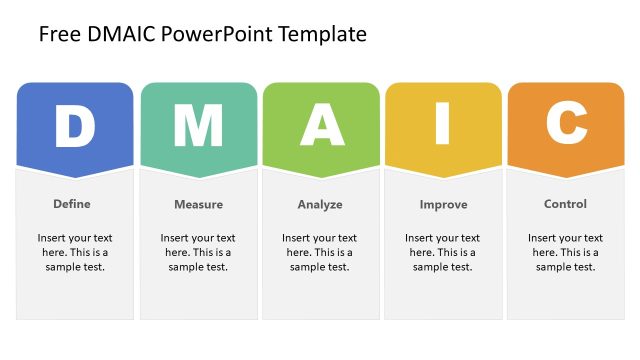
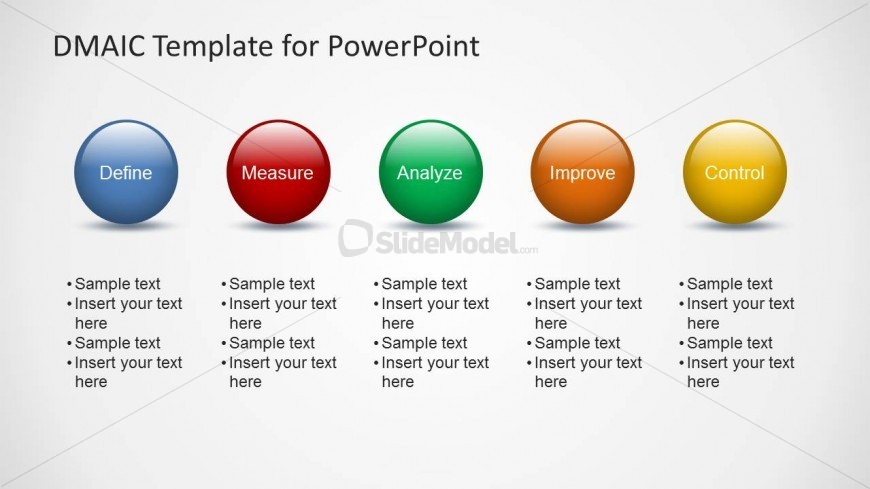
The DMAIC Process Steps slide from the DMAIC Template for PowerPoint presents a clear, structured overview of the Define, Measure, Analyze, Improve, and Control phases. This slide layout uses colorful vector icons and editable shapes to enhance understanding in business presentations focused on Lean Six Sigma and quality control. Ideal for corporate presentations and training, it integrates seamlessly into slide decks requiring detailed process improvement visuals.
What’s on This Slide
The layout features five circular icons aligned horizontally, each representing a DMAIC phase: Define, Measure, Analyze, Improve, and Control. Each icon is color-coded, with blue, red, green, orange, and yellow respectively. Below each icon, there are text placeholders for sample text, aligned vertically and bulleted. The background is light gray, providing contrast to the colorful icons. The visual hierarchy emphasizes the icons, with larger sizes compared to the text placeholders. The overall composition is clean and structured, facilitating easy readability.
How to Use It
This layout serves as a process overview, ideal for presenting the DMAIC framework in a sequential manner. It fits well in a presentation that outlines process improvement methodologies, particularly in Lean Six Sigma contexts. This slide can be used to introduce each phase of the DMAIC process, allowing for detailed discussion on each step. It is suitable for training sessions, workshops, or strategy meetings focused on quality control and process optimization.
Text Placeholders & Capacity
Keep your copy within these limits so it fits without resizing. Node labels can hold up to 15 characters, while body text can accommodate around 50 characters each.
| Placeholder | Count | Max characters (approx.) |
|---|---|---|
| Item heading | 5 | 15 |
| Item body | 5 | 50 |
Slide Keywords
Download unlimited PowerPoint templates, charts and graphics for your presentations with our annual plan.
DOWNLOADReturn to DMAIC Template for PowerPoint.