Slide 2 of 5 from DMAIC Template for PowerPoint
6246-01-dmaic-2
DMAIC Process Steps for PowerPoint
- Diagram
- Other
- Process Slide
- 16:9
- 100% Editable
The DMAIC Process Steps slide from the DMAIC Template for PowerPoint visually outlines the five key phases of Lean Six Sigma projects using colorful circular nodes. This slide layout is designed for business presentation templates focused on process improvement workshops and DMAIC training sessions, offering editable shapes to clearly communicate each step in a corporate presentation or pitch deck template.
What’s on This Slide
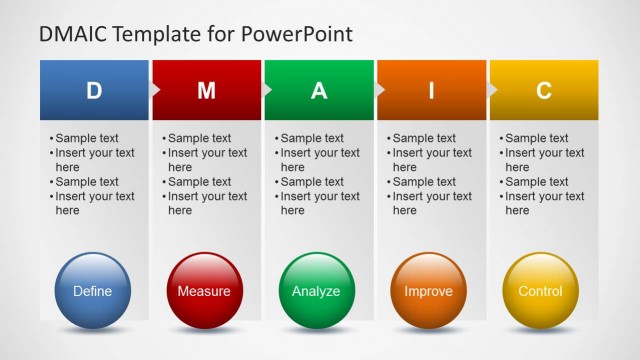
The layout features five circular nodes arranged horizontally, each representing a DMAIC step: Define, Measure, Analyze, Improve, and Control. Each node is a different color, with the text placeholders centered within them. The nodes are visually distinct, with the Define node being blue, Measure red, Analyze green, Improve orange, and Control yellow. Text placeholders are positioned beneath each node, allowing for additional information. The background is light, enhancing the visibility of the colored nodes. The overall composition is balanced and straightforward.
How to Use It
This layout serves as a sequential representation of the DMAIC process, ideal for presentations focused on process improvement methodologies. It fits well after an introductory slide, providing clarity on each phase. This structure is useful for training sessions, workshops, or project updates where the DMAIC framework is discussed. It can effectively communicate the steps involved in Lean Six Sigma projects, making it suitable for consultants and team leaders in operational excellence.
Text Placeholders & Capacity
Keep your copy within these limits so it fits without resizing. Node labels can hold up to 30 characters each, while body text can accommodate 50 characters.
| Placeholder | Count | Max characters (approx.) |
|---|---|---|
| Item heading | 5 | 30 |
| Item body | 5 | 50 |
Slide Keywords
Download unlimited PowerPoint templates, charts and graphics for your presentations with our annual plan.
DOWNLOADReturn to DMAIC Template for PowerPoint.