The DIKW Model PowerPoint Template is a pyramid style knowledge and information concept presentation. The DIKW pyramid is a hierarchical format of Data, Information, Knowledge, and Wisdom. This model explains a functional structure between these four components of hierarchy. There are three separate DIKW model designs in PowerPoint. These designs help to deliver theoretical model through three different approaches. The DIKW model PowerPoint has a blue and white color theme which portrays a professional outlook. Typically, a graphic presentation makes it easier to explain such concepts. Therefore, the DIKW model can assist in explaining knowledge management and a shift from data to information, knowledge, and wisdom. The organizations use this methodology to analyze skills and needs of their stakeholders. But teachers can also use DIKW model to explain its hierarchy pyramid in several academic contexts.
The information management DIKW model is a simple 4 slides template with easy to edit PowerPoint shapes. This model can represent data, information, knowledge, and wisdom as facts, figures, and symbols. Therefore, users can add clipart icons to represent the hierarchical levels of a diagram. Or, change the color of each level to make it more graphically appealing. This template also provides text placeholders on each slide to add useful notes.
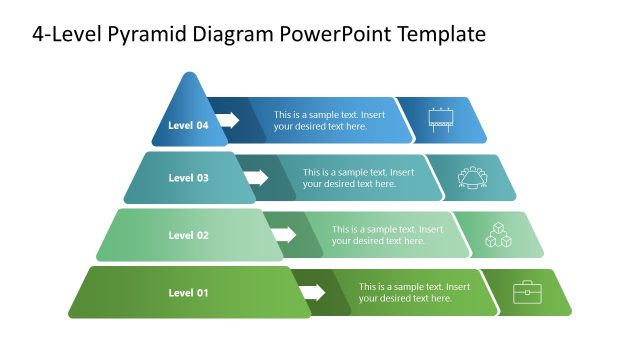
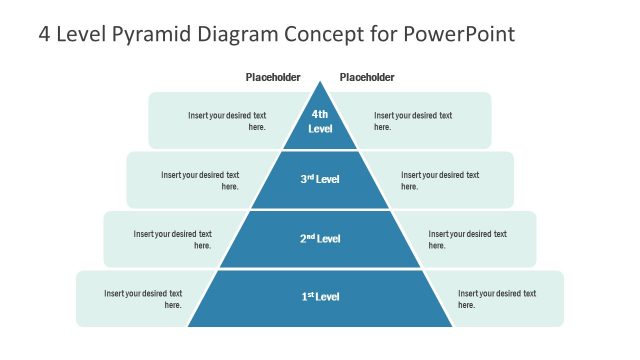
The slides of DIKW Model PowerPoint Template are decision making concept designs. For example, the first slide shows a classification of pyramid components as past and future. It defines the context and understanding of all four DIKW model components. Like data is about gathering parts while information is for connecting those parts. Second slide: A graph chart to define human understanding vs. structure which connects DIKW model flow. Third slide: data value extraction in a logical sequence of steps. Whereas, the last slide contains 4 steps pyramid diagram which could be utilized for any other DIKW model approach.
What’s inside this template
Example presentation scenarios
- A data strategy leader can use the DIKW pyramid to explain how raw records are converted into insight for executive decision-making.
- An educator can teach information hierarchy by moving from the axis diagram to the why-how-what pyramid, helping students compare structure, understanding, and meaning.
- A knowledge management consultant can use the four-level editable pyramid to map a client's current practices against Data, Information, Knowledge, and Wisdom stages.
- A business analyst can present a data literacy briefing with the labeled pyramid and side process arrows to show how gathering, connecting, and reflecting change information value.
Features
- 100% editable presentation template
- Compatible with Microsoft PowerPoint and Google Slides
- 16:9 aspect ratio slides
- Scalable vector shapes, icons and illustrations
- AI-Ready for Microsoft Copilot and Claude
- Instant access and download
Frequently asked questions
Q: How should a presenter explain the DIKW progression with this template?
A: Start with the full pyramid so the audience sees the four levels as one hierarchy. Then use the axis diagram to explain how understanding and connectedness increase. Close with the why-how-what pyramid or the generic four-level slide to connect the model to a practical process, decision, or training topic.
Q: Who is this template best suited for?
A: This template fits presenters who need to teach or clarify how information gains meaning. Knowledge managers, business analysts, consultants, and educators can use it when the audience must understand the relationship between data collection, contextual information, pattern recognition, and judgment before making better decisions.
Q: Why do the pyramid and diagonal flow layouts work for the DIKW model?
A: The pyramid visual metaphor shows that wisdom sits on top of broader lower layers, making dependency clear. The diagonal flow diagram adds movement, showing development from low structure and low understanding toward higher connectedness. Together, the layouts make an abstract management model easier to follow.


DIKW Model PowerPoint Template
4-slide DIKW presentation template with pyramid hierarchy and knowledge management model diagrams
The DIKW Model PowerPoint Template is a 4-slide 16:9 deck for explaining the Data, Information, Knowledge, and Wisdom hierarchy. It includes a labeled DIKW pyramid, a human understanding versus structure axis diagram, a why-how-what pyramid, and a generic four-level pyramid for PowerPoint and Google Slides.
- Category
- Models
- Rating


 Loading...
- Aspect ratio
- 16:9
- Item ID
- 7909-01
- Colors
 Microsoft PowerPoint
 Microsoft Copilot
 Claude for PowerPoint
Other formats supported
Subscribe today and get immediate
access to download our PowerPoint templates.