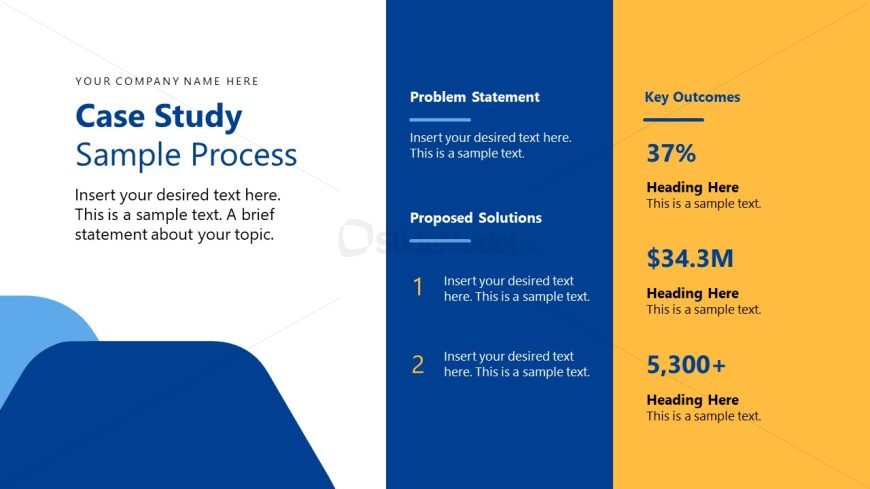
Slide 10 of 13 from Digital Transformation Business Process Management PowerPoint Template
Customizable Digital Transformation Business Process Management PPT Template
Case Study Sample Process Slide
- Text Layout
- Other
- Case Study Slide
- 16:9
- 100% Editable
The Case Study Sample Process slide from the Digital Transformation Business Process Management PowerPoint Template offers a clear two-column layout ideal for presenting challenges, solutions, and outcomes. Designed for business presentations, this slide template supports strategic reviews and project updates by organizing content into problem statements and key results, making it a practical choice within editable slides for corporate presentation needs.
What’s on This Slide
The layout features a two-column design with a white left side and a blue right side. The left column includes a title at the top, followed by a subtitle and a brief text placeholder for a topic description. The right column contains three sections: a problem statement, proposed solutions with numbered items, and key outcomes. Each section has a heading and a text placeholder for content. The overall composition is structured with a blue background on the right and a gradient shape at the bottom left, creating a visual separation between the two columns.
How to Use It
This layout serves to present a case study, detailing a problem and proposed solutions while highlighting key outcomes. It fits well after a problem-framing slide and before a solution roadmap. This structure is useful in business contexts where a clear presentation of challenges and results is needed, such as project updates, strategic reviews, or performance evaluations. It can be used individually to summarize findings or proposals succinctly.
Text Placeholders & Capacity
Keep your copy within these limits so it fits without resizing. Body slots can hold approximately 20-30 words each.
| Placeholder | Count | Max characters (approx.) |
|---|---|---|
| Slide title | 1 | 30 |
| Subtitle | 1 | 80 |
| Body paragraph | 1 | 150 |
| Item heading | 2 | 20 |
| Item body | 2 | 100 |
| Callout | 3 | 20 |
Slide Keywords
Download unlimited PowerPoint templates, charts and graphics for your presentations with our annual plan.
DOWNLOADReturn to Digital Transformation Business Process Management PowerPoint Template.