Slide 6 of 6 from Diagonal Quadrants PowerPoint Template
Diagonal Quadrants Template PPT Slide
Diagonal Quadrants Infographic Template
- Diagram
- Matrix Quadrant
- Comparison Slide
- 16:9
- 100% Editable
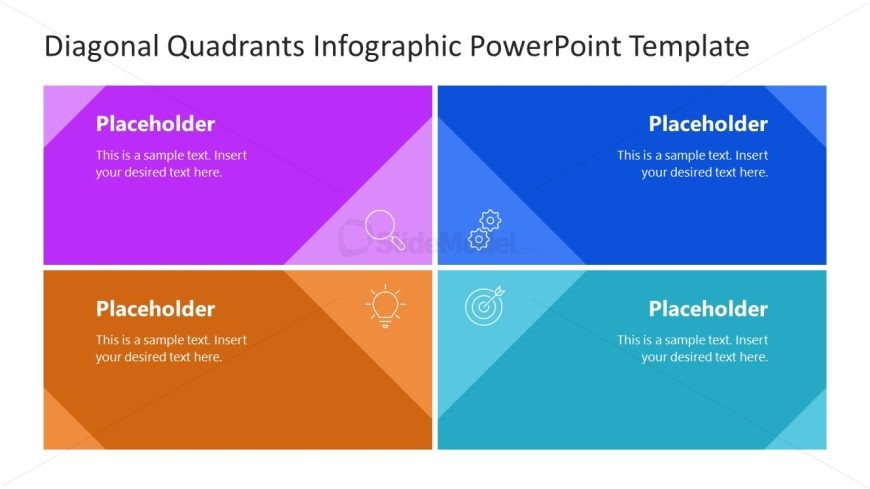
The Diagonal Quadrants Layout from the Diagonal Quadrants PowerPoint Template offers a structured matrix design ideal for feature comparison and strategic planning. This slide template uses four distinct colored quadrants with centered text placeholders and thematic icons, enhancing clarity in business presentations and pitch decks. Its balanced composition supports effective communication of categorized concepts, making it a practical choice among editable slides and Google Slides templates for corporate presentations.
What’s on This Slide
The layout consists of four diagonal quadrants arranged in a 2x2 grid. Each quadrant features a distinct background color: purple, blue, orange, and teal. In each quadrant, there are text placeholders positioned in the center, with a title placeholder at the top. Icons are present in the upper corners of the quadrants, corresponding to their respective themes. The visual hierarchy emphasizes the quadrants through contrasting colors and clear separation. The overall composition is balanced, with equal spacing between quadrants, creating a cohesive look.
How to Use It
This layout serves as a comparison matrix, ideal for presenting four related concepts or categories. It fits well in a presentation sequence after introducing a topic or problem, allowing for detailed exploration of solutions or strategies. Real-world applications include SWOT analysis, product feature comparisons, or strategic planning sessions. The quadrant format facilitates clear communication of distinct ideas while maintaining visual engagement, making it suitable for business presentations and educational contexts.
Text Placeholders & Capacity
Keep your copy within these limits so it fits without resizing. Node body slots can hold about 15-20 words each.
| Placeholder | Count | Max characters (approx.) |
|---|---|---|
| Slide title | 1 | 50 |
| Item heading | 4 | 30 |
| Item body | 4 | 100 |
Slide Keywords
Download unlimited PowerPoint templates, charts and graphics for your presentations with our annual plan.
DOWNLOADReturn to Diagonal Quadrants PowerPoint Template.