Slide 2 of 2 from Design Thinking SWOT Template for PowerPoint
Editable Design Thinking SWOT PPT Template
Design Thinking SWOT Analysis Slide
- Diagram
- Matrix Quadrant
- Strategic Analysis Slide
- 16:9
- 100% Editable
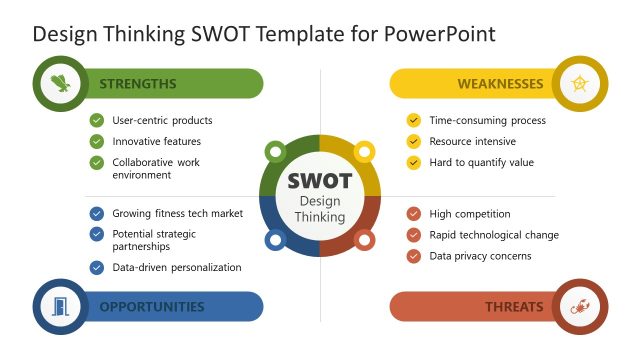
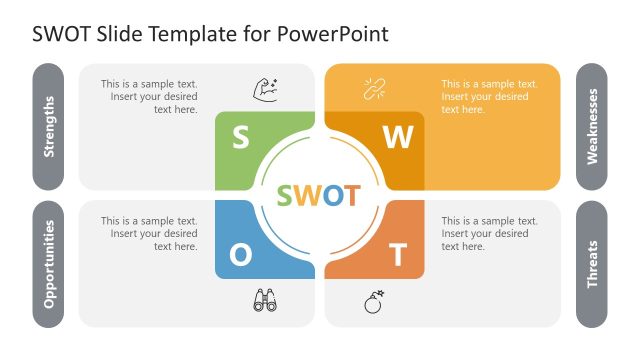
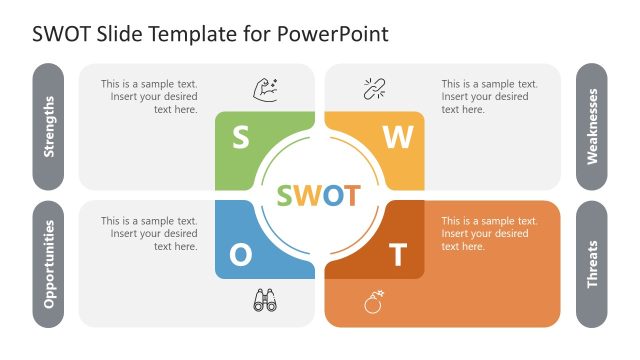
The SWOT Analysis Diagram slide from the Design Thinking SWOT Template for PowerPoint offers a clear, visually structured matrix quadrant layout ideal for strategic planning sessions and market analysis discussions. This slide uses editable shapes and vector icons to highlight strengths, weaknesses, opportunities, and threats, making it a practical addition to any business presentation or project management review using PowerPoint templates.
What’s on This Slide
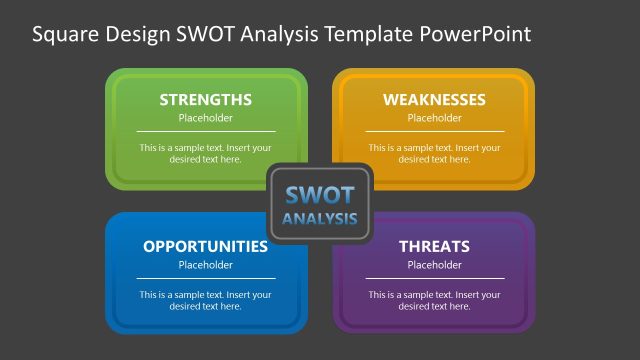
The layout features a central circular node labeled 'SWOT' with 'Design Thinking' inside. Four quadrants are arranged around this node, each labeled: 'STRENGTHS' (top left), 'WEAKNESSES' (top right), 'OPPORTUNITIES' (bottom left), and 'THREATS' (bottom right). Each quadrant contains bullet points aligned to the left, with checkmark icons preceding the text. The background is dark, enhancing the color contrast of the quadrants, which use distinct colors: green, yellow, blue, and red. Text placeholders exist for titles and bullet points, maintaining a clear visual hierarchy.
How to Use It
This layout serves as a SWOT analysis framework, ideal for summarizing strengths, weaknesses, opportunities, and threats in a strategic context. It fits well in presentations discussing project management or strategic planning. This slide can be used in business meetings to facilitate discussions about product development, market analysis, or competitive positioning. It effectively organizes information visually, making it easy for audiences to grasp key points quickly.
Text Placeholders & Capacity
Keep your copy within these limits so it fits without resizing. Node body slots can accommodate roughly 10-12 words each.
| Placeholder | Count | Max characters (approx.) |
|---|---|---|
| Slide title | 1 | 40 |
| Item heading | 4 | 20 |
| Item body | 12 | 50 |
Slide Keywords
Download unlimited PowerPoint templates, charts and graphics for your presentations with our annual plan.
DOWNLOADReturn to Design Thinking SWOT Template for PowerPoint.