Slide 6 of 8 from Design Thinking Models PowerPoint Template
Prototype Circle Infographic Slide PowerPoint
Prototype Circle Diagram for Design Thinking
- Diagram
- Circular Cycle
- Process Slide
- 16:9
- 100% Editable
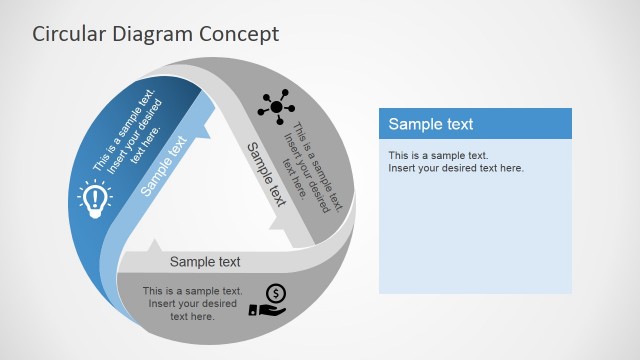
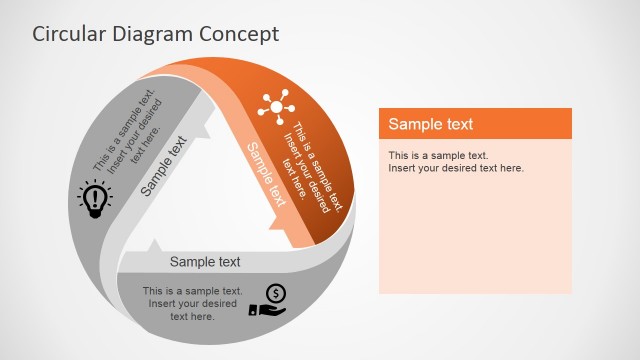
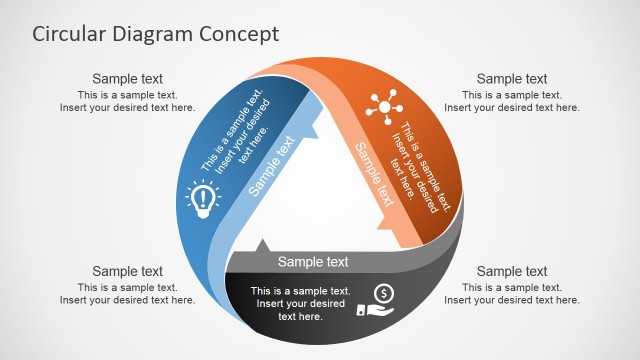
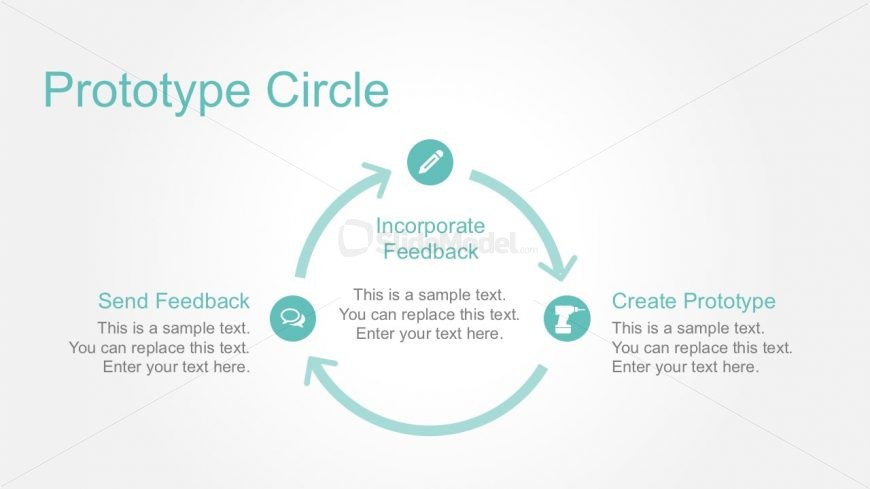
The Prototype Circle Diagram slide from the Design Thinking Models PowerPoint Template visually represents iterative processes through a circular flow of feedback and prototyping steps. Ideal for business presentations, this slide template uses editable shapes and vector icons to clearly illustrate continuous feedback loops, supporting discussions on design thinking and product development within a corporate presentation or pitch deck template.
What’s on This Slide
The slide features a circular diagram with three nodes positioned in a clockwise flow. The nodes are labeled 'Send Feedback', 'Incorporate Feedback', and 'Create Prototype', each accompanied by corresponding icons: a speech bubble, a pencil, and a drill. Text placeholders are located beneath each node, aligned centrally, allowing for additional descriptions. The background is a light gradient, enhancing the visibility of the teal-colored elements. The overall structure emphasizes a continuous feedback loop, with arrows connecting the nodes to indicate the flow of the process.
How to Use It
This layout serves as a process flow diagram, illustrating the iterative steps in the prototyping phase of design thinking. It fits well in a presentation sequence that discusses design methodologies or innovation processes. This structure is suitable for business scenarios where teams need to visualize feedback loops in product development or service design. It can be used to guide discussions on refining prototypes based on user input and testing outcomes.
Text Placeholders & Capacity
Keep your copy within these limits so it fits without resizing. Node body slots can accommodate roughly 15-20 words each.
| Placeholder | Count | Max characters (approx.) |
|---|---|---|
| Item heading | 3 | 30 |
| Item body | 3 | 100 |
Slide Keywords
Download unlimited PowerPoint templates, charts and graphics for your presentations with our annual plan.
DOWNLOADReturn to Design Thinking Models PowerPoint Template.