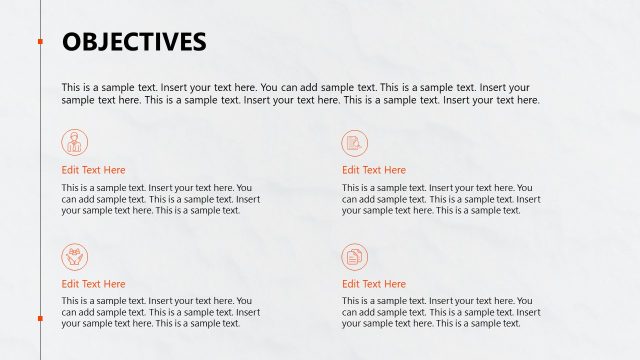
Slide 3 of 8 from Design Thinking Models PowerPoint Template
Flat Design Thinking Model PowerPoint Slides
Focus Section Slide for Design Thinking
- Text Layout
- Single Statement
- Context Slide
- 16:9
- 100% Editable
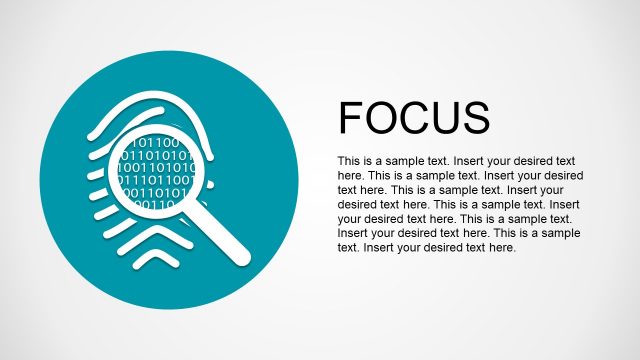
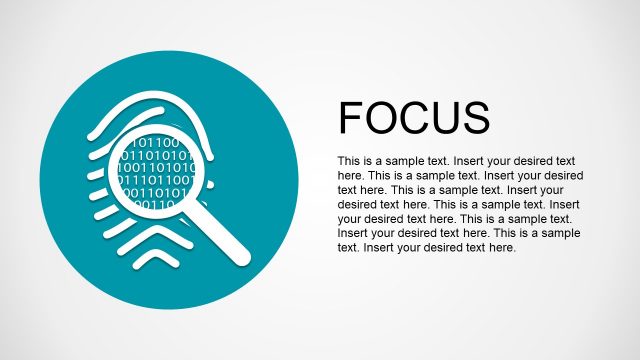
The Focus Section with Icons slide from the Design Thinking Models PowerPoint Template provides a clear layout for introducing key concepts or section transitions. This slide template combines editable shapes and vector icons to emphasize focus areas effectively, making it suitable for business presentations and strategic planning slide decks.
What’s on This Slide
The layout features a large title at the top center labeled 'Focus'. Below, an icon labeled 'Observe' is positioned on the left, accompanied by a circular shape. The main text area is located on the right, containing three text placeholders stacked vertically. Each placeholder has a consistent alignment, allowing for a clear visual hierarchy. The background is light with a subtle gradient, enhancing readability. The overall composition is balanced, with the icon and text placeholders grouped effectively to convey the theme of focus in design thinking.
How to Use It
This layout serves as a section header within a presentation, ideal for introducing a specific focus area in design thinking. It fits well after a problem-framing slide and before discussing solutions or strategies. This format is suitable for business scenarios where clarity and emphasis on key concepts are essential, such as workshops, training sessions, or strategic planning meetings. It allows for concise communication of ideas, making it useful for summarizing critical points in a structured manner.
Text Placeholders & Capacity
Keep your copy within these limits so it fits without resizing. Body text slots can hold roughly 25-30 words each.
| Placeholder | Count | Max characters (approx.) |
|---|---|---|
| Slide title | 1 | 30 |
| Item heading | 1 | 20 |
| Item body | 3 | 150 |
Slide Keywords
Download unlimited PowerPoint templates, charts and graphics for your presentations with our annual plan.
DOWNLOADReturn to Design Thinking Models PowerPoint Template.