Slide 6 of 17 from Cybersecurity Assessment PowerPoint Template
Vulnerability Assessment Results Presentation Slide with Table
Vulnerability Assessment Results Slide
- Table
- Data Table
- Evaluation Slide
- 16:9
- 100% Editable
The Vulnerability Assessment Results slide from the Cybersecurity Assessment PowerPoint Template presents a structured table layout ideal for summarizing cybersecurity risks. This slide template supports clear communication of vulnerabilities, severity levels, and impact indicators, making it a practical choice for business presentations and risk evaluations. Its editable shapes and organized format facilitate efficient data entry and comparison within corporate presentations or pitch deck templates focused on cybersecurity assessments.
What’s on This Slide
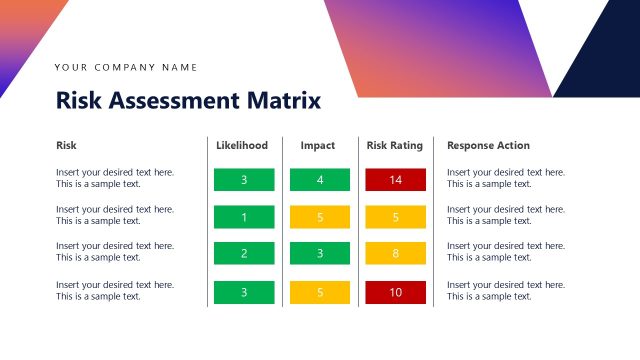
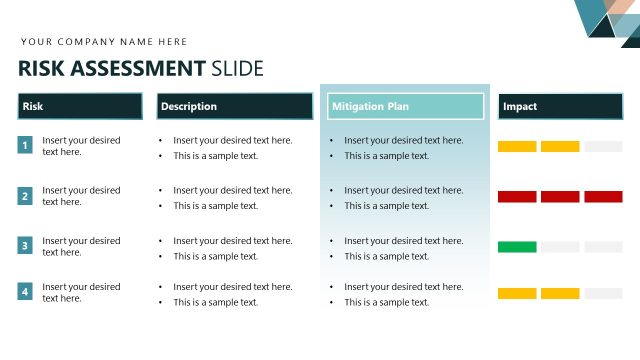
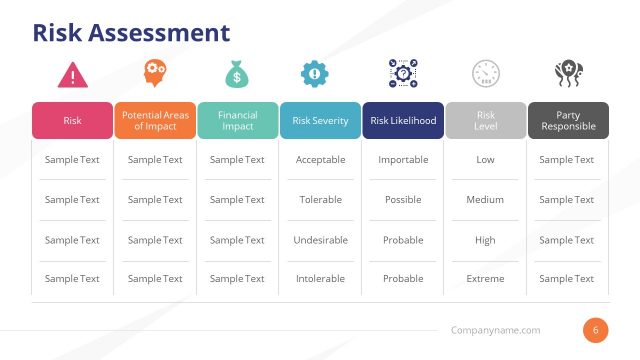
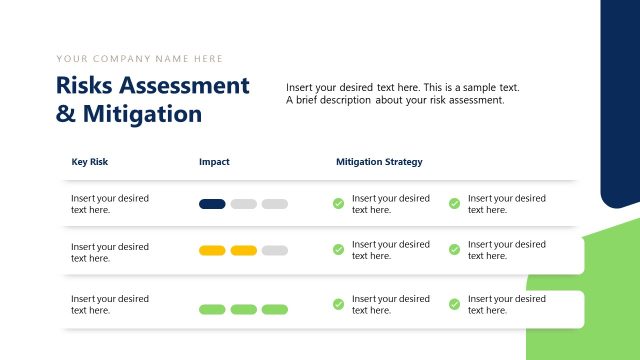
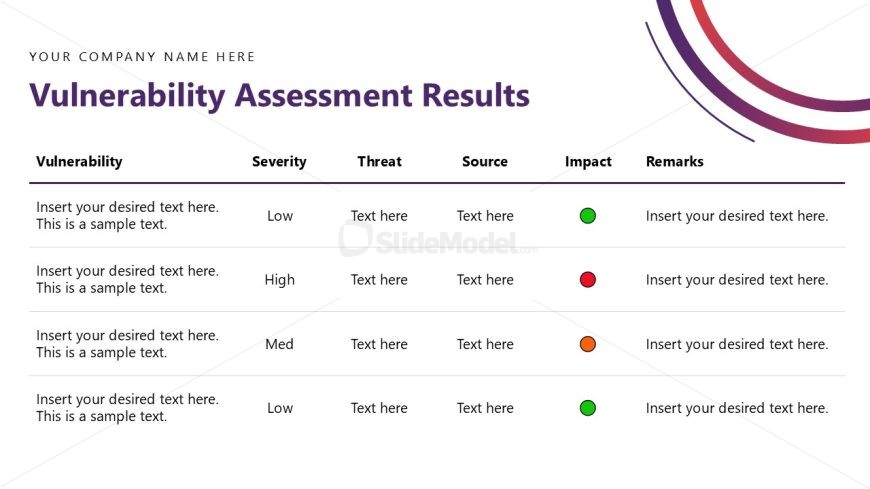
The layout features a table divided into five columns: Vulnerability, Severity, Threat, Source, Impact, and Remarks. Each row contains placeholders for text, with the first column dedicated to vulnerabilities. The second column lists severity levels, including Low, High, and Medium. The Impact column includes colored circles: green, red, and orange, indicating different statuses. The table has a clear structure, with horizontal lines separating rows and a header row that stands out. The overall composition is organized and straightforward, allowing for easy data entry.
How to Use It
This layout serves as a data presentation tool for vulnerability assessment results. It fits within a cybersecurity presentation, typically following an analysis of threats and risks. The table format is useful for businesses needing to summarize vulnerabilities, their severity, and potential impacts. It can be applied in reports, assessments, or audits where clear communication of cybersecurity risks is essential. This structure allows for quick reference and comparison of multiple vulnerabilities.
Text Placeholders & Capacity
Keep your copy within these limits so it fits without resizing. Body slots can accommodate roughly 10-15 words each.
| Placeholder | Count | Max characters (approx.) |
|---|---|---|
| Item heading | 5 | 30 |
| Item body | 4 | 50 |
| Item body | 4 | 50 |
| Item body | 4 | 50 |
| Item body | 4 | 50 |
Slide Keywords
Download unlimited PowerPoint templates, charts and graphics for your presentations with our annual plan.
DOWNLOADReturn to Cybersecurity Assessment PowerPoint Template.