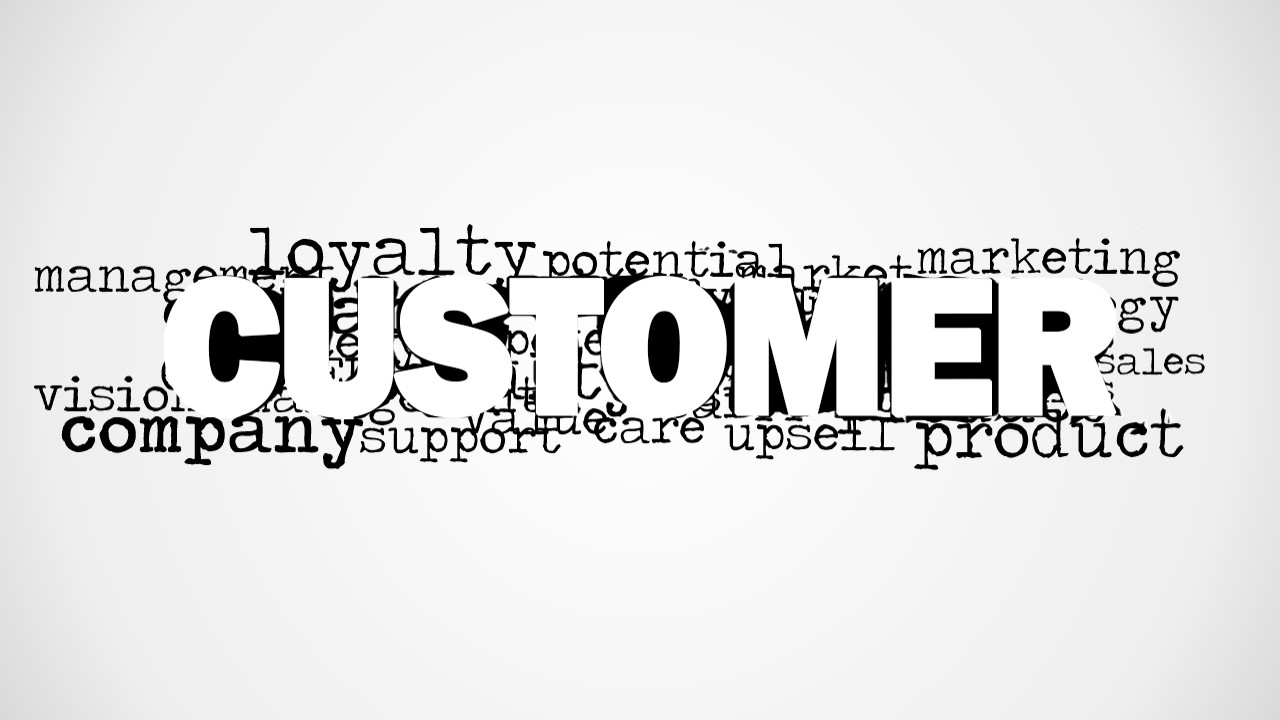
Customer Word Cloud Picture for PowerPoint is a presentation design that you can use to decorate your slides on CRM and Customer Development. You can use this customer picture for PowerPoint with a creative tag cloud illustration to make presentations on Customer Relationship Management and strategies to retain customers and build a loyal customers. It contains a big prominent word Customer with secondary words behind like loyalty, company, product, marketing, potential, vision, strategy, management and more.
What’s inside this template
Example presentation scenarios
- A CRM consultant can use the central CUSTOMER word cloud to open a workshop and frame the discussion around loyalty, support, product, marketing, and sales.
- A marketing manager can place the white-background word cloud before a customer segmentation section to connect campaign planning with customer value themes.
- A sales leader can use the gray-gradient word cloud as a section divider before discussing retention, upsell, or customer development priorities.
- A customer success manager can use the typography picture to introduce a service improvement update and anchor the message around support, company, product, and vision.
Features
- 100% editable presentation template
- Compatible with Microsoft PowerPoint and Google Slides
- 16:9 aspect ratio slides
- Scalable vector shapes, icons and illustrations
- AI-Ready for Microsoft Copilot and Claude
- Instant access and download
Frequently asked questions
Q: How should a presenter use this word cloud without making it feel like decoration?
A: Use the large CUSTOMER word as the message anchor, then point to three or four surrounding terms that matter most for the talk, such as loyalty, support, product, and marketing. Avoid reading every word. Treat the slide as a framing device that tells the audience which customer dimensions will guide the next section.
Q: Who is this template best suited for?
A: This template fits presenters who need a fast conceptual opener for CRM, customer development, sales enablement, or customer success conversations. It is strongest when the goal is to align stakeholders around customer-centric language before moving into strategy, research findings, service priorities, or retention plans.
Q: Why does the central CUSTOMER typography improve the message?
A: The visual hierarchy makes CUSTOMER the unavoidable focal point, while the surrounding words create a cloud of related business drivers. That metaphor works well for customer strategy because it shows the customer as the center of many connected functions, including sales, support, marketing, company vision, and product.



Customer Word Cloud Picture for PowerPoint
2-slide presentation template with customer word cloud picture for CRM, loyalty, and marketing themes
Customer Word Cloud Picture for PowerPoint is a 2-slide presentation template for CRM, customer development, sales, and support messaging. It shows a large central CUSTOMER typography treatment surrounded by related word cloud terms, with both gray gradient and white background variants for Microsoft PowerPoint and Google Slides.
- Category
- Pictures
- Rating


 Loading...
- Aspect ratio
- 16:9
- Item ID
- 8176-01
- Colors
 Microsoft PowerPoint
  Microsoft Copilot
  Claude for PowerPoint
 Other formats supported
Subscribe today and get immediate
access to download our PowerPoint templates.