Slide 5 of 8 from Customer Onboarding PowerPoint Template
Kye Features Presentation Slide for Customer Onboarding Template
Key Features Overview Slide for Customer Onboarding
- Text Layout
- List Blocks
- Product Overview Slide
- 16:9
- 100% Editable
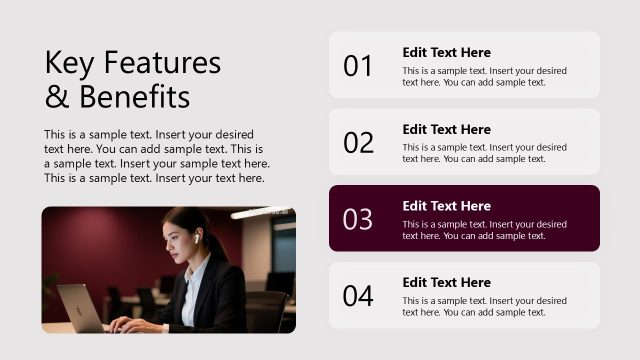
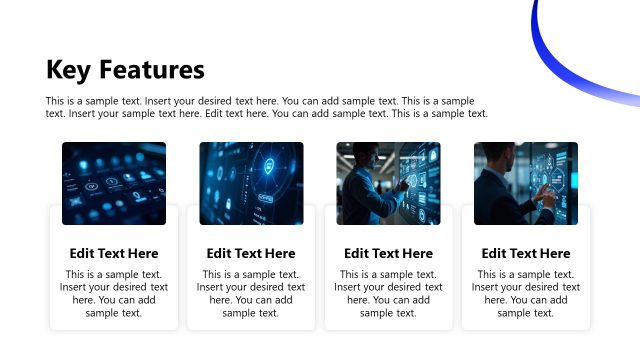
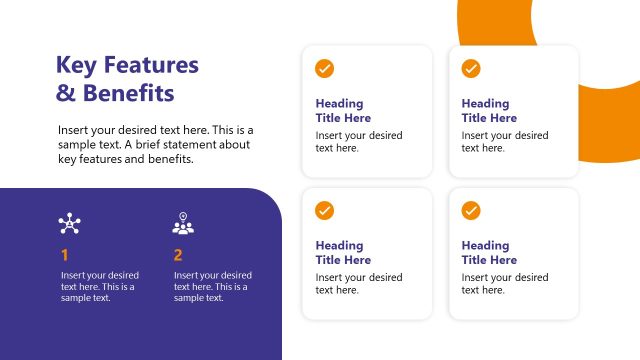
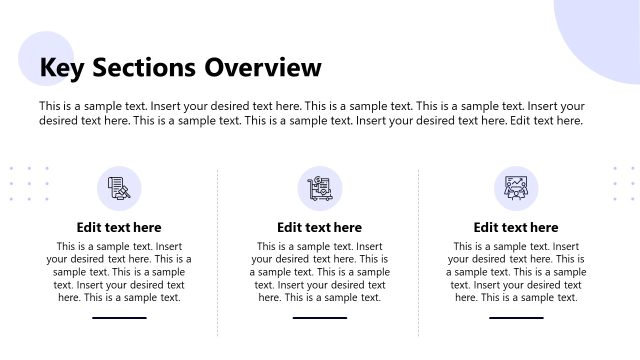
The Key Features Overview slide from the Customer Onboarding PowerPoint Template offers a clear layout for presenting essential product functionalities. Designed for business presentations, this slide template includes editable shapes and vector icons arranged to highlight key points effectively, making it suitable for customer onboarding sessions and stakeholder briefings.
What’s on This Slide
The slide features a left-aligned title at the top, stating 'Key Features Overview.' Below the title, there is a body text placeholder for a brief description. On the right side, four circular icons are arranged vertically, each with a corresponding text placeholder. The icons are evenly sized and colored in a purple background, with white text boxes for the descriptions. The overall layout is clean, with a clear visual hierarchy that emphasizes the title and icons. The background is light, enhancing readability.
How to Use It
This layout serves as an overview of key features, suitable for highlighting product functionalities. It fits well in a presentation sequence after introducing the product or service, providing a concise summary of essential aspects. This structure is useful in business contexts where features need to be communicated clearly, such as in onboarding sessions or product demonstrations. It can effectively summarize benefits for potential customers or stakeholders.
Text Placeholders & Capacity
Keep your copy within these limits so it fits without resizing. Body slots can hold around 30-40 words each.
| Placeholder | Count | Max characters (approx.) |
|---|---|---|
| Slide title | 1 | 30 |
| Body paragraph | 1 | 200 |
| Item heading | 4 | 30 |
| Item body | 4 | 100 |
Slide Keywords
Download unlimited PowerPoint templates, charts and graphics for your presentations with our annual plan.
DOWNLOADReturn to Customer Onboarding PowerPoint Template.