Slide 8 of 8 from Customer Onboarding PowerPoint Template
Contact Information Presentation Slide
Contact Information Slide for Customer Onboarding
- Text Layout
- Definition Block
- Contact Slide
- 16:9
- 100% Editable
What’s on This Slide
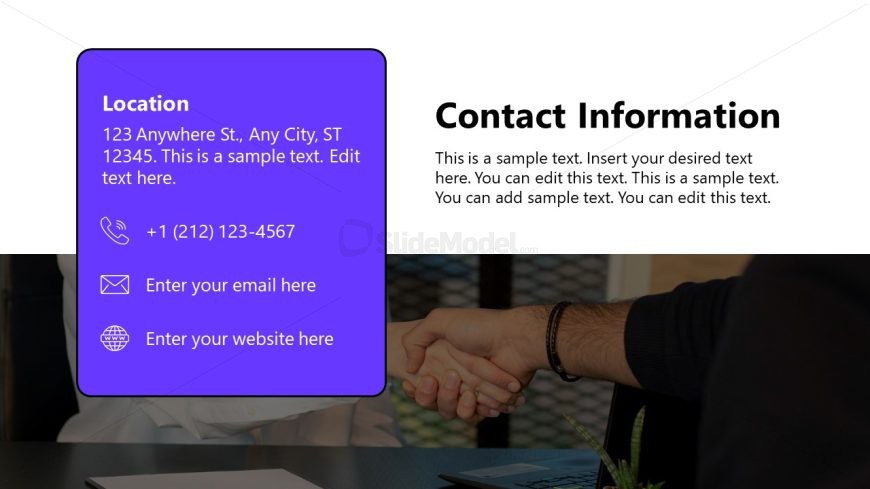
The layout features two main sections. On the left, a purple rectangular box contains contact details, including an address, phone number, email, and website placeholders. The text is aligned left within the box. On the right, a larger section includes a title labeled 'Contact Information' and a body of sample text. The background is predominantly white with a subtle image of a handshake. The overall composition emphasizes the contact details while maintaining a clear hierarchy between sections. Text placeholders are present for customization.
How to Use It
This layout serves as a contact information slide, suitable for concluding a presentation. It effectively summarizes essential contact details for customer follow-up. In a business context, it can be used in onboarding sessions, client meetings, or after-sales support discussions. The layout fits well at the end of a presentation, reinforcing how clients can reach out for further assistance or inquiries. This slide can be adapted for various industries needing to provide contact information.
Text Placeholders & Capacity
Keep your copy within these limits so it fits without resizing. Body slots can accommodate roughly 15-20 words each.
| Placeholder | Count | Max characters (approx.) |
|---|---|---|
| Slide title | 1 | 30 |
| Body paragraph | 3 | 100 |
| Item heading | 1 | 20 |
Slide Keywords
Download unlimited PowerPoint templates, charts and graphics for your presentations with our annual plan.
DOWNLOADReturn to Customer Onboarding PowerPoint Template.