Slide 2 of 5 from Customer Experience Diagram PowerPoint Template
Editable Customer Experience PowerPoint
Customer Experience Journey Diagram for PowerPoint
- Diagram
- Process Flow
- Process Slide
- 16:9
- 100% Editable
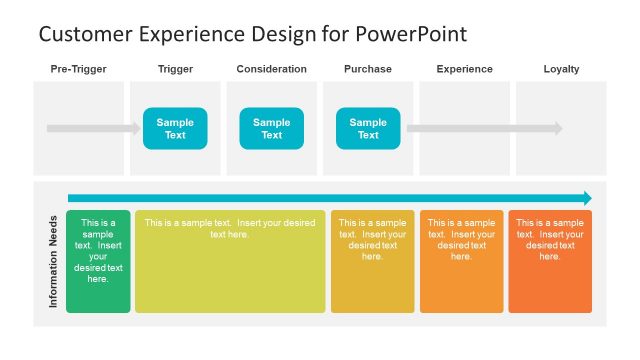
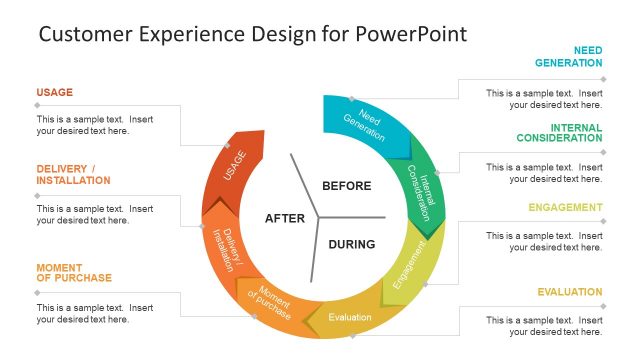
The Customer Experience Journey Diagram slide from the Customer Experience Diagram PowerPoint Template offers a clear process flow layout ideal for mapping customer journeys and optimizing engagement strategies. This slide template features editable shapes and vector icons arranged in a curved path, supporting business presentations focused on persona analysis and marketing plans. It integrates seamlessly into slide decks aiming to enhance customer experience through structured visualization of key stages and goal setting.
What’s on This Slide
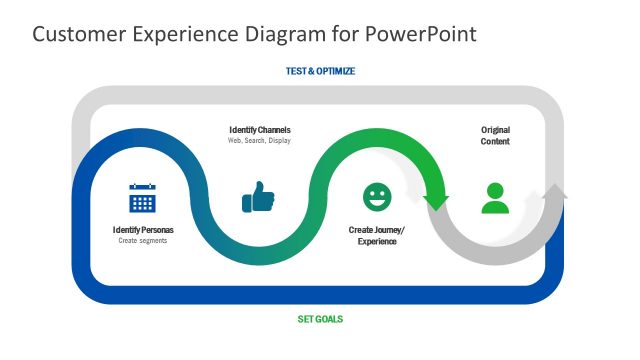
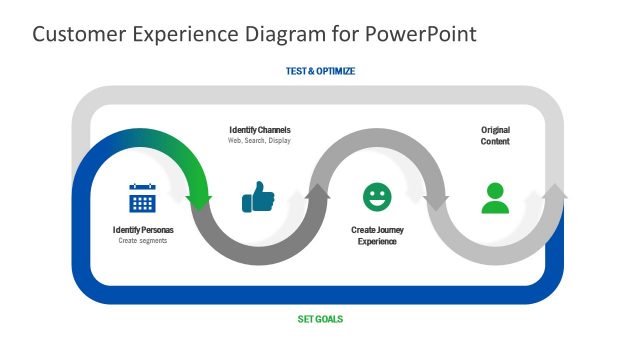
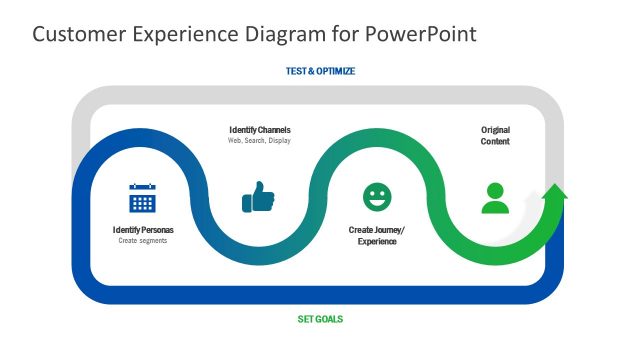
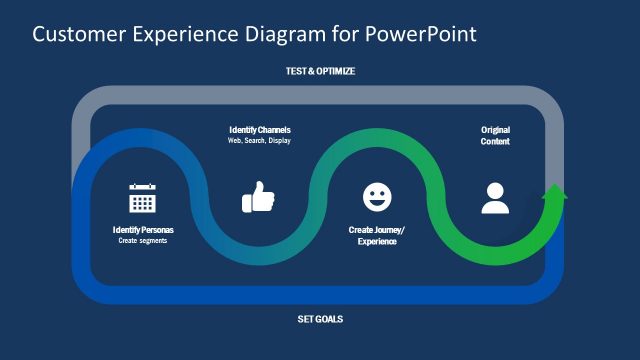
The slide features a curved diagram with a flowing path from left to right. It includes four labeled nodes: 'Identify Personas,' 'Identify Channels,' 'Create Journey/Experience,' and 'Original Content.' Each node is represented by a circular shape, with the first three in green and blue, and the last in gray. Text placeholders are positioned above each node, aligned centrally. The background is white, with a blue border at the bottom containing the label 'SET GOALS.' The visual hierarchy emphasizes the flow of the customer experience process.
How to Use It
This layout serves as a process flow diagram, illustrating the stages of the customer experience journey. It fits well in a presentation discussing customer engagement strategies or marketing plans. The layout is suitable for business scenarios like customer journey mapping, persona analysis, or optimizing customer satisfaction. It can be used to visually communicate the steps involved in enhancing customer experience and setting goals for improvement.
Text Placeholders & Capacity
Keep your copy within these limits so it fits without resizing. Node labels can hold about 30 characters each.
| Placeholder | Count | Max characters (approx.) |
|---|---|---|
| Item heading | 4 | 30 |
| Callout | 1 | 20 |
Slide Keywords
Download unlimited PowerPoint templates, charts and graphics for your presentations with our annual plan.
DOWNLOAD