Slide 1 of 5 from Customer Experience Diagram PowerPoint Template
Customer Experience Diagram PowerPoint
Customer Experience Diagram for PowerPoint
- Diagram
- Process Flow
- Process Slide
- 16:9
- 100% Editable
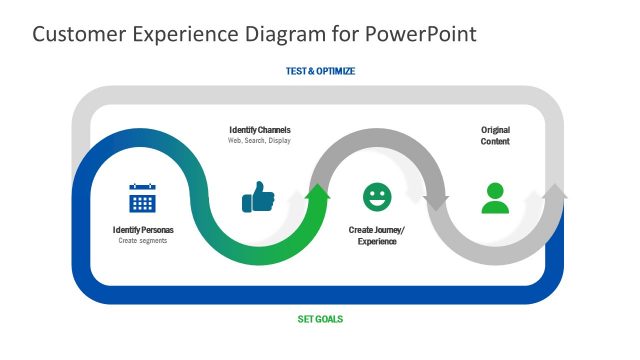
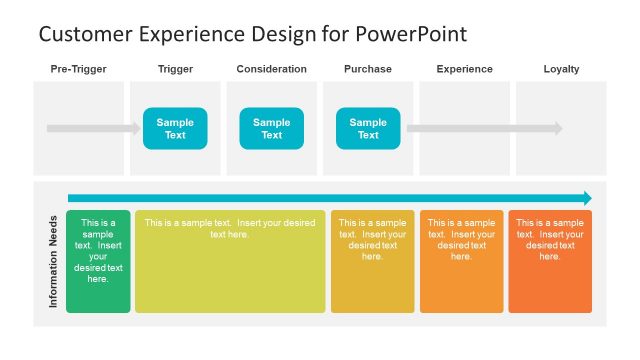
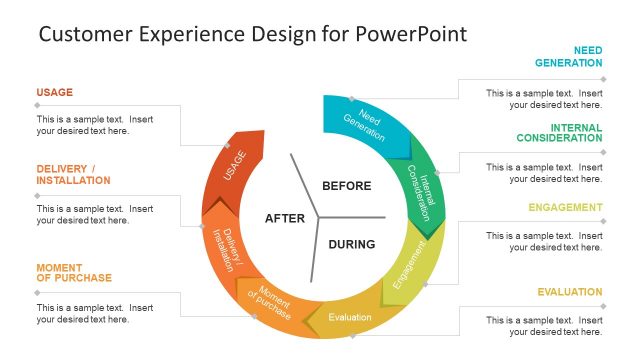
The Customer Experience Diagram slide from the Customer Experience Diagram PowerPoint Template visually maps the customer journey using editable shapes and vector icons. This slide layout is ideal for business presentations or marketing strategy sessions that require clear visualization of process flows in customer engagement. It supports effective communication in corporate presentations and pitch deck templates by illustrating key steps such as identifying personas and setting goals.
What’s on This Slide
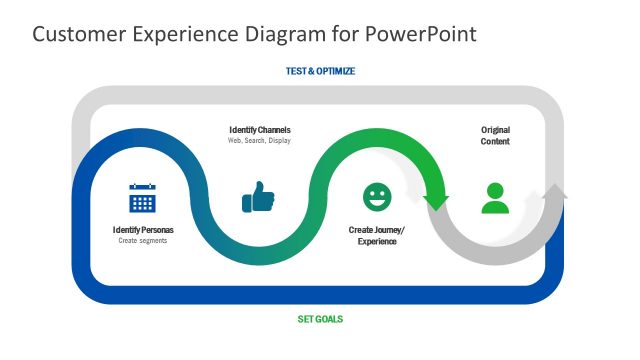
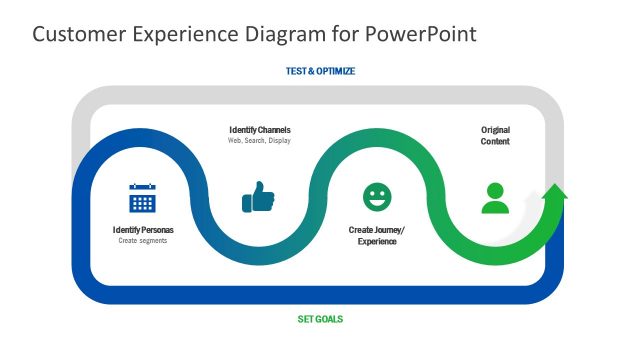
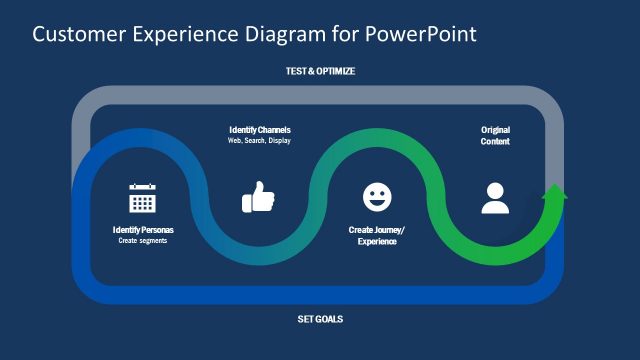
The layout features a curved pathway divided into segments, with a top section labeled 'TEST & OPTIMIZE.' Each segment contains icons and text, arranged in a flowing manner. The first segment on the left includes an icon of a calendar with the label 'Identify Personas.' The second segment features a thumbs-up icon labeled 'Identify Channels.' The third segment has a smiley face icon with the label 'Create Journey Experience.' The final segment on the right includes a person icon labeled 'Original Content.' A blue band at the bottom states 'SET GOALS.'
How to Use It
This layout serves as a process flow diagram, illustrating the customer experience journey. It is suitable for presentations focusing on customer engagement strategies, marketing plans, or user experience design. It fits well at the beginning of a presentation to outline key steps in optimizing customer interactions. This structure can be used in workshops or strategy sessions to visualize the customer journey effectively.
Text Placeholders & Capacity
Keep your copy within these limits so it fits without resizing. Node labels can hold about 25 characters each.
| Placeholder | Count | Max characters (approx.) |
|---|---|---|
| Slide title | 1 | 30 |
| Item heading | 4 | 25 |
| Item body | 4 | 30 |
| Footer | 1 | 20 |
Slide Keywords
Download unlimited PowerPoint templates, charts and graphics for your presentations with our annual plan.
DOWNLOAD