Slide 6 of 7 from Critical Incident Method PowerPoint Template
Evaluate Solutions Slide for Presentation
Evaluate Solution Slide in Critical Incident Method
- Diagram
- Arrow Sequence
- Process Slide
- 16:9
- 100% Editable
What’s on This Slide
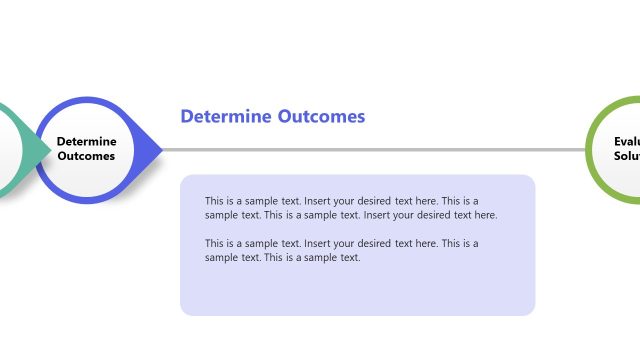
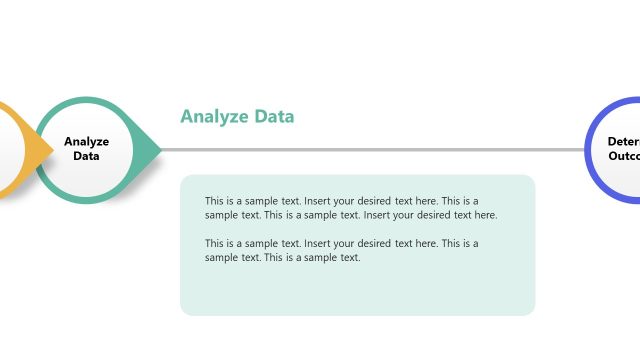
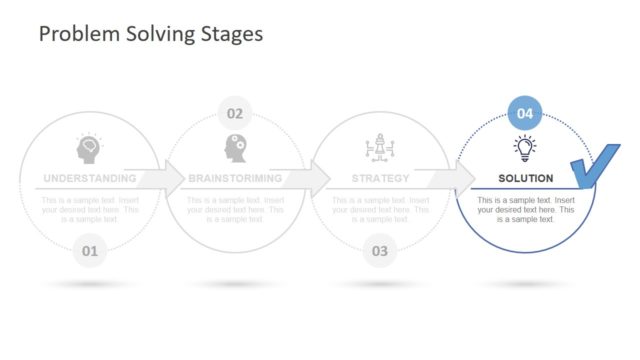
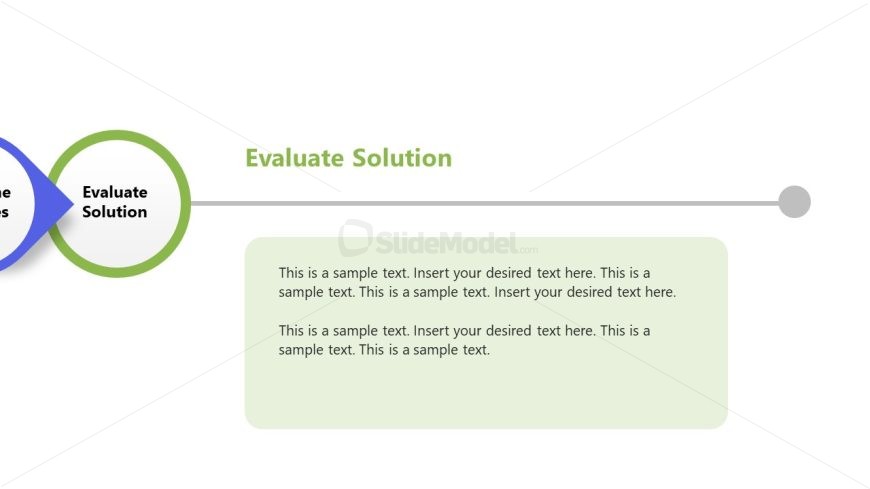
The layout features a central circular node labeled 'Evaluate Solution' positioned in the middle of the slide. To the left, a circular node labeled 'Analyze Data' connects via a horizontal line. A light green rectangular text box is located below the central node, containing placeholder text aligned to the left. The overall composition is linear, with a clear visual hierarchy emphasizing the central node. The background is white, providing contrast to the colored elements, which include blue and green accents.
How to Use It
This layout serves as a step in a sequential process diagram, specifically focusing on evaluating solutions. It fits within a presentation that outlines a series of steps in incident management. This structure is useful in business contexts where systematic evaluation is required, such as conflict resolution or project assessments, allowing clear communication of the evaluation phase in a process.
Text Placeholders & Capacity
Keep your copy within these limits so it fits without resizing. Body slots can hold approximately 40-50 words each.
| Placeholder | Count | Max characters (approx.) |
|---|---|---|
| Item heading | 1 | 30 |
| Item heading | 1 | 30 |
| Body paragraph | 1 | 250 |
Slide Keywords
Download unlimited PowerPoint templates, charts and graphics for your presentations with our annual plan.
DOWNLOADReturn to Critical Incident Method PowerPoint Template.