Slide 2 of 16 from Crisis Mapping & Response Strategy PowerPoint Template
Editable Table of Contents Slide with Placeholder Text
Table of Contents Slide for Presentations
- Text Layout
- Other
- Agenda Slide
- 16:9
- 100% Editable
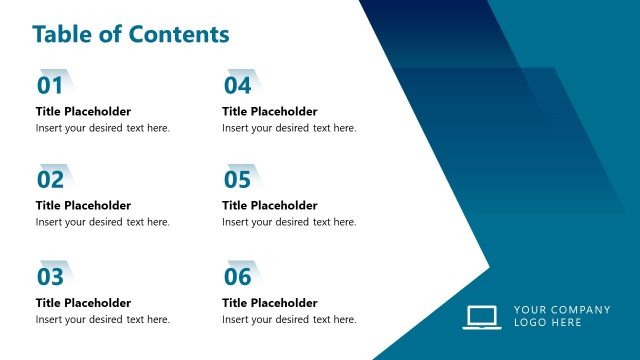
The Table of Contents Layout from the Crisis Mapping & Response Strategy PowerPoint Template offers a clear agenda slide ideal for business presentations. This slide template features editable shapes and a structured two-column format that enhances navigation and overview in corporate presentation decks. It supports effective agenda setting and helps audiences follow the flow of complex content in slide decks designed for crisis management and strategic planning.
What’s on This Slide
The layout features a title at the top center stating 'Table of Contents' in large font. Below, there are six numbered sections arranged in two columns. Each section includes a heading placeholder aligned left and a text placeholder aligned below it. The first column contains sections one through three, while the second column contains sections four through six. A decorative geometric shape occupies the top right corner, incorporating colors such as purple, orange, and dark blue. The overall layout is clean and structured, emphasizing clarity.
How to Use It
This layout serves as a table of contents, providing an overview of the presentation's structure. It fits well after an introductory slide and before detailed content slides. This format is useful in business scenarios where clear navigation is needed, such as project updates, training sessions, or strategic planning meetings. It allows the audience to anticipate the flow of information and understand key topics covered in the presentation.
Text Placeholders & Capacity
Keep your copy within these limits so it fits without resizing. Node labels can hold about 20 characters each.
| Placeholder | Count | Max characters (approx.) |
|---|---|---|
| Slide title | 1 | 30 |
| Item heading | 6 | 20 |
| Item body | 6 | 50 |
Slide Keywords
Download unlimited PowerPoint templates, charts and graphics for your presentations with our annual plan.
DOWNLOADReturn to Crisis Mapping & Response Strategy PowerPoint Template.