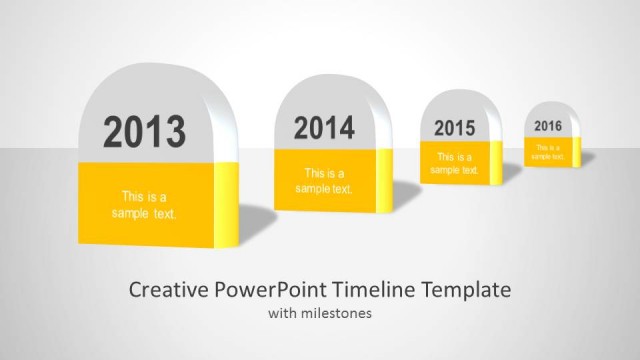
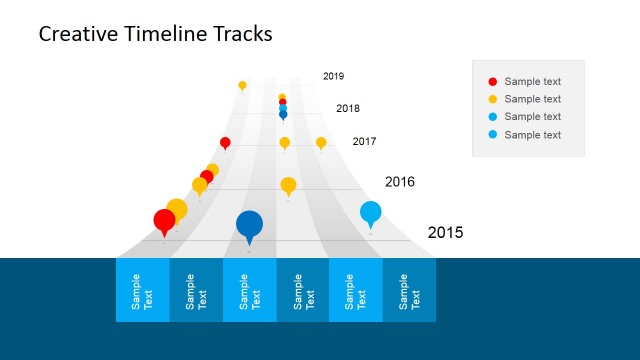
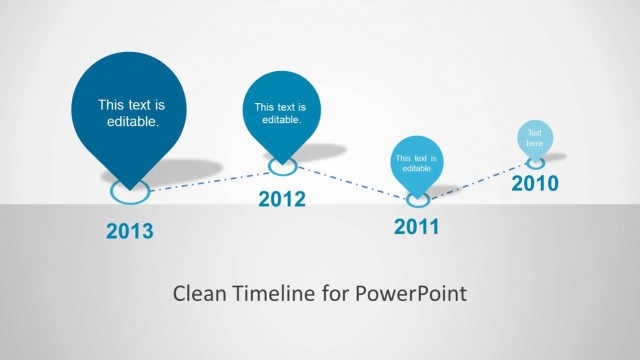
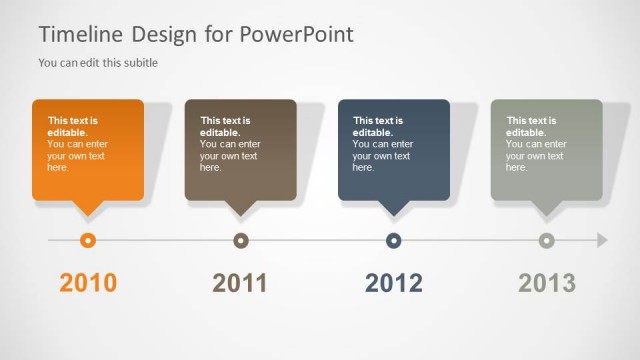
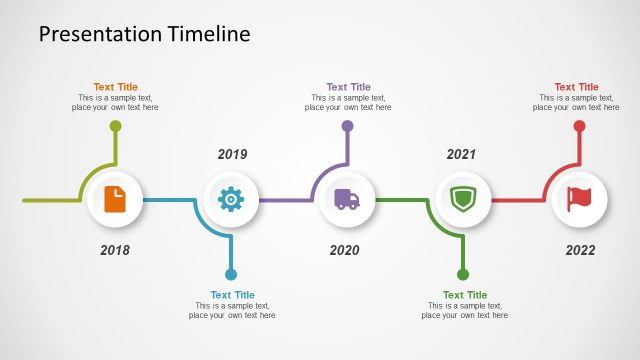
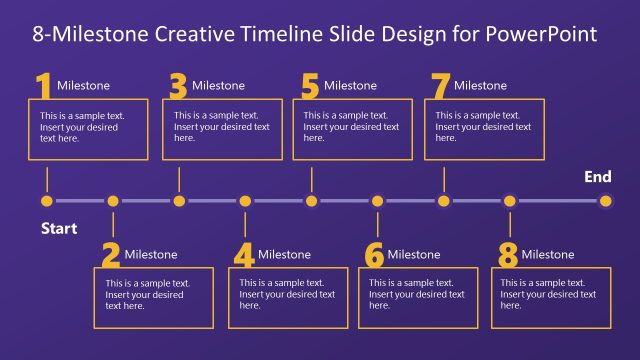
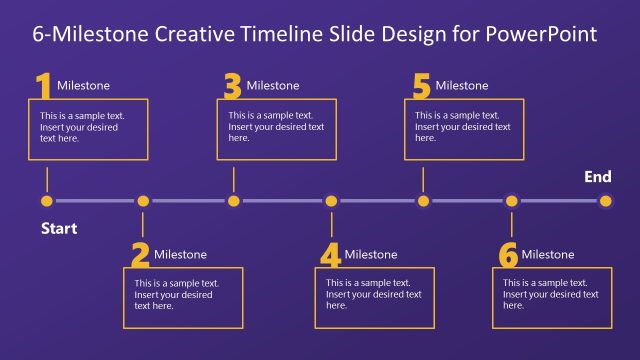
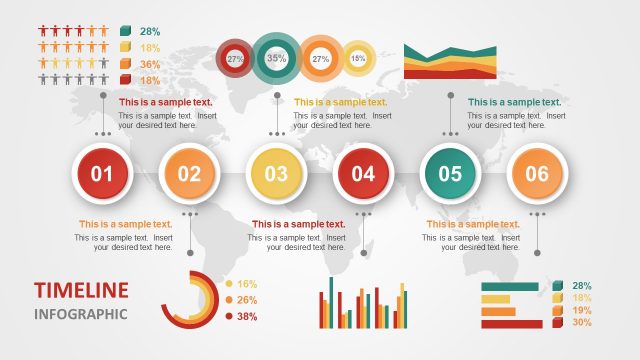
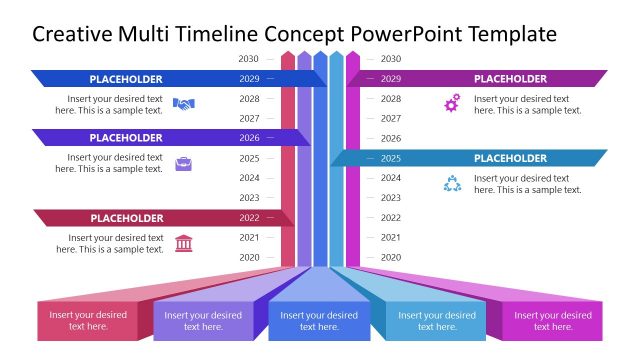
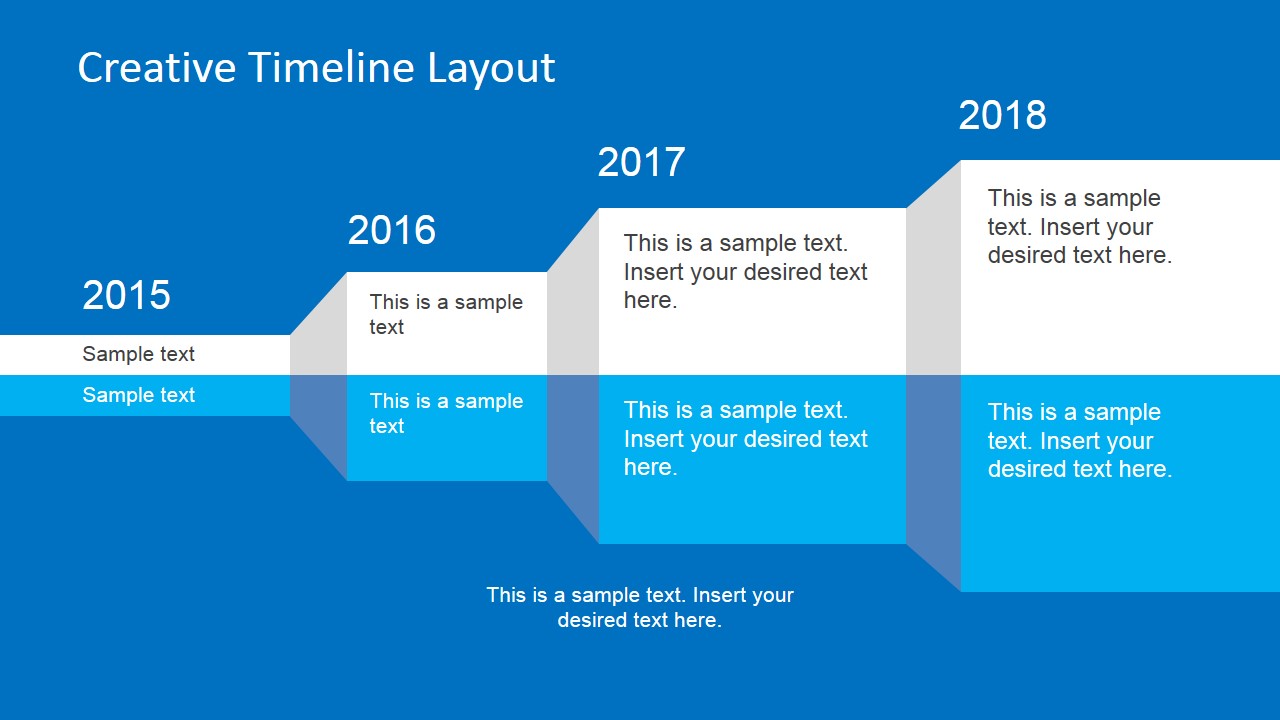
This timeline layout PowerPoint template contains a presentation timeline design that you can use to decorate your business presentations with a creative layout. It has a nice accordion style with placeholders that you can use to edit your timeline content. The timeline design can also be used to make presentations with roadmap slides and enter milestone descriptions as well as describe the goals and objectives in a project plan.
What’s inside this template
Example presentation scenarios
- A project manager can present a yearly delivery plan to stakeholders by placing milestones in the horizontal accordion timeline and adding brief descriptions under each stage.
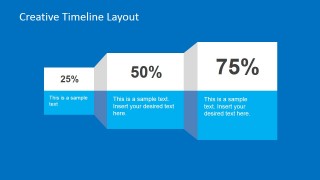
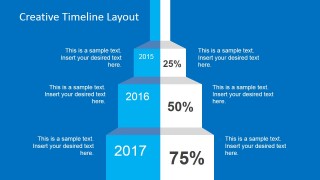
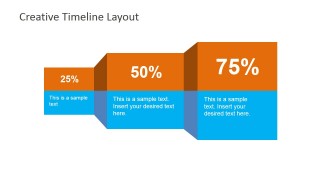
- An operations leader can report initiative progress to executives by using the 25%, 50%, and 75% progress step diagram to connect completion levels with next actions.
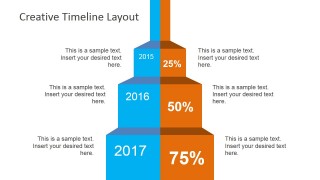
- A consultant can explain a phased transformation roadmap to a client by using the vertical year-by-year layout with side notes for risks, owners, or decision points.
- A Six Sigma team lead can organize improvement phases for a workshop by adapting the accordion blocks into define, measure, analyze, improve, and control milestones.
Features
- 100% editable presentation template
- Compatible with Microsoft PowerPoint and Google Slides
- 16:9 aspect ratio slides
- Scalable vector shapes, icons and illustrations
- AI-Ready for Microsoft Copilot and Claude
- Instant access and download
Frequently asked questions
Q: How should a presenter use these accordion timelines without overcrowding the slide?
A: Treat each accordion block as one milestone, not a full paragraph. Put the year or progress percentage in the largest label, use the main panel for the outcome, and keep side notes to short explanations. The stepped depth effect already signals sequence, so the text should clarify decisions, deliverables, or progress rather than repeat the timeline label.
Q: Who benefits most from this timeline template in a business presentation?
A: This template is best for project managers, consultants, and operations teams who need to explain sequence, progress, or planned milestones to a business audience. The horizontal layouts fit executive roadmap summaries, while the vertical layouts work well when each year or phase needs supporting commentary on both sides.
Q: Why does the accordion-style visual metaphor work for milestones and roadmaps?
A: The accordion structure makes progression visible because each block appears to unfold from the previous one. That metaphor helps the audience read the plan as connected stages rather than isolated boxes. The percentage slides add a second cue for progress, making completion levels easy to compare at a glance.


Creative Timeline Layout for PowerPoint
6-slide presentation template with accordion timelines, milestone roadmap layouts, and percentage progress steps
Creative Timeline Layout for PowerPoint is a 6-slide timeline presentation template for Microsoft PowerPoint and Google Slides. It includes horizontal accordion milestone timelines, percentage progress step diagrams, and vertical year-by-year roadmap layouts. Project managers, operations teams, and consultants can use it to present milestones, goals, and planning sequences.
- Category
- Timelines & Planning
- Rating


 Loading...
- Aspect ratio
- 16:9
- Item ID
- 6646-01
- Colors
 Microsoft PowerPoint
  Microsoft Copilot
  Claude for PowerPoint
 Other formats supported
Subscribe today and get immediate
access to download our PowerPoint templates.