Slide 1 of 6 from Creative SWOT PowerPoint Template
6026-03-swot-diagram-1
SWOT Analysis PowerPoint Template Overview
- Diagram
- Matrix Quadrant
- Strategic Analysis Slide
- 16:9
- 100% Editable
What’s on This Slide
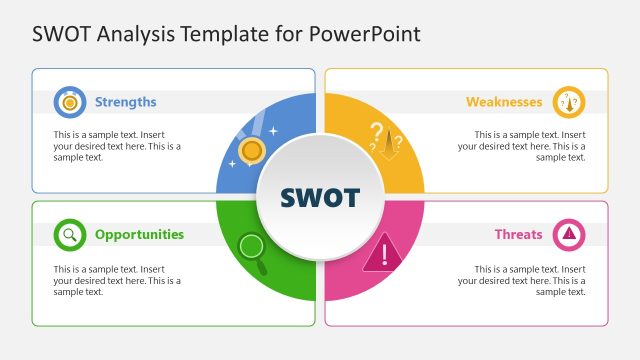
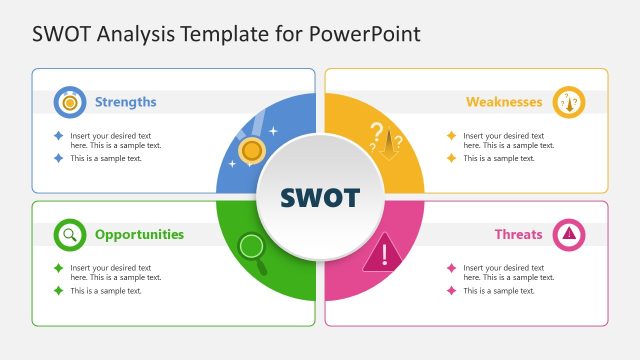
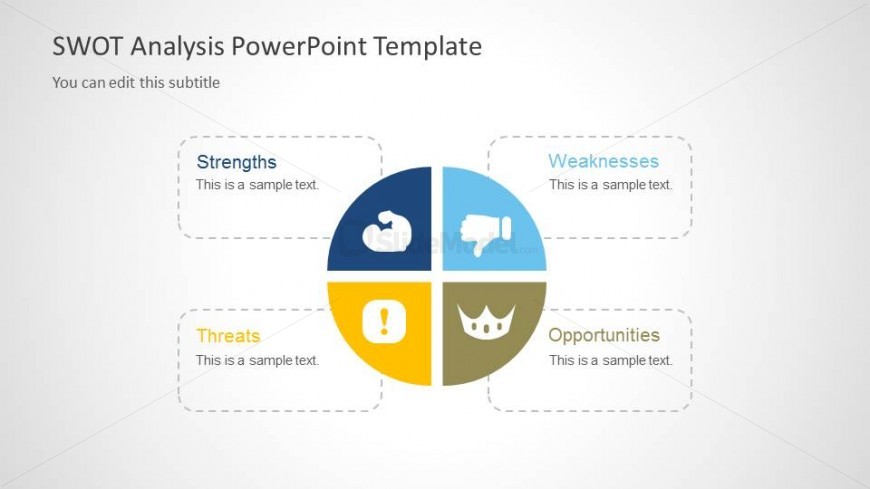
The layout features a circular diagram divided into four quadrants, each representing a component of SWOT analysis: Strengths, Weaknesses, Opportunities, and Threats. The quadrants are labeled with text placeholders positioned at the top of each section. Each section contains an icon, with the Strengths section featuring a muscle icon, Weaknesses showing a thumbs down, Opportunities with a crown, and Threats displaying an exclamation mark. The background is light gray, creating contrast with the colorful sections. Text placeholders are aligned centrally within each quadrant, maintaining a balanced visual hierarchy.
How to Use It
This layout serves as a visual representation of a SWOT analysis, ideal for strategic planning presentations. It fits well at the beginning of a presentation to introduce key factors affecting a project or business. In real-world scenarios, it can be used to evaluate a company's internal strengths and weaknesses alongside external opportunities and threats. This slide is effective for corporate planning, entrepreneurship discussions, and marketing strategy sessions, providing a clear overview of critical analysis points.
Text Placeholders & Capacity
Keep your copy within these limits so it fits without resizing. Node body slots are tight, roughly 5-6 words each.
| Placeholder | Count | Max characters (approx.) |
|---|---|---|
| Slide title | 1 | 30 |
| Subtitle | 1 | 50 |
| Item heading | 4 | 20 |
| Item body | 4 | 30 |
Slide Keywords
Download unlimited PowerPoint templates, charts and graphics for your presentations with our annual plan.
DOWNLOADReturn to Creative SWOT PowerPoint Template.