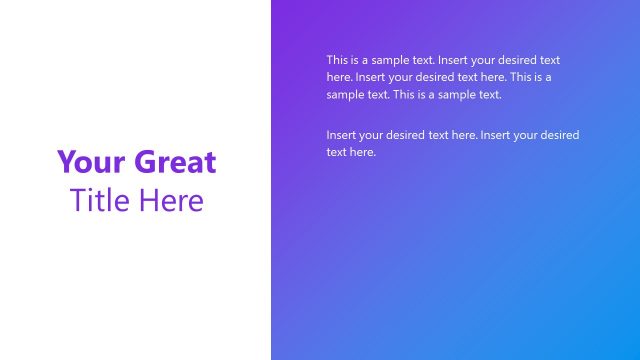
Slide 2 of 8 from Creative Presentation Layouts for PowerPoint
Infographic Shapes Creative Presentation
Creative Presentation Text Layout with Image
- Text Layout
- Single Statement
- Context Slide
- 16:9
- 100% Editable
The Text Layout with Image slide from the Creative Presentation Layouts for PowerPoint template offers a balanced design combining editable shapes and media placeholders. This slide layout suits business presentations and pitch decks by clearly presenting titles and supporting text alongside a visual element, enhancing audience engagement in corporate presentations and creative projects.
What’s on This Slide
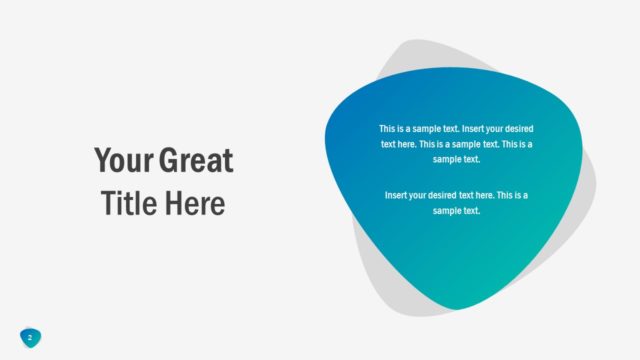
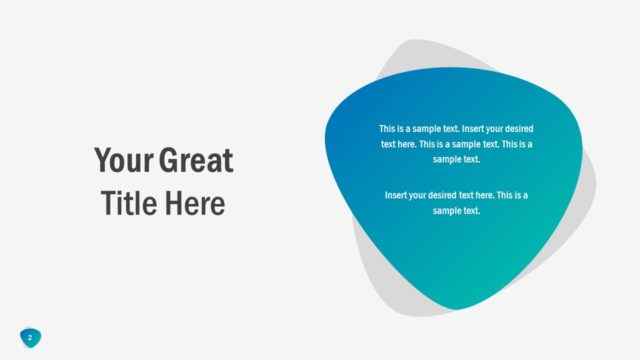
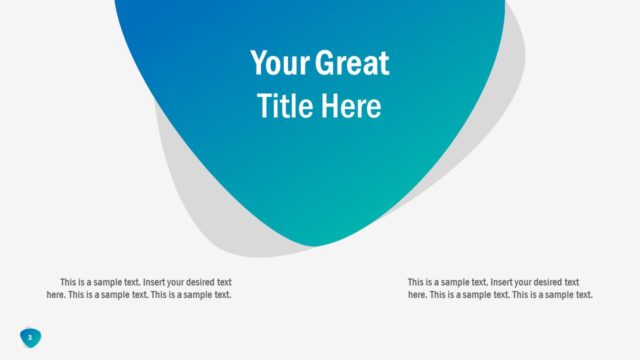
The layout features a large, abstract shape on the left side, colored in blue and green gradients. Centered within this shape is a text placeholder for a title, aligned to the left. To the right, there is a media placeholder showing a succulent plant in a pot. Below the title, there are additional text placeholders for body text, aligned to the right. The overall composition balances the abstract shape and the plant image, creating a visually appealing structure. The background is light, enhancing the contrast with the colored shapes.
How to Use It
This layout serves as an introductory slide or section divider, effectively presenting a title alongside supporting text and an image. It fits well in a presentation sequence following an agenda or overview slide. Ideal for business pitches, product introductions, or creative presentations, it allows for a clear focus on key messages while maintaining visual interest. Use it when introducing new concepts or summarizing important points to engage the audience effectively.
Text Placeholders & Capacity
Keep your copy within these limits so it fits without resizing. Body slots can accommodate roughly 20-25 words each.
| Placeholder | Count | Max characters (approx.) |
|---|---|---|
| Slide title | 1 | 30 |
| Body paragraph | 2 | 150 |
Slide Keywords
Download unlimited PowerPoint templates, charts and graphics for your presentations with our annual plan.
DOWNLOADReturn to Creative Presentation Layouts for PowerPoint.