Slide 1 of 4 from Creative Circular Process Diagram for PowerPoint - 8 Steps
6047-08-circular-process-diagram-2
Creative Circular Process Diagram for PowerPoint
- Diagram
- Circular Cycle
- Process Slide
- 16:9
- 100% Editable
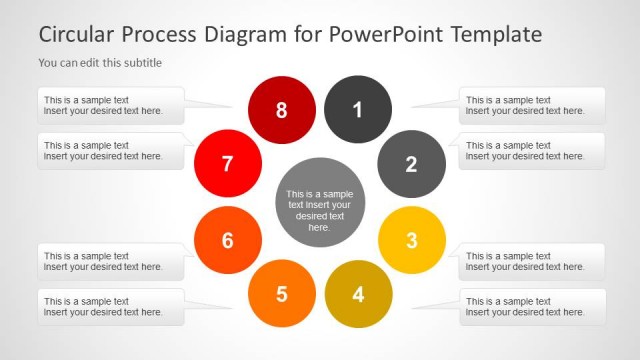
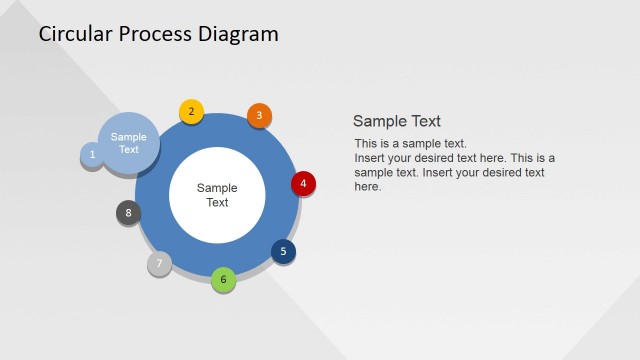
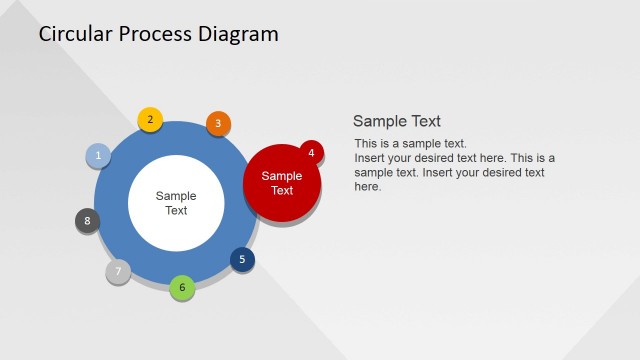
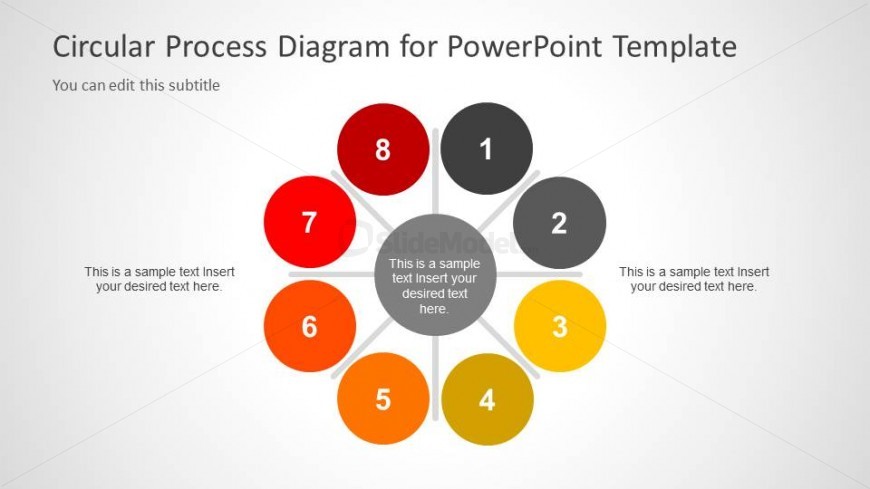
The Circular Process Diagram slide from the Creative Circular Process Diagram for PowerPoint – 8 Steps template provides a clear visual of an eight-step workflow. This slide layout is designed for business presentations and pitch deck templates, offering editable shapes and vector icons to illustrate iterative development and recurring processes effectively. Its symmetrical design and color-coded nodes enhance clarity in project management and training process overviews within professional slide decks.
What’s on This Slide
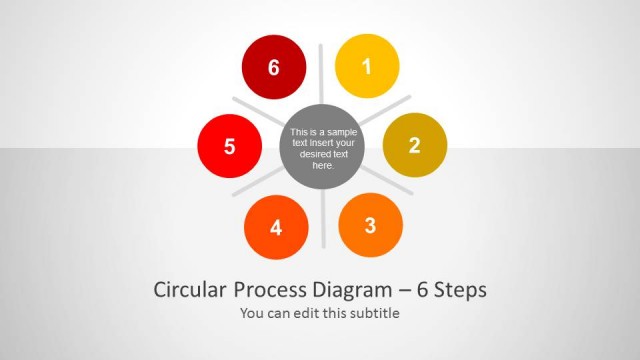
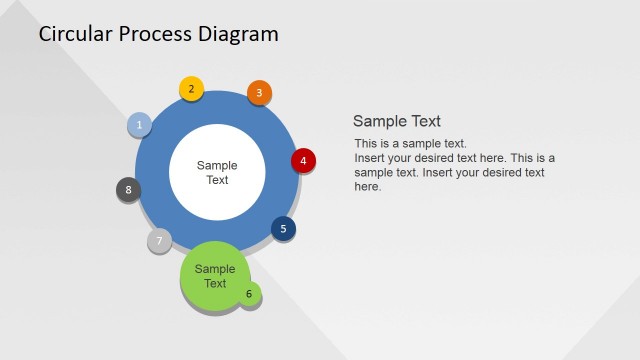
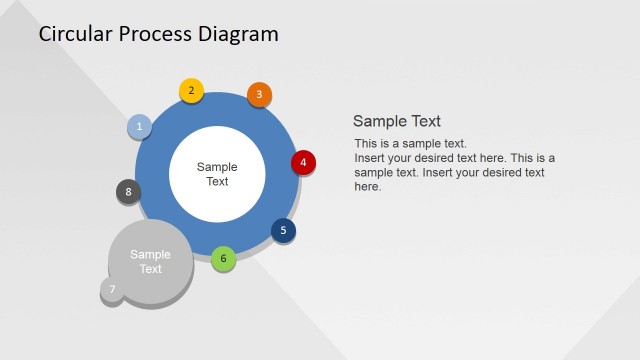
The layout features a central circular node surrounded by eight evenly spaced circular nodes, each representing a step in a process. The central node is gray, while the surrounding nodes alternate in color, including red, orange, and yellow. Each outer node contains a text placeholder for step descriptions, positioned horizontally. The title is placed at the top, with a subtitle placeholder directly below it. The overall composition is symmetrical, emphasizing the circular flow of the process. Background is light gray, enhancing visibility of the colored nodes.
How to Use It
This layout serves as a visual representation of an eight-step circular process, ideal for training sessions or presentations on workflows. It fits well after an introductory slide, providing a clear overview of sequential steps. Suitable for business contexts, it can be used to illustrate processes in project management, product development, or training programs. The circular format emphasizes continuity and cyclical nature of processes, making it effective for discussions on iterative workflows.
Text Placeholders & Capacity
Keep your copy within these limits so it fits without resizing. Node text slots can hold about 8-10 words each.
| Placeholder | Count | Max characters (approx.) |
|---|---|---|
| Slide title | 1 | 40 |
| Subtitle | 1 | 40 |
| Item body | 8 | 50 |
Slide Keywords
Download unlimited PowerPoint templates, charts and graphics for your presentations with our annual plan.
DOWNLOADReturn to Creative Circular Process Diagram for PowerPoint - 8 Steps.