Slide 1 of 4 from Creative Circular Process Diagram for PowerPoint - 6 Steps
6047-06-circular-process-diagram-1
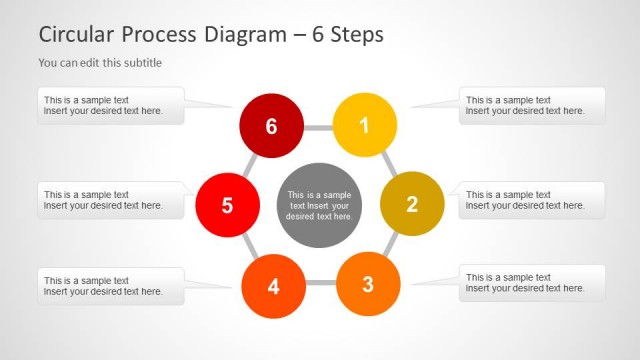
Circular Process Diagram - 6 Steps
- Diagram
- Circular Cycle
- Process Slide
- 16:9
- 100% Editable
The Circular Process Diagram with Steps slide from the Creative Circular Process Diagram for PowerPoint – 6 Steps template offers a clear visual layout to present six-step workflows. This slide layout is designed for business presentations and pitch decks, featuring editable shapes and vector icons that highlight project phases or marketing strategies in a continuous cycle. Its structured design supports effective communication of operational processes using professional slide templates.
What’s on This Slide
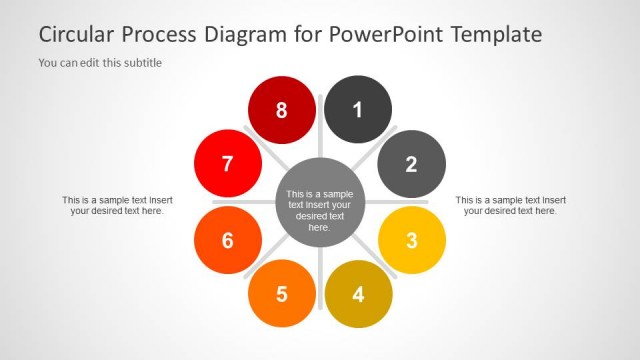
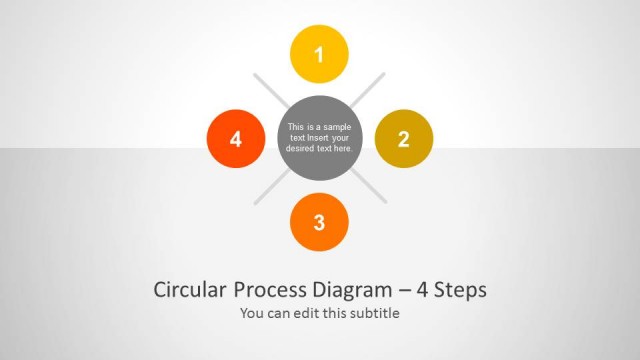
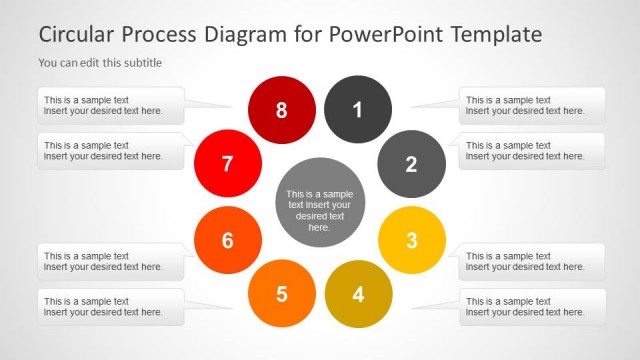
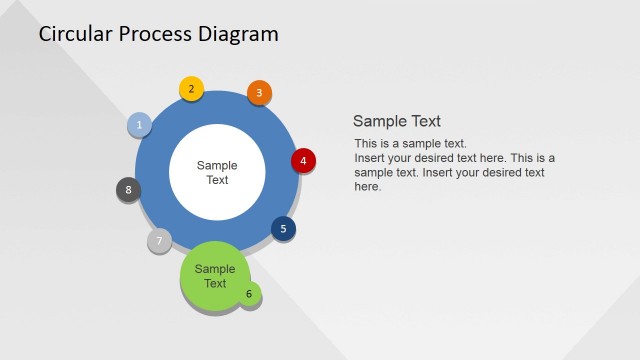
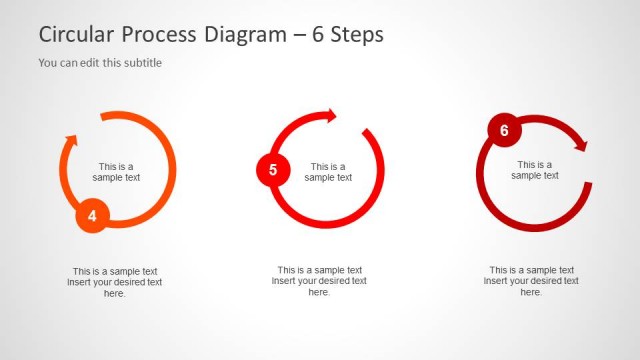
The layout features a central circle surrounded by six evenly spaced circular nodes. Each node is numbered from 1 to 6, with varying colors including red, orange, and yellow. The central circle contains a placeholder for text, which is visually emphasized. The title is positioned at the bottom, with a subtitle placeholder directly beneath it. The overall design uses a light background that enhances the visibility of the colored nodes, creating a clear visual hierarchy. The nodes are connected to the center by thin lines, indicating a process flow.
How to Use It
This layout serves as a circular process diagram, ideal for illustrating a six-step process. It fits well at the beginning of a presentation to introduce a workflow or methodology. In business contexts, it can be used to outline project phases, marketing strategies, or operational processes. The circular format emphasizes continuity and connection among the steps, making it suitable for discussions on iterative processes or cycles. It is effective in both formal and informal settings where clarity in process presentation is required.
Text Placeholders & Capacity
Keep your copy within these limits so it fits without resizing. Node labels can accommodate short numbers or titles, while the body text slot holds a brief description.
| Placeholder | Count | Max characters (approx.) |
|---|---|---|
| Slide title | 1 | 40 |
| Subtitle | 1 | 50 |
| Item heading | 6 | 2 |
| Item body | 1 | 60 |
Slide Keywords
Download unlimited PowerPoint templates, charts and graphics for your presentations with our annual plan.
DOWNLOADReturn to Creative Circular Process Diagram for PowerPoint - 6 Steps.