Slide 10 of 13 from Creative Calendar 2027 Template for PowerPoint
September Timeline Slide – Calendar 2027 Template
September Calendar Layout for 2027
- Map
- Month Map
- Timeline Slide
- 16:9
- 100% Editable
The September Calendar Layout from the Creative Calendar 2027 Template for PowerPoint offers a clear timeline format ideal for monthly planning and event scheduling. This slide template features editable shapes and vector icons to highlight key dates, supporting effective project timelines within business presentations or corporate slide decks.
What’s on This Slide
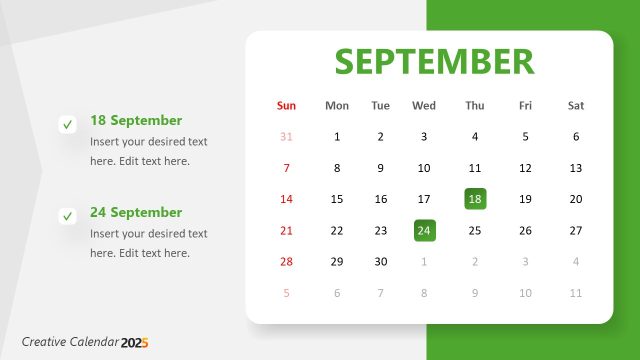
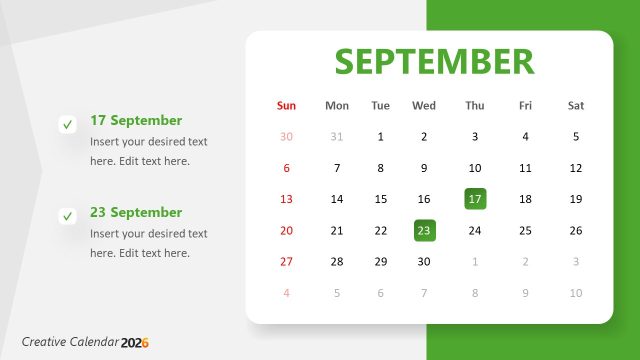
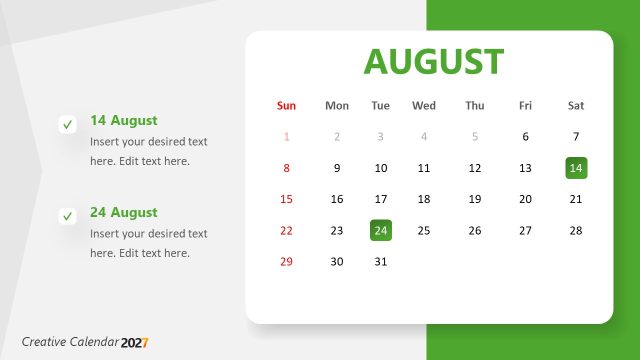
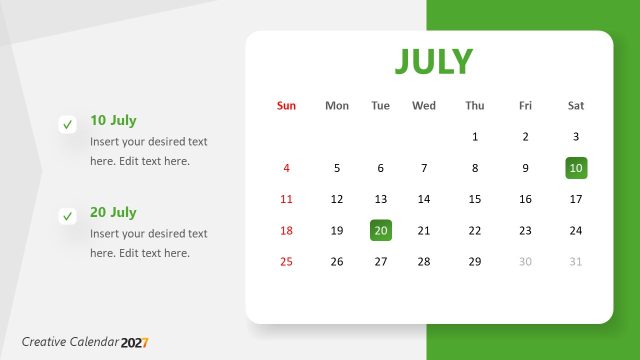
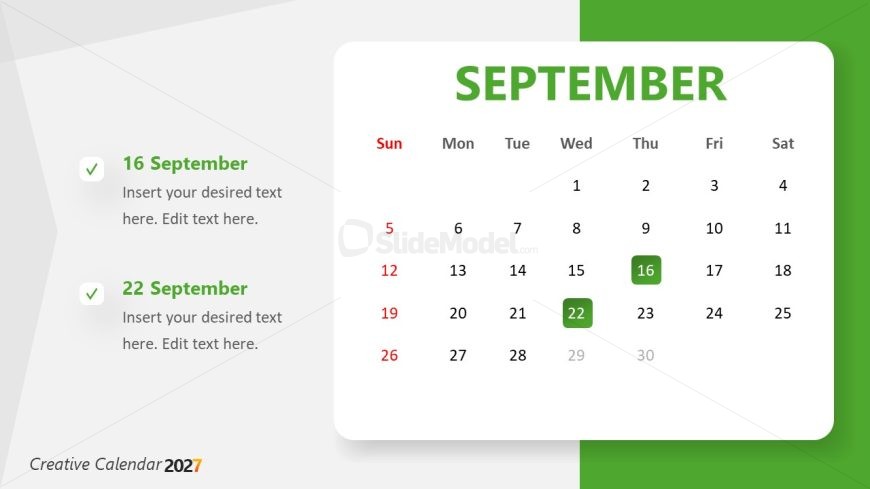
The layout features a calendar for September, positioned centrally with a green accent on the right. The days of the week are arranged horizontally at the top, with Sunday highlighted in red. Below the calendar, two date placeholders are aligned vertically on the left, each with a checkmark icon. The first placeholder is for September 16, and the second is for September 22. Each placeholder has space for additional text. The background is a light gray gradient, enhancing the calendar's visibility.
How to Use It
This layout serves as a monthly calendar, ideal for tracking events or deadlines. It fits within a timeline or planning presentation, providing a clear visual reference for specific dates. This format is useful for project planning, monthly reviews, or event scheduling. It can be used to highlight important dates or milestones within a broader annual planning context, making it suitable for business or personal use.
Text Placeholders & Capacity
Keep your copy within these limits so it fits without resizing. Node labels can hold about 5-6 words each.
| Placeholder | Count | Max characters (approx.) |
|---|---|---|
| Item heading | 2 | 30 |
| Item body | 2 | 50 |
| Slide title | 1 | 20 |
Slide Keywords
Download unlimited PowerPoint templates, charts and graphics for your presentations with our annual plan.
DOWNLOAD