Slide 12 of 13 from Creative Calendar 2026 Template for PowerPoint
Slide for November – 2026 Calendar Template
November Calendar Layout for 2026
- Text Layout
- Other
- Timeline Slide
- 16:9
- 100% Editable
The November Calendar Layout from the Creative Calendar 2026 Template for PowerPoint offers a clear monthly planning tool within a business presentation or project tracking slide deck. Featuring editable shapes and text placeholders, this slide template supports event scheduling and milestone tracking with a clean design and purple accents, making it suitable for corporate presentations and team meetings.
What’s on This Slide
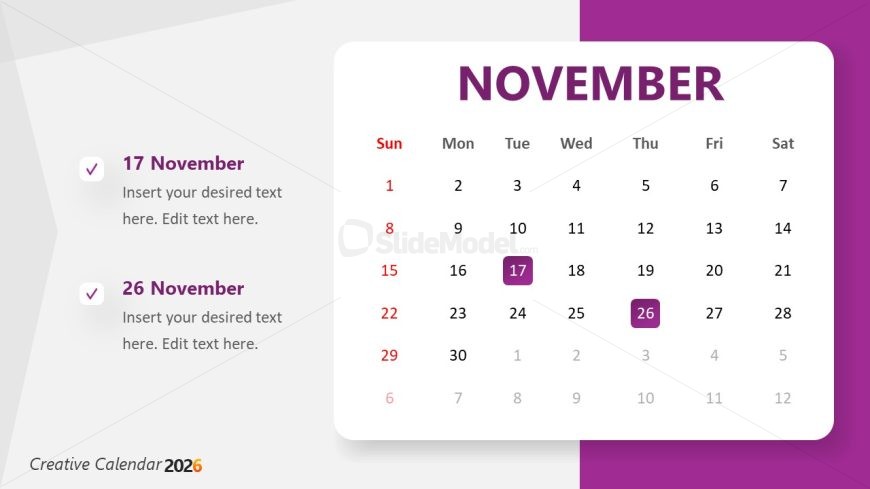
The layout features a calendar for November, positioned centrally with a purple header. The days of the week are displayed at the top, with Sunday highlighted in red. The calendar grid has rows and columns for each week, with specific dates filled in. Notable dates, 17 and 26 November, are highlighted in purple boxes, accompanied by checkboxes for additional notes. Text placeholders are located below each date, aligned left, allowing for user input. The overall composition is clean, with a white background and purple accents.
How to Use It
This layout serves as a monthly calendar, suitable for planning and scheduling events in November. It fits within a broader timeline presentation, ideal for tracking business goals or project milestones. Users can insert specific tasks or notes related to the highlighted dates. This format is useful for team meetings, project updates, or personal planning sessions, enabling clear visibility of important dates and tasks. It is best used in contexts where time management and scheduling are critical.
Text Placeholders & Capacity
Keep your copy within these limits so it fits without resizing. Body slots can accommodate roughly 10-12 words each.
| Placeholder | Count | Max characters (approx.) |
|---|---|---|
| Slide title | 1 | 30 |
| Body paragraph | 2 | 50 |
Slide Keywords
Download unlimited PowerPoint templates, charts and graphics for your presentations with our annual plan.
DOWNLOAD


