Slide 3 of 30 from Creative Blue PowerPoint Template
Creative Blue PowerPoint Portfolio Slide
Portfolio Slide for Business Presentations
- Media Layout
- Image Grid
- Portfolio Slide
- 16:9
- 100% Editable
The Portfolio Layout with Images slide from the Creative Blue PowerPoint Template offers a structured design for showcasing projects through a balanced image grid and text placeholders. This slide template is ideal for business presentations, client presentations, or team updates, providing editable slides that combine visual impact with clear communication. Its layout supports professional portfolio displays within a corporate presentation or pitch deck template.
About This Slide
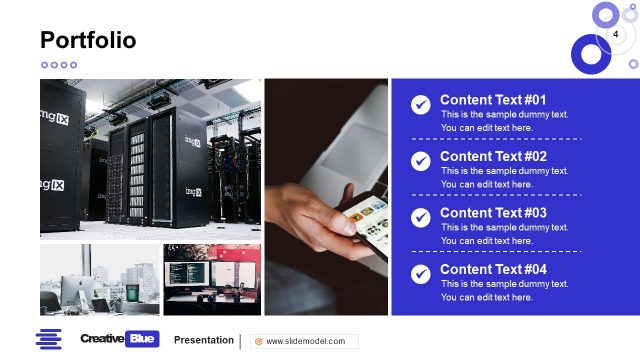
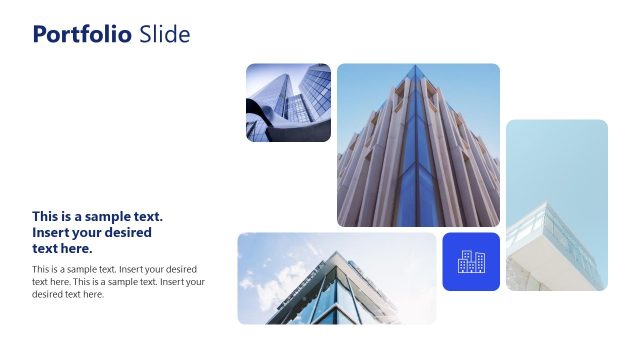
This portfolio slide has space for four examples with four corresponding images laid out in a modern grid with the images on the right.
What’s on This Slide
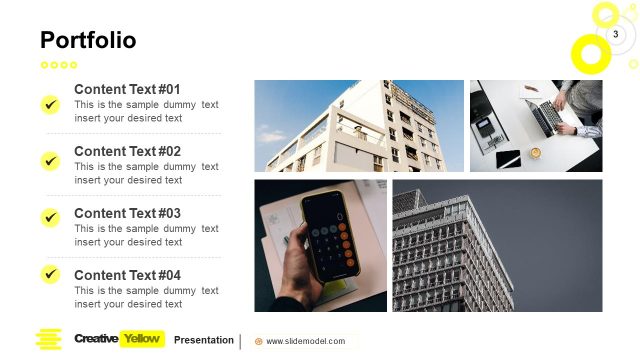
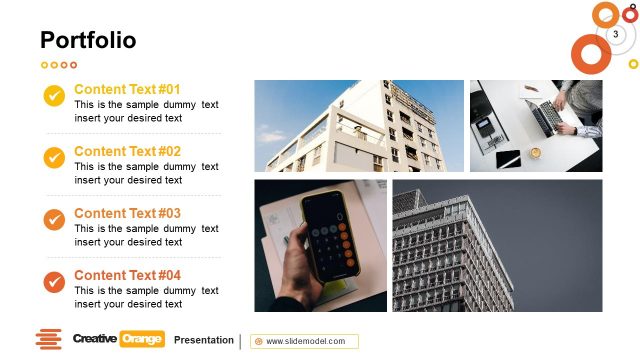
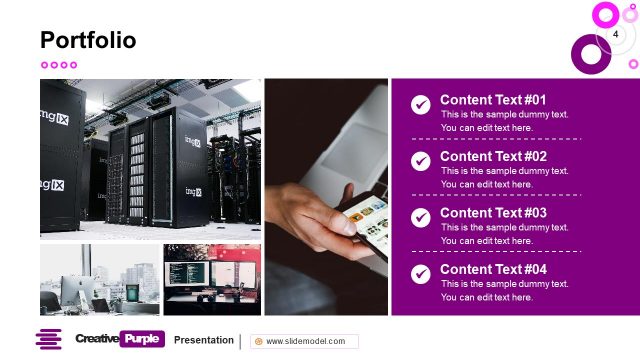
The layout features a title at the top center labeled 'Portfolio.' Below, there are four content text placeholders arranged vertically on the left side, each accompanied by a checkmark icon. These placeholders are aligned to the left and have a consistent spacing between them. On the right side, there are four images arranged in a 2x2 grid, showcasing various subjects. The overall background is light, with a subtle gradient. The visual hierarchy emphasizes the title and the images, creating a balanced composition.
How to Use It
This layout serves as a portfolio showcase, ideal for presenting projects or case studies in a business context. It fits well after an introductory slide and before detailed project descriptions. Use this layout when summarizing key achievements or showcasing a range of work, making it suitable for client presentations or team updates. It can also be adapted for personal branding or professional profiles.
Text Placeholders & Capacity
Keep your copy within these limits so it fits without resizing. Node body slots can hold approximately 10 words each.
| Placeholder | Count | Max characters (approx.) |
|---|---|---|
| Slide title | 1 | 20 |
| Item body | 4 | 50 |
Slide Keywords
Download unlimited PowerPoint templates, charts and graphics for your presentations with our annual plan.
DOWNLOADReturn to Creative Blue PowerPoint Template.