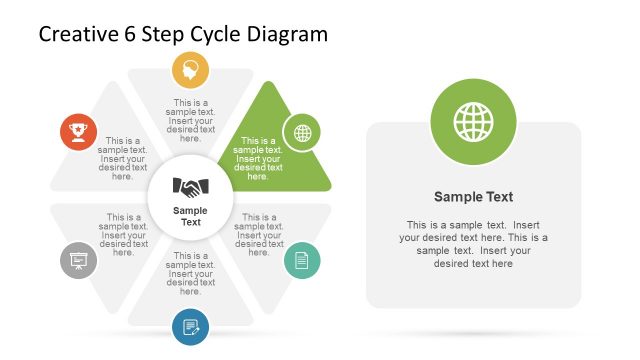
Slide 3 of 6 from Creative 5 Step Cycle Diagram for PowerPoint
Five Step Diagram of Creative Template
5 Step Cycle Diagram for Presentations
- Diagram
- Circular Cycle
- Process Slide
- 16:9
- 100% Editable
What’s on This Slide
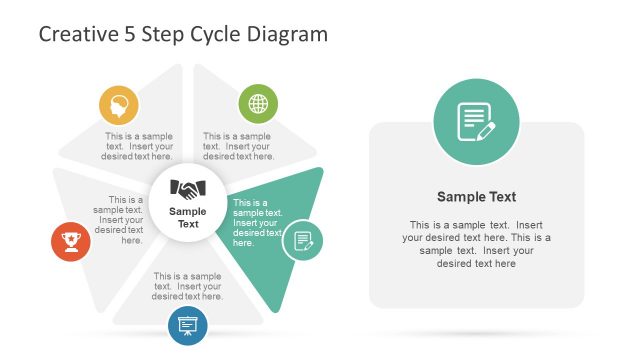
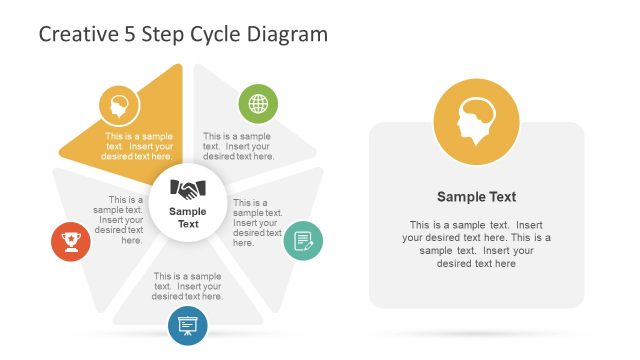
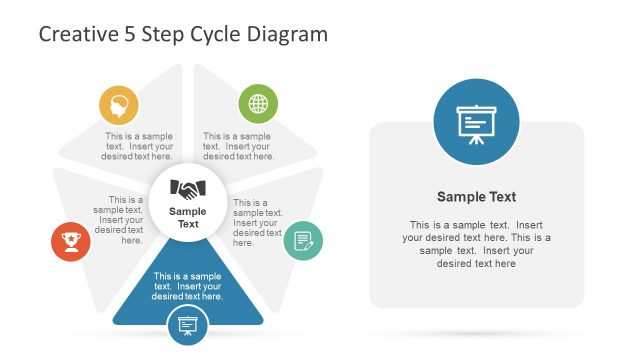
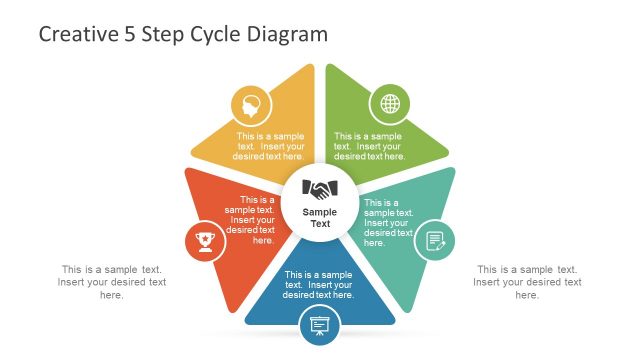
The layout features a central circular node surrounded by five triangular segments arranged in a circular pattern. Each triangle contains an icon at the top and a text placeholder below, aligned centrally. The central node also has a text placeholder, larger than the surrounding segments. The icons represent various concepts, while the background is predominantly white with colored segments in blue, green, orange, and yellow. The visual hierarchy emphasizes the central node, with the surrounding segments visually supporting it. There are multiple text placeholders throughout.
How to Use It
This layout serves as a segmented cycle diagram, ideal for illustrating processes or stages in a business context. It fits well in presentations discussing project phases, marketing strategies, or product development cycles. The circular arrangement allows for easy understanding of interconnected steps. Use it when presenting complex information that benefits from a visual representation of cyclical relationships. This diagram is effective for team meetings, strategic planning sessions, or educational presentations.
Text Placeholders & Capacity
Keep your copy within these limits so it fits without resizing. Node body slots can hold about 10 words each, central body slot can hold around 30 words.
| Placeholder | Count | Max characters (approx.) |
|---|---|---|
| Item body | 5 | 50 |
| Item body | 1 | 150 |
Slide Keywords
Download unlimited PowerPoint templates, charts and graphics for your presentations with our annual plan.
DOWNLOADReturn to Creative 5 Step Cycle Diagram for PowerPoint.