Slide 3 of 10 from Corporate Training PowerPoint Template
Module Outline Slide – Corporate Training PPT Template
Module Outline Slide for Corporate Training
- Text Layout
- Other
- Context Slide
- 16:9
- 100% Editable
The Module Outline Slide from the Corporate Training PowerPoint Template offers a structured layout ideal for presenting training module overviews and course syllabi. This slide template features editable shapes and checkmark icons to highlight key agenda points, making it suitable for corporate presentations and workshop agendas. Its clear visual hierarchy supports effective communication in business presentation slide decks.
What’s on This Slide
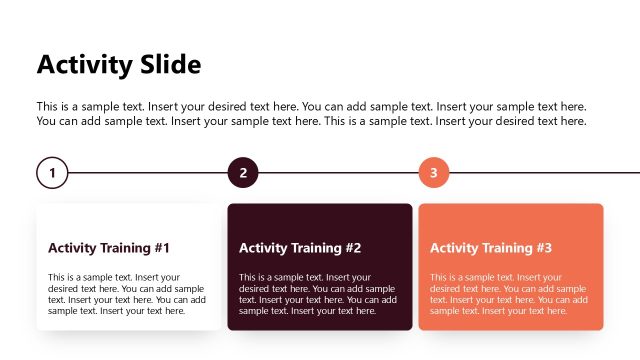
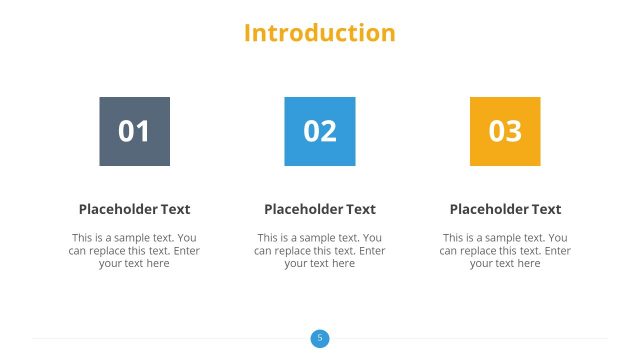
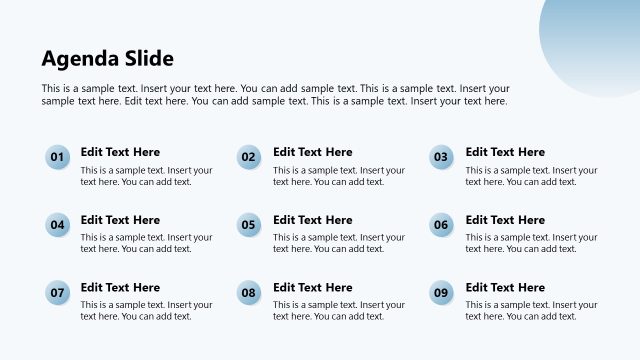
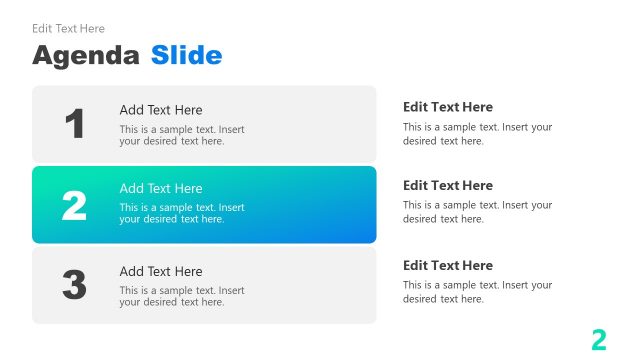
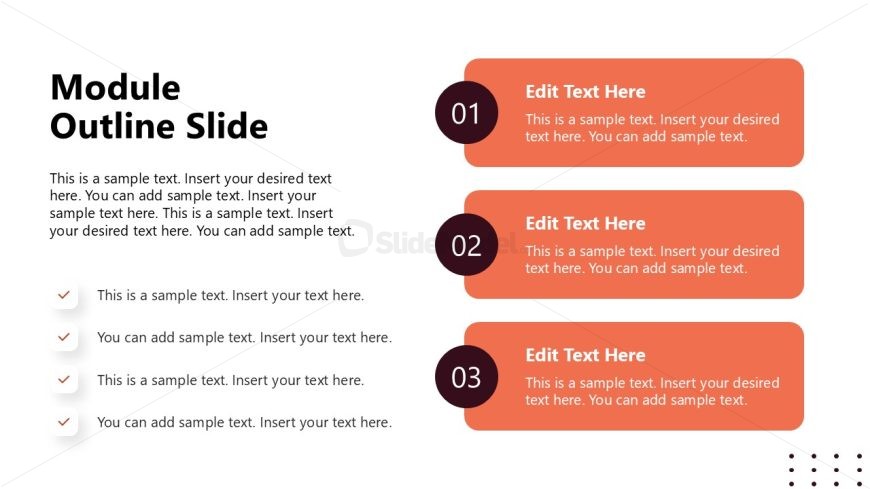
The layout features a title at the top left labeled 'Module Outline Slide' in a bold font. Below the title, there is a paragraph placeholder for descriptive text, aligned left. The main content area on the right contains three distinct sections, each with a rounded rectangle shape. Each section is numbered 01, 02, and 03, with a corresponding text placeholder for additional details. Bullet points are present below the main content area, aligned left, with checkmark icons preceding each item. The overall color scheme includes orange and white elements, creating a clear visual hierarchy.
How to Use It
This layout serves as an outline for a training module, summarizing key topics or sections. It fits well in a presentation sequence after introductory slides, providing clarity on what will be covered. Ideal for corporate training sessions, it allows trainers to present module objectives and key points effectively. Use this slide when detailing course content or during a syllabus overview to enhance audience understanding and engagement.
Text Placeholders & Capacity
Keep your copy within these limits so it fits without resizing. Body slots are tight, roughly 25 words each.
| Placeholder | Count | Max characters (approx.) |
|---|---|---|
| Slide title | 1 | 30 |
| Body paragraph | 1 | 200 |
| Item heading | 3 | 10 |
| Item body | 3 | 150 |
| List item | 5 | 100 |
Slide Keywords
Download unlimited PowerPoint templates, charts and graphics for your presentations with our annual plan.
DOWNLOADReturn to Corporate Training PowerPoint Template.