Slide 5 of 14 from Corporate Tax Planning PowerPoint Template
Corporate Tax Landscape Comparison Tables Slide
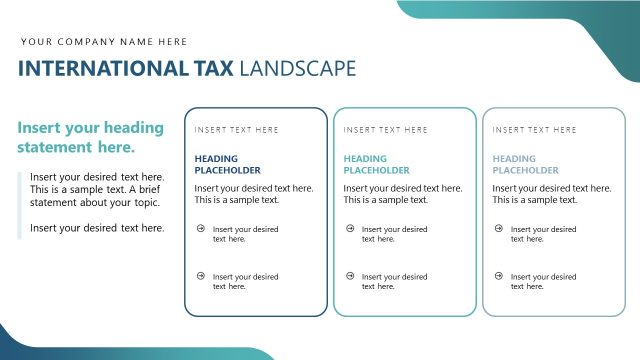
Corporate Tax Landscape Slide
- Text Layout
- List Blocks
- Context Slide
- 16:9
- 100% Editable
The Corporate Tax Landscape slide from the Corporate Tax Planning PowerPoint Template offers a clear side-by-side layout ideal for comparing tax strategies and outlining compliance requirements. This slide design supports business presentations by organizing complex tax information into editable slides with structured text blocks, enhancing clarity in corporate tax discussions.
What’s on This Slide
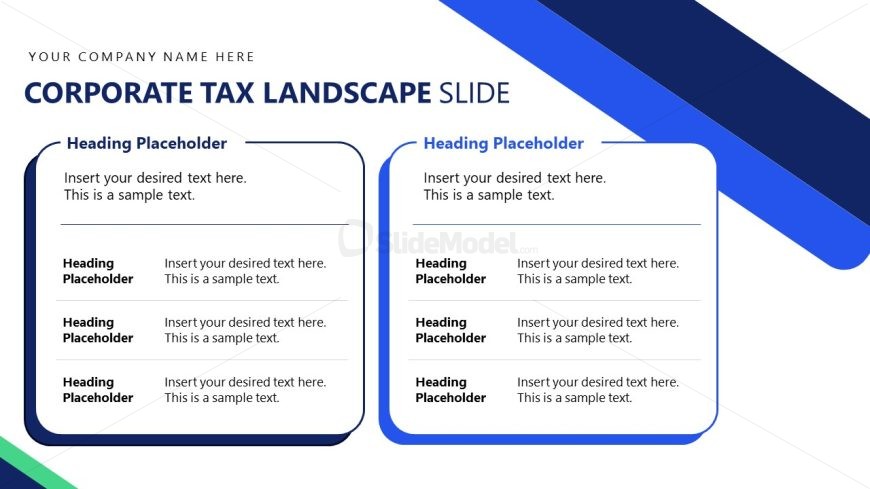
The layout features two side-by-side sections, each containing multiple text placeholders. The left section has four text placeholders stacked vertically, while the right section mirrors this arrangement. Each placeholder is rectangular, with a heading area above the main text area. The background includes a blue diagonal stripe in the lower left corner, contrasting with a white background. The visual hierarchy emphasizes the headings, which are larger than the body text. There are no images or icons present, only text containers.
How to Use It
This layout serves as a comparison or overview format, suitable for presenting corporate tax strategies or landscape analysis. It fits well after introductory slides, providing detailed insights into tax planning elements. This structure is useful in business contexts where multiple tax categories or strategies need to be outlined side by side for clarity and comparison. It can also be adapted for summarizing compliance requirements or tax return processes.
Text Placeholders & Capacity
Keep your copy within these limits so it fits without resizing. Each text placeholder can hold about 15-20 words comfortably.
| Placeholder | Count | Max characters (approx.) |
|---|---|---|
| Slide title | 1 | 30 |
| Item heading | 8 | 30 |
| Item body | 8 | 100 |
Slide Keywords
Download unlimited PowerPoint templates, charts and graphics for your presentations with our annual plan.
DOWNLOADReturn to Corporate Tax Planning PowerPoint Template.