The Cyber Crime Infographics PowerPoint Template is a professionally designed set of slides tailored for cybersecurity and digital risk presentations. Featuring editable PowerPoint shapes, icons, and data-driven charts, this template enables users to convey complex cyber risk information in a visually engaging way.
Designed for IT professionals, security analysts, and corporate presenters, this template allows the creation of compelling cybersecurity dashboards—highlighting key vulnerabilities, threat types, and risk probabilities. Whether you’re showcasing internal security metrics or communicating risks to executives, these visuals help drive informed decision-making.
The cyber crime PPT template includes:
- Circular infographic diagrams with cybersecurity icons
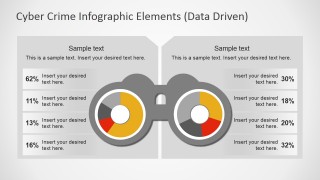
- Donut charts for data-driven vulnerability assessment
- Comparison bars and percentage visuals
- Icons representing threats like phishing, malware, identity theft, and external attacks
With increasing challenges from BYOD policies, mobile threats, and cloud infrastructure dependencies, this template helps CISOs and security teams present data clearly—supporting conversations around ROI, risk mitigation strategies, and cyber resilience.
Key concepts are organized across two main infographic types:
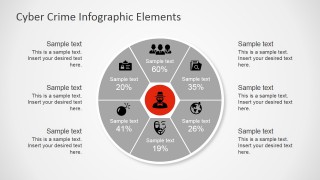
Social Engineering Risks:
- Executive data exposure
- Identity theft via badges or tokens
- Online criminal organization attacks
- Location-based security threats
- Compromise of personal files
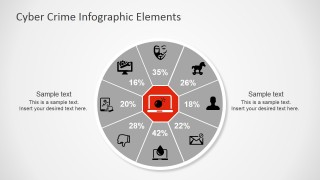
System & Device Vulnerabilities:
- Trojan and malware attacks
- MITM (Man-in-the-middle) threats
- Email-based phishing
- Mobile device risks
- Home office vulnerabilities
Each visual element is fully editable and easy to adapt, allowing users to customize metrics by simply editing linked Excel sheets.
Use the Cyber Crime Infographics PowerPoint Template to build high-impact presentations for awareness training, board meetings, or cybersecurity planning. Alternatively, you can download other cyber security PPT templates for presentations, with creative infographics and slide layouts, fully compatible with PowerPoint, Canva presentations & Google Slides.
What’s inside this template
Example presentation scenarios
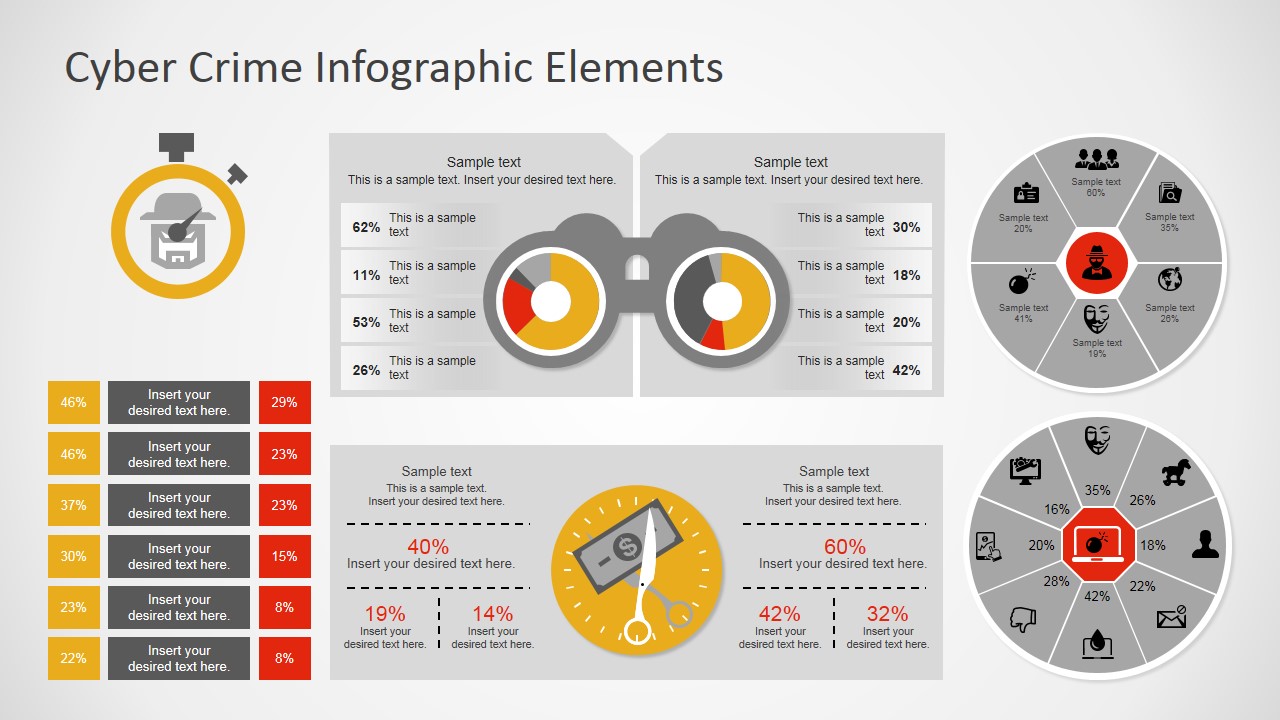
- A CISO can use the circular segmented risk wheel to brief executives on the relative exposure of threat categories such as phishing, malware, and identity risk.
- A security analyst can use the binocular donut comparison dashboard to compare two sets of vulnerability or incident metrics during a monthly risk review.
- An IT training lead can use the icon-based threat wheels to explain social engineering and device security risks in an employee awareness session.
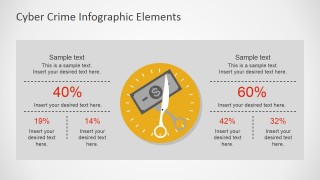
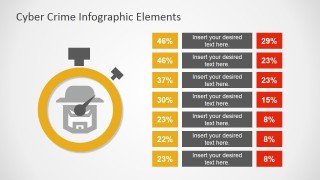
- A cybersecurity consultant can use the stopwatch comparison table and KPI panel to summarize client risk findings before recommending mitigation priorities.
Features
- 100% editable presentation template
- Compatible with Microsoft PowerPoint and Google Slides
- 16:9 aspect ratio slides
- Scalable vector shapes, icons and illustrations
- Data-driven charts, editable in Microsoft Excel
- AI-Ready for Microsoft Copilot and Claude
- Instant access and download
Frequently asked questions
Q: How should I present the percentage-heavy slides to executives?
A: Start by naming the decision the audience must make, then show only the percentages that support that decision. On the risk wheel slides, group the icons into high, medium, and low concern during narration. Use the binocular donut slide for comparison, not detail, so leaders can quickly see which side deserves attention.
Q: Who is this cyber security infographic template best suited for?
A: This template fits security leaders, IT managers, risk teams, and consultants who need to explain cyber risk without opening a technical deep dive. It is best for awareness briefings, board updates, and risk review meetings where threat categories, exposure percentages, and mitigation priorities must be understood by non-technical stakeholders.
Q: Why do the magnifying glass, binoculars, stopwatch, and scissors metaphors work for cyber risk?
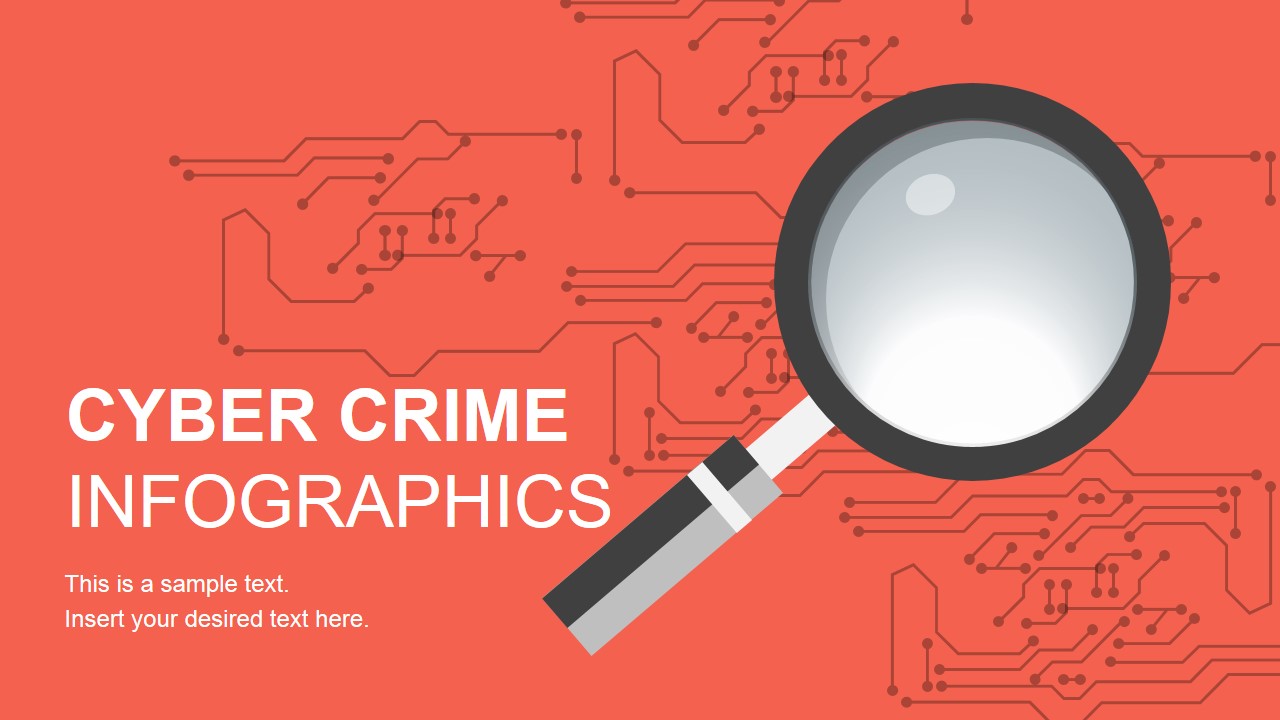
A: The metaphors make abstract security topics easier to follow. The magnifying glass sets up investigation, binoculars frame side-by-side comparison, the stopwatch suggests urgency, and the scissors graphic points to cost or loss. These visual cues help the audience read the slide before the presenter explains the numbers.



Computer Cyber Security PowerPoint Infographics
7-slide cybersecurity infographic presentation template with risk wheels, donut comparisons, and KPI panels
This is a 7-slide cybersecurity infographic presentation template for Microsoft PowerPoint and Google Slides. It contains a cyber crime cover, circular segmented risk wheels, a binocular donut comparison dashboard, scissors percentage KPI panel, and stopwatch comparison table. IT, security, and risk teams can present threat exposure, social engineering risk, and device vulnerability metrics.
- Category
- Template Backgrounds
- Rating


 Loading...
- Aspect ratio
- 16:9, 4:3
- Item ID
- 7007-01
 Microsoft PowerPoint
  Microsoft Copilot
  Claude for PowerPoint
 Other formats supported
Subscribe today and get immediate
access to download our PowerPoint templates.