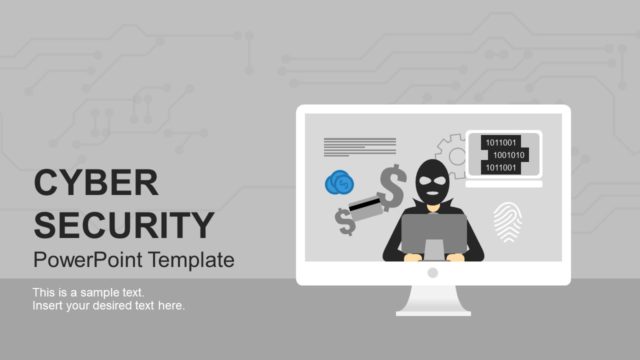
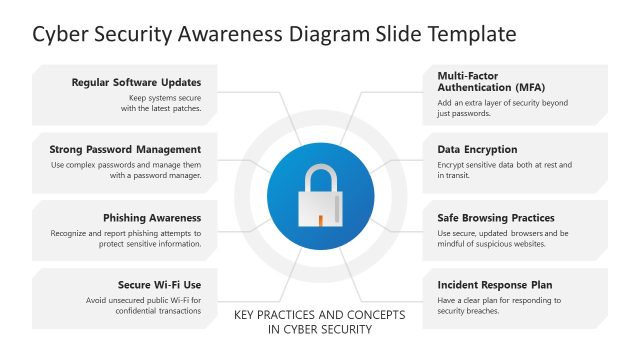
The Cyber Security PowerPoint Template is a professional presentation featuring the Cyber Crime Theme.
Computers Security, also known as Cyber Security, is the security practices applied to the information systems and infrastructure, networks and data stored or transmitted over them. Modern society reliance and dependence on computer systems has promoted the growth of this field. Computer systems include a wide range of devices and their connecting networks. Some examples include data centers, servers, personal computers, smart devices, smartphones, Internet of Things, Internet, private networks, Wi-Fi networks, Bluetooth, etc.
Computer security involves the set of processes applied to digital equipment, information and services to protect them from unintended or unauthorized access or destruction.
In the modern society new actors appeared, called cyber criminals, which developed illegal practices that exploit systems vulnerabilities for identity theft or other digital criminal activities. In order to secure computer systems, it is necessary to understand the various types of possible “attacks” that can be made against it. The digital attacks are also known as hacks.
The most common hacks known are:
- Backdoors: Secret methods of bypassing authentication or controls.
- Denial-of-Service (DoS): Denial of service attacks make a physical resources or network unavailable to its intended use. Several categories of DoS are designed for different purposes. DoS can be personal or network wide. A common example consists of sending trash request to network ports until the physical machine collapse all its processing power just replying to trash messages.
- Direct Access Hacks: Accessing directly to someone’s (person or organization) digital system and compromising information.
- Eavesdropping (Man in the Middle): This attack consists of listening to private conversations between hosts in a network and compromising sensitive information.
- Spoofing: This technique consist of masquerading as another person (or program) and falsify data.
- Tampering: Malicious modifications to software that generates malfunctions or other vulnerabilities that can be breached with other methods.
- Repudiation: Challenging digital signatures.
- Information Disclosure: Release of sensitive information in an untrusted environment.
The Cyber Security PowerPoint Template will provide the user with professional clipart and backgrounds to create amazing cyber presentations. Ideal for Security and IT Managers, the template is 100% editable.
What’s inside this template
Example presentation scenarios
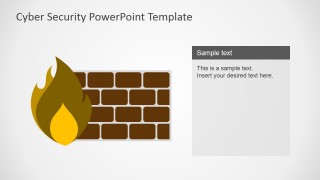
- An IT manager can use the firewall diagram to explain how external attacks are blocked and why staff behavior affects perimeter defense.
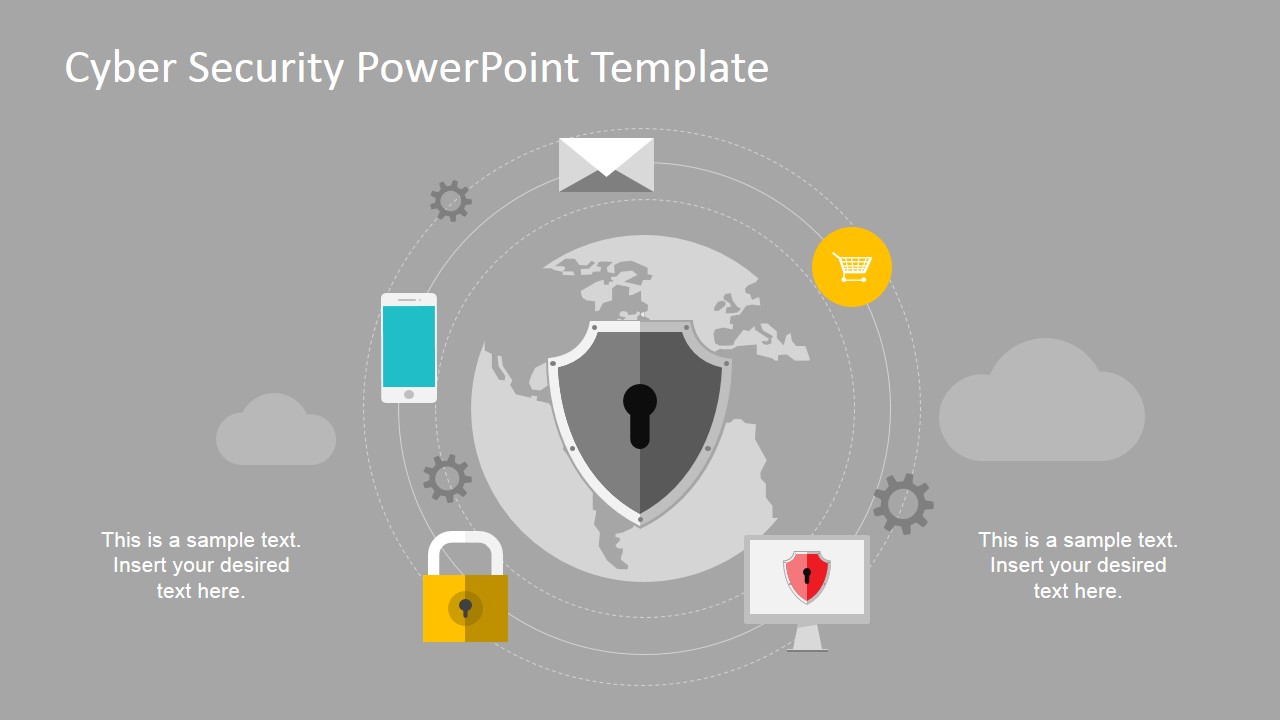
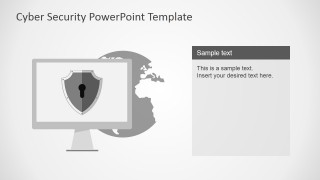
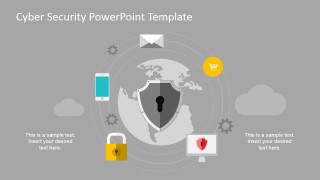
- A cyber security consultant can use the global protection graphic to brief executives on network exposure, connected devices, and the need for coordinated controls.
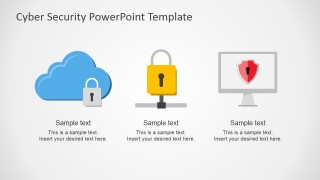
- A risk leader can use the cloud lock and padlock icon row to compare cloud security, access control, and endpoint protection in a concise awareness session.
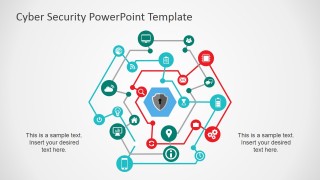
- A security trainer can use the connected network diagram to show how users, devices, apps, and data points relate during a cyber incident discussion.
Features
- 100% editable presentation template
- Compatible with Microsoft PowerPoint and Google Slides
- 16:9 aspect ratio slides
- Scalable vector shapes, icons and illustrations
- AI-Ready for Microsoft Copilot and Claude
- Instant access and download
Frequently asked questions
Q: How should a presenter structure a cyber security message with this template?
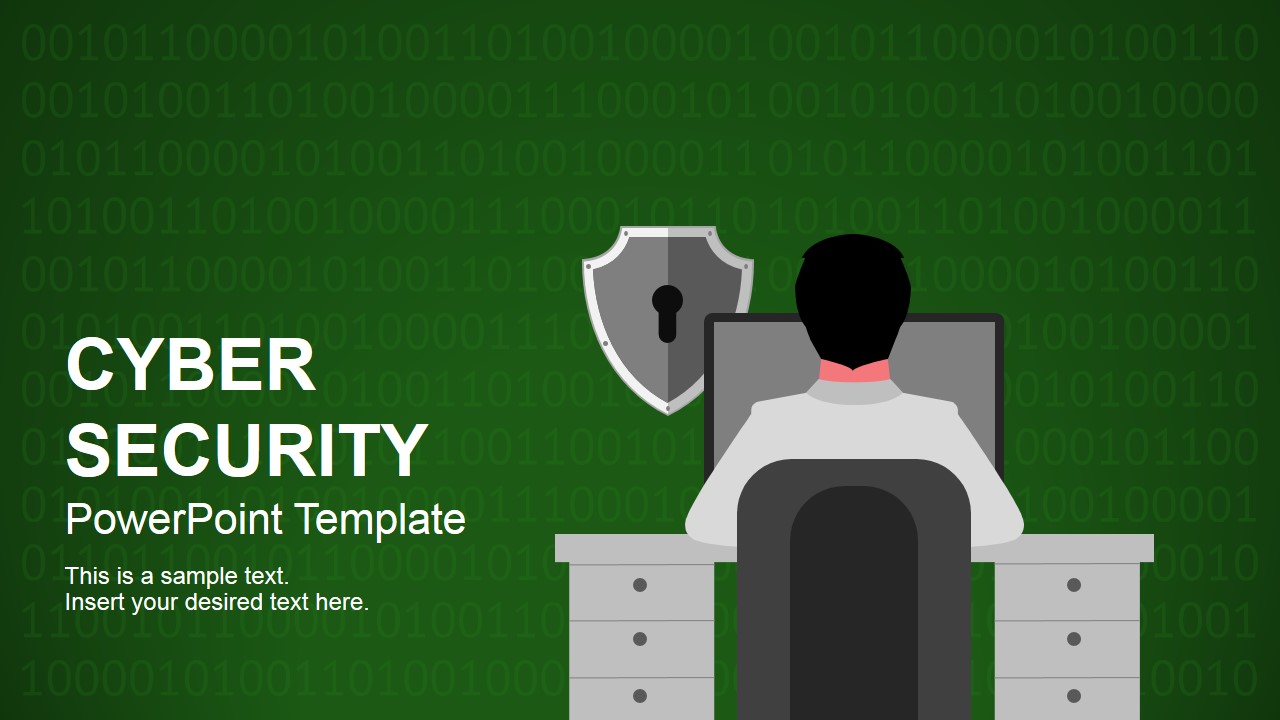
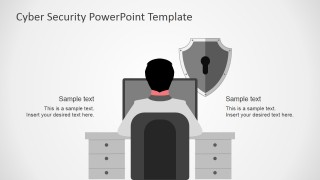
A: Start with the title cover to define the security topic, then move from threat context to protection examples. Use the hacker workstation scene for risk framing, the firewall slide for attack prevention, and the network diagram for connected systems. Keep each text panel to one clear idea so the illustrations carry the visual meaning.
Q: Who is this template best suited for?
A: This template is best for IT managers, security consultants, risk teams, and trainers who need to explain cyber threats without building technical artwork from scratch. It fits awareness sessions, executive briefings, and internal policy introductions where concepts such as firewalls, cloud security, network exposure, and identity protection need quick visual anchors.
Q: Why do the shield, lock, firewall, and network metaphors help the audience understand the topic?
A: The deck uses familiar security metaphors that translate abstract cyber risks into concrete visuals. A shield suggests defense, a lock signals access control, a firewall shows barriers, and connected nodes show exposure across systems. These metaphors help mixed technical and nontechnical audiences follow the logic before reading the supporting text.






Cyber Security PowerPoint Template
8-slide cyber security presentation template with shield, firewall, cloud lock, and network protection graphics
The Cyber Security PowerPoint Template is an 8-slide deck for explaining digital protection topics with editable security illustrations. Visible layouts include a title cover, hacker workstation scene, firewall diagram, cloud and lock icon row, global protection graphic, and connected network diagram. It is for IT, risk, and security presenters in PowerPoint and Google Slides.
- Category
- Shapes
- Rating


 Loading...
- Aspect ratio
- 16:9, 4:3
- Item ID
- 6999-01
- Colors
 Microsoft PowerPoint
  Microsoft Copilot
  Claude for PowerPoint
 Other formats supported
Subscribe today and get immediate
access to download our PowerPoint templates.