Slide 2 of 3 from Company Milestones PowerPoint Template
Company Milestones Presentation Template
Milestone Progression Slide for Presentations
- Diagram
- Timeline Vertical
- Timeline Slide
- 16:9
- 100% Editable
The Milestone Progression Layout from the Company Milestones PowerPoint Template offers a vertical timeline design ideal for tracking project milestones and highlighting business achievements. This slide template features editable shapes and vector icons arranged to clearly present sequential progress, making it a practical choice for corporate presentations and pitch deck templates that require a structured overview of key phases.
What’s on This Slide
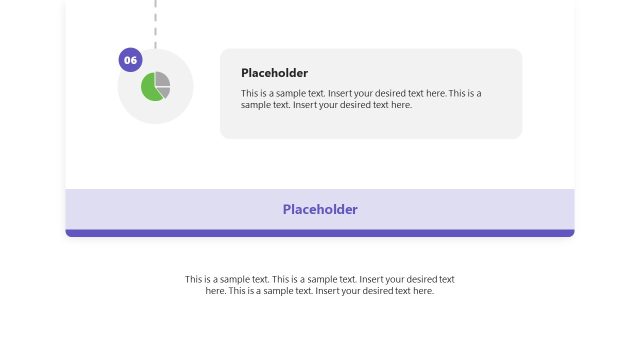
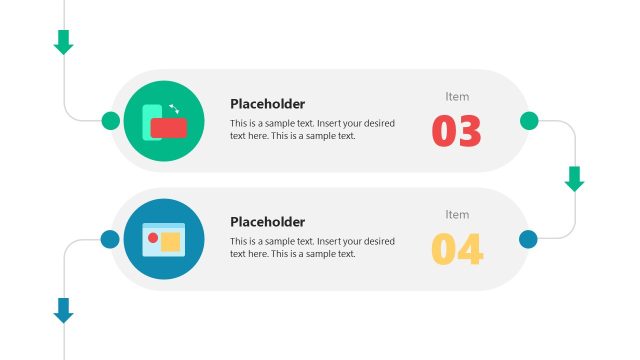
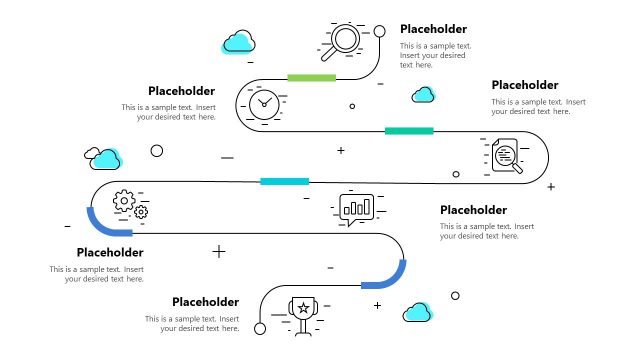
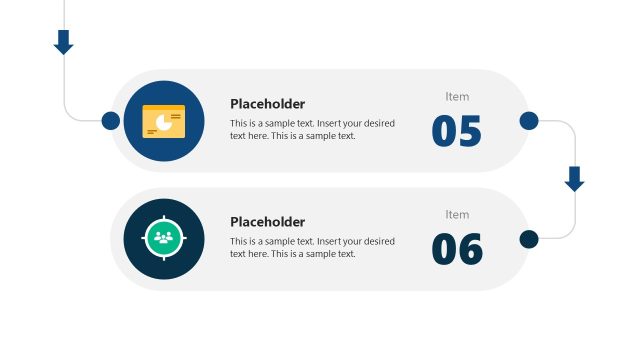
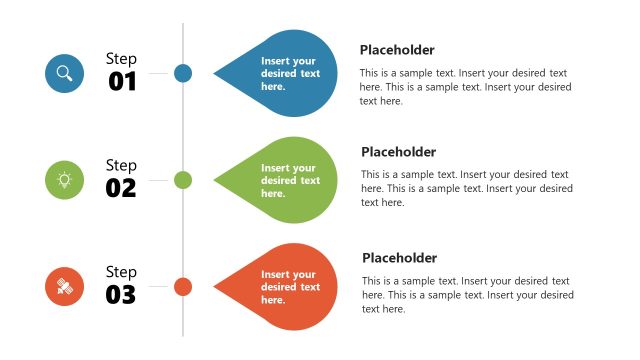
The layout features a vertical arrangement with three sections. Each section contains a circular icon on the left, followed by a rectangular text placeholder on the right. The icons represent different milestones, with the first being a globe, the second a gear, and the third a puzzle piece. The text placeholders are aligned to the right of each icon, providing space for descriptions. A vertical dotted line separates the sections, enhancing visual clarity. The overall color scheme includes shades of blue and purple.
How to Use It
This layout serves to illustrate a sequence of milestones or phases in a project. It is suitable for presentations that outline progress or key achievements. This structure fits well after a problem statement and before a roadmap, helping to transition into future plans. It can be used in business contexts to track project activities or highlight significant events in a timeline format.
Text Placeholders & Capacity
Keep your copy within these limits so it fits without resizing. Node body slots can accommodate around 30 words each.
| Placeholder | Count | Max characters (approx.) |
|---|---|---|
| Item heading | 3 | 30 |
| Item body | 3 | 150 |
Slide Keywords
Download unlimited PowerPoint templates, charts and graphics for your presentations with our annual plan.
DOWNLOADReturn to Company Milestones PowerPoint Template.