Slide 2 of 3 from Creative Customer Journey Funnel Diagram for PowerPoint
Customer Journey 2 Funnel PowerPoint
Customer Journey Funnel Steps Diagram
- Diagram
- Process Flow
- Process Slide
- 16:9
- 100% Editable
What’s on This Slide
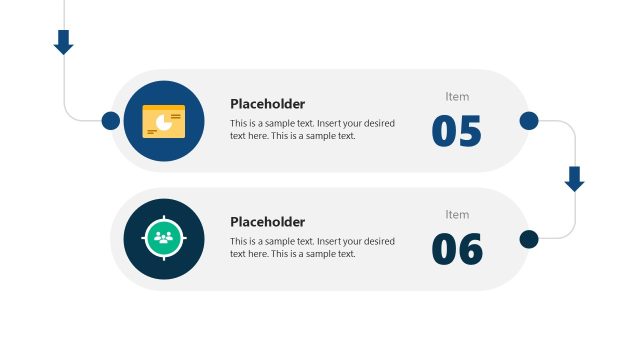
The layout features a vertical funnel structure with circular nodes numbered 03 to 06. Each node is connected by downward arrows, indicating a sequential flow. Text placeholders are positioned to the left of each node, aligned vertically, allowing for descriptive content. The background is white, providing contrast to the blue vertical line that runs through the center. The nodes are evenly spaced and sized, maintaining a consistent visual hierarchy. The overall composition emphasizes the progression through the customer journey.
How to Use It
This layout serves as a step-by-step representation of a customer journey, suitable for illustrating phases in a marketing or sales process. It can be effectively used in presentations to explain customer experiences or to outline stages in a lead funnel. Positioned after a problem slide, it can transition into solution-oriented discussions. This structure is applicable in business scenarios where clear sequential steps are necessary for understanding customer interactions.
Text Placeholders & Capacity
Keep your copy within these limits so it fits without resizing. Node labels can hold up to 15 characters each, while body text can accommodate around 100 characters.
| Placeholder | Count | Max characters (approx.) |
|---|---|---|
| Item heading | 4 | 15 |
| Body paragraph | 4 | 100 |
Slide Keywords
Download unlimited PowerPoint templates, charts and graphics for your presentations with our annual plan.
DOWNLOADReturn to Creative Customer Journey Funnel Diagram for PowerPoint.