Slide 2 of 5 from Communications Network Template with World Map for PowerPoint
6084-01-communications-network-world-map-2
World Map with Network Connections for Presentations
- Map
- World Map
- Context Slide
- 100% Editable
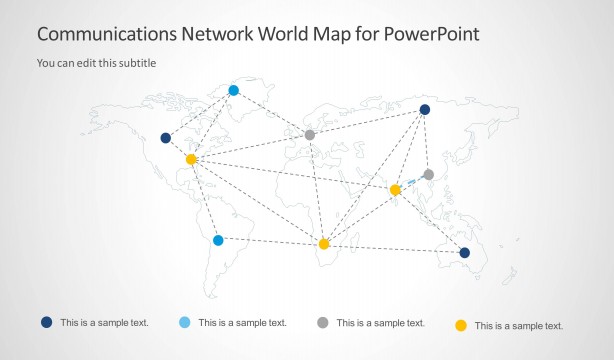
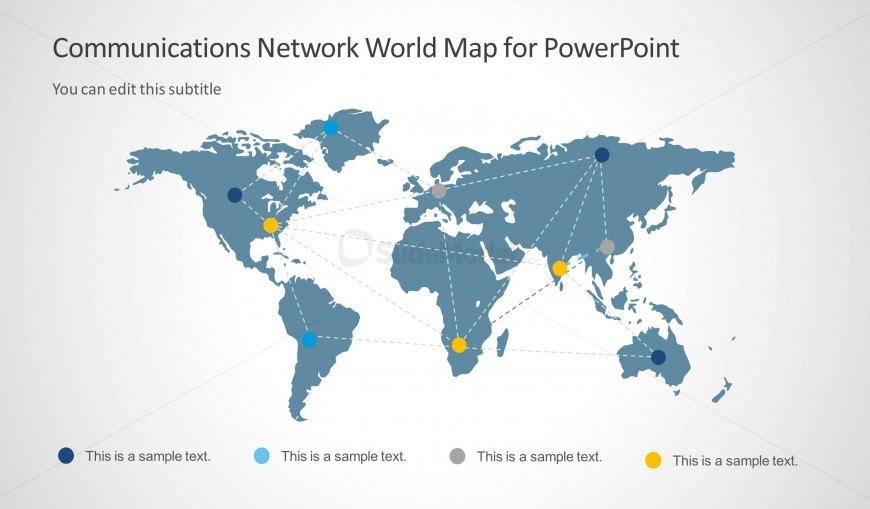
The World Map with Network Connections slide from the Communications Network Template with World Map for PowerPoint offers a clear visual of global connectivity, ideal for business presentations. This slide layout uses editable shapes and vector icons to illustrate telecommunications data and regional networks effectively, making it suitable for corporate presentations and pitch deck templates focused on IT infrastructure and communication strategies.
What’s on This Slide
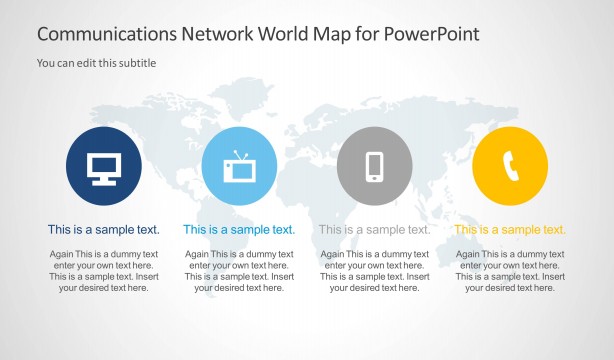
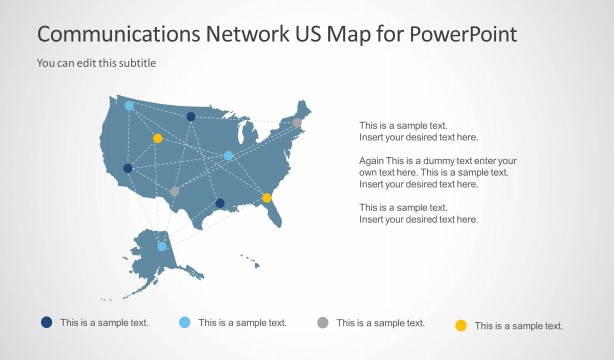
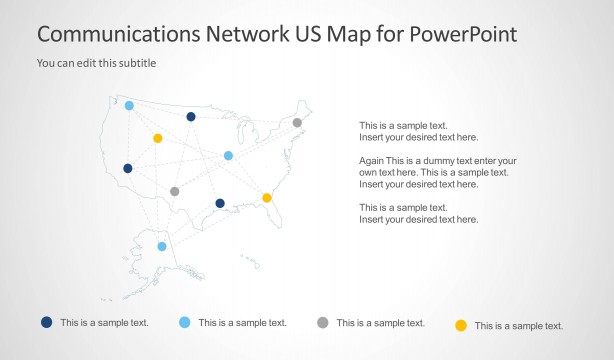
The slide features a world map in a muted blue color, displaying various nodes in different colors representing network connections. Nodes are positioned across continents, with connecting dashed lines indicating relationships. Each node has a corresponding text placeholder below it, aligned centrally, with a color-coded legend at the bottom. The title is prominently placed at the top, with a subtitle placeholder directly beneath. The overall layout is balanced, with a light background enhancing visibility and clarity of elements.
How to Use It
This layout serves as a visual representation of global connectivity, ideal for illustrating communication networks or geographic data. It fits well in presentations discussing telecommunications, IT infrastructure, or social media strategies. This slide can follow a problem statement or analysis, providing a visual roadmap of connections. It is useful for highlighting regional differences or global outreach in business contexts, allowing for effective communication of complex data in a straightforward manner.
Text Placeholders & Capacity
Keep your copy within these limits so it fits without resizing. Node body slots can accommodate roughly 5-6 words each.
| Placeholder | Count | Max characters (approx.) |
|---|---|---|
| Slide title | 1 | 40 |
| Subtitle | 1 | 40 |
| Item body | 6 | 30 |
Slide Keywords
Download unlimited PowerPoint templates, charts and graphics for your presentations with our annual plan.
DOWNLOADReturn to Communications Network Template with World Map for PowerPoint.