Slide 1 of 3 from Column Highlight Style Table for PowerPoint
Column Highlight Style Table Slide
4-Column Highlight Style Table for PowerPoint
- Table
- Comparison Table
- Comparison Slide
- 16:9
- 100% Editable
What’s on This Slide
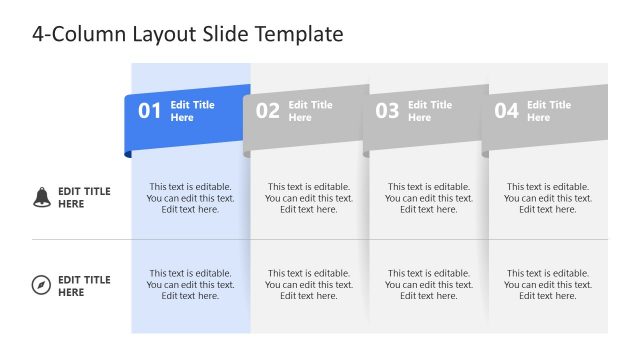
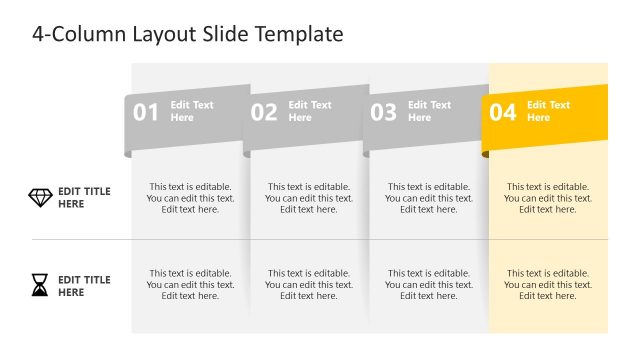
The layout features four vertical columns, each with a distinct color header. The first column has a blue header, the second is green, the third is orange, and the fourth is red. Each column contains multiple rows with placeholder text aligned centrally. A yellow-highlighted row spans all four columns, indicating a focus area. The overall design is structured and organized, emphasizing the headers and the highlighted row. The background is light, enhancing the visibility of the colored headers and text placeholders.
How to Use It
This layout serves as a comparison table, ideal for showcasing customer or market segmentation. It fits well in presentations discussing product features, service comparisons, or strategic planning. This structure allows for clear differentiation between categories, making it suitable for business meetings or marketing strategies. It can be used individually or as part of a larger presentation sequence to convey segmented data effectively.
Text Placeholders & Capacity
Keep your copy within these limits so it fits without resizing. Cell slots can accommodate roughly 30 characters each.
| Placeholder | Count | Max characters (approx.) |
|---|---|---|
| Column header | 4 | 20 |
| Cell | 24 | 30 |
| Callout | 1 | 30 |
Slide Keywords
Download unlimited PowerPoint templates, charts and graphics for your presentations with our annual plan.
DOWNLOADReturn to Column Highlight Style Table for PowerPoint.